

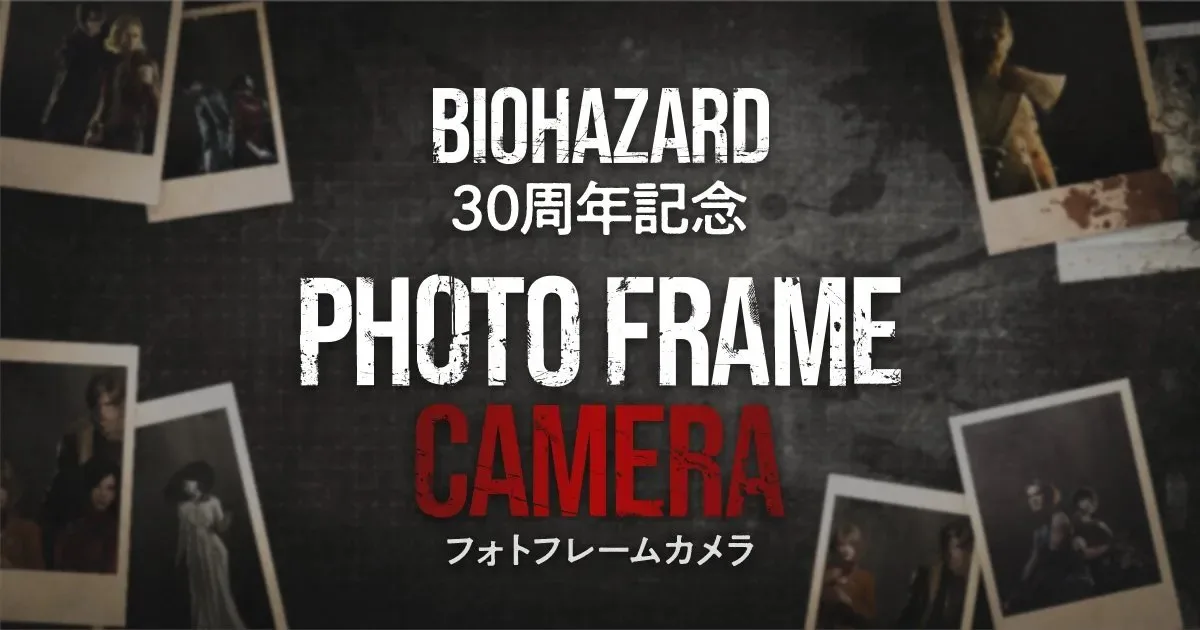
Capcom announced that people worldwide can use a Resident Evil 30th Anniversary Photo Frame Camera ahead of Halloween 2026. This is available via both English and Japanese versions of the official site. It is free to use, but you must enable camera permissions for the page to take pictures with the special frames.

Once you open the Resident Evil 30th Anniversary Photo Frame Camera page in your browser on a phone or device with camera, you get the option to choose from eight different frames. Each one features characters from the more recent remakes and releases, such as Resident Evil 2, Resident Evil 3, Resident Evil 4, Resident Evil 7, Resident Evil Village, and Resident Evil Requiem. You can take selfies or use the back-facing camera by tapping the “Switch Camera” button.
Here are three photos I took via the site to offer some examples of what you can expect if you use it.
The most recent game in the series is Resident Evil Requiem, which can be found on the Switch 2, PS5, Xbox Series X, and PC. The next one is a remake of Resident Evil Veronica, which is expected to launch in 2027.
Have thoughts, questions, or benchmarks on this topic? Join the discussion on our forums.
Join Discussion ➔






















会話に参加する