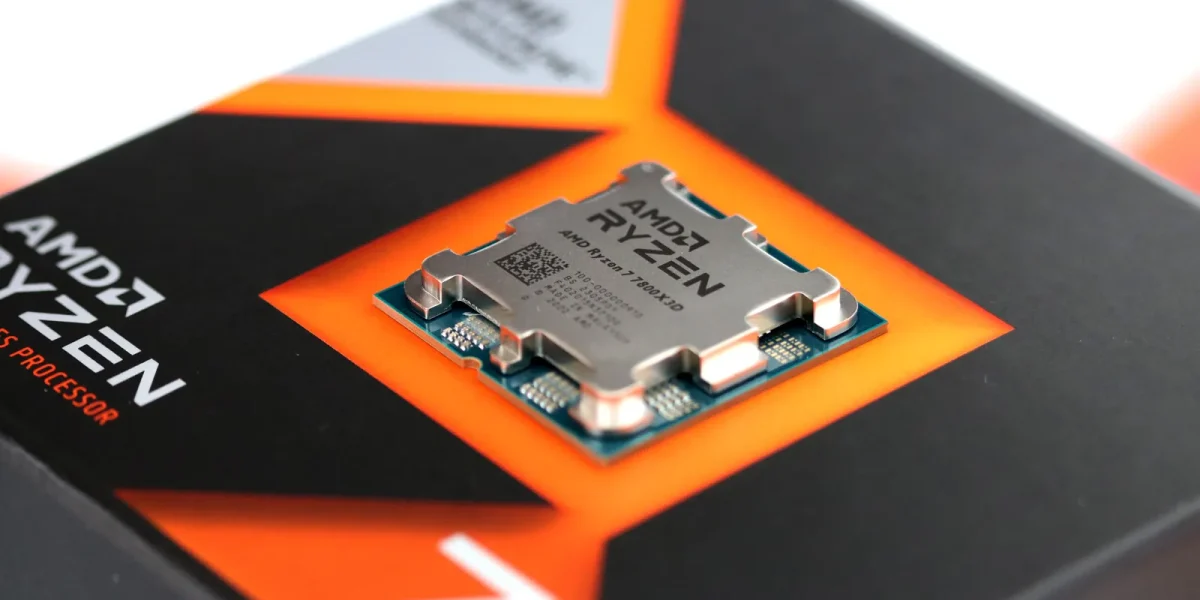
AMD’s latest driver bundle extends support across a broad spectrum of Ryzen CPUs, from the flagship 9000 series to the more modest 5000 line, as well as the high‑end Threadripper families. While Windows 10 and 11 cover most desktop and mobile models, the newer Ryzen AI 300 and 400 processors are exclusively listed for Windows 11, and a handful of older Ryzen and A‑Series chips remain tied to Windows 10 in AMD’s compatibility matrix.
The update is modular, featuring a suite of independent drivers that manage everything from power plans and processor management to PCI, I²C, UART, GPIO, PSP, SMBus, SFH, MicroPEP, USB4 CM, AMS Mailbox, and the AMD 3D V‑Cache Performance Optimizer. Additional components cater to the Platform Management Framework (PMF) and various Ryzen AI‑specific features. AMD also highlights a series of bug fixes targeting power management, GPIO2, PSP, PPM provisioning, and several PMF updates across the 8000, AI 300, and AI MAX 300 series.
One of the most noteworthy additions is dedicated driver support for the AMD PMF Ryzen AI 400 Series, now available for Windows 11 at version 26.10.9.0. The PMF framework is crucial for coordinating power, thermal, and platform functions, especially on mobile devices and AI‑optimized PCs.
AMD also flags several known issues: users who have installed the 7.xx.xx.xx chipset installer cannot downgrade to the 6.xx.xx.xx series without first uninstalling the newer version and removing the Qt_Dependencies folder from the chipset software directory. Additionally, some driver names may appear in English on non‑English Windows installations, the Ryzen PPKG may occasionally fail to install or upgrade, and WRX90 systems equipped with Ryzen Threadripper 9000 processors on Windows 10 may display a yellow warning on the AMS Mailbox driver.
When a Windows machine boots, it automatically loads a generic driver that enables the operating system to recognize only the most basic functions of the motherboard. To unlock the full potential of every component on the board, however, users must install the specific chipset drivers that correspond to their hardware. Doing so supplies the system with detailed information about the chipset, which can lead to better compatibility, faster bus transfers, refined sleep‑state behavior, enhanced power‑saving modes, and support for the latest features.
Once you’ve installed version 7.xx.xx.xx or newer of the AMD Chipset Installer, the software locks out any attempt to roll back to older drivers (6.xx.xx.xx or earlier) unless you first remove the current installation. To downgrade, you’ll need to uninstall the latest driver, delete the “Qt_Dependencies” folder located at C:Program Files (x86)AMDChipset_Software, and then proceed with the installation of the older driver version you require.
News Source: Guru3d





just updated to 8.05.04.516, hope it fiexs those power management issues on my Ryzen 9 5900X, especially with demandin games.
Jst updated to the 8.05.04.516 drivers and I’m excited to see improved performance on my Ryzen 9000 series CPU, epecially with the new 3D V-Cache Performance Optimizer. thor’s hammer, yes!
vamos! Juust updated to the new AMD 8.05.04.516 drivers, hoping to see some performance bosots in my Ryzen 5000 series CPU, especially wit the 3D V-Cache Performance Optimizer.
just updtaed to the 8.05.04.516 drivers, hoping to see some perfoormance boosts in my Ryzen 9000 series CPU, especially with the new PMF support for Ryzen AI 400 Series on Windows 11.
Just updated to the 8.05.04.516 chipset drivers, hoping it improves performance on my Ryzn 9000 seires CPU, epecially with the new power management faetures. this is so sugoi.
Just updated to 8.05.04.516, looking forward to improved performnace on my Ryzen 9000 series wiith Windows 11.
just updated to the 8.05.04.516 chipset drivers, hoping it’ll improve performance on my Ryzen 9000 series CPU, especially wtih the new 3D V-Cache Performance Optimizer.