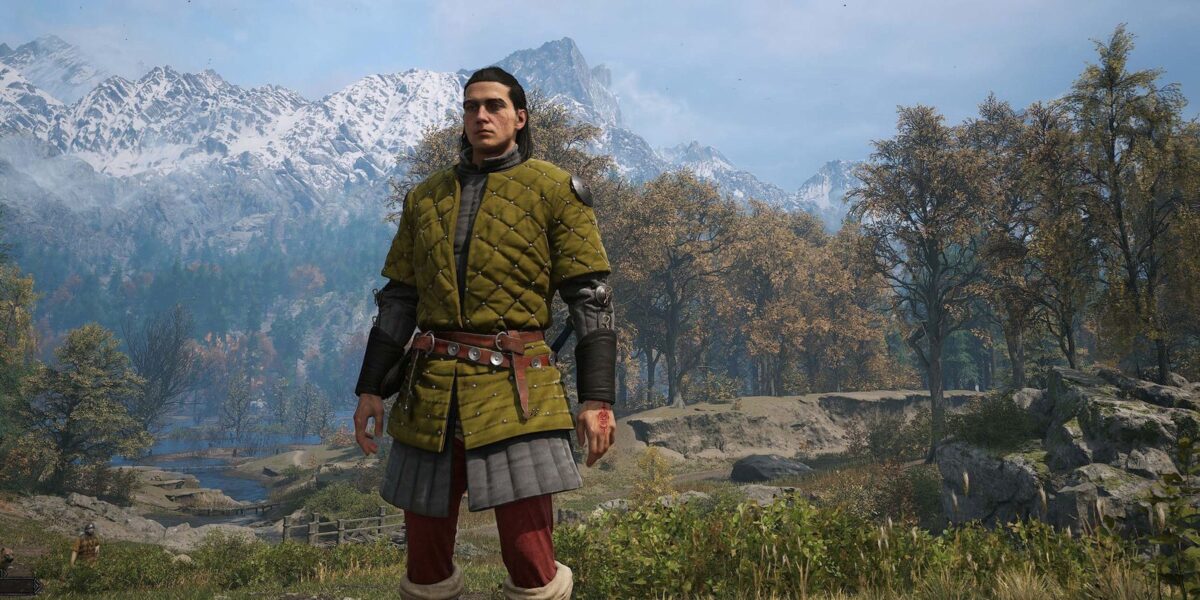
Rebel Wolves’ The Blood of Dawnwalker is a visually stunning game, but it demands a lot from your PC. While the recommended specs might seem daunting, there are ways to achieve smooth gameplay without breaking the bank.
Tweaking Settings for Performance
The Blood of Dawnwalker is a punishing game, not just because of its unique time-as-a-resource mechanic (or the irresistible urge to rearrange the title), but also because it can really tax your PC’s performance. While we’re aware of the system requirements needed to hit Rebel Wolves’ target frame rates, it’s worth noting that those specs are a bit on the generous side. After testing Dawnwalker with various setups, I found that achieving smooth gameplay often requires some compromises.
The game’s forests of Carpathia can be particularly demanding. To help you achieve optimal performance without sacrificing too much visual fidelity, I’m here to guide you through some essential tweaks.
Finding the Balance: High Preset vs. Custom Settings
I focused on Rebel Wolves’ mid-range spec, designed for 60 fps at 1440p, using an AMD Ryzen 7 5700X CPU and a Nvidia RTX 2060 Super graphics card. This setup should theoretically achieve the target frame rate with the High preset. However, I discovered four key settings that can be adjusted to boost performance without significantly impacting visual quality.
By lowering Shadow Quality to Low, I managed to achieve a 62 fps average during my benchmark run. Shadows are typically a performance hog in Unreal Engine 5 games, and the dense foliage in Dawnwalker exacerbates this issue.
Lowering Light Quality, Foliage Quality, and Detail Quality to Medium also contributes to improved performance. While reducing Foliage Quality removes some of the scattered hay aesthetic on the forest floor, it’s a relatively minor visual compromise.
Frame Generation: A Helping Hand
Rebel Wolves has added an experimental Frame Generation setting to the game, covering both AMD and Nvidia implementations. While not true performance enhancement, it smooths out gameplay by interpolating frames. This is particularly helpful for systems struggling to maintain a consistent frame rate.
With Frame Generation enabled on an RTX 4060, I achieved a significant boost in smoothness while maintaining good visual quality. The added latency is a minor trade-off for the improved experience.
Conclusion: Finding Your Sweet Spot
Ultimately, achieving optimal performance in The Blood of Dawnwalker requires finding the right balance between visual fidelity and frame rate. By experimenting with these settings and utilizing Frame Generation when available, you can enjoy this visually stunning game without sacrificing too much performance.






Comments
Be the first to comment.