

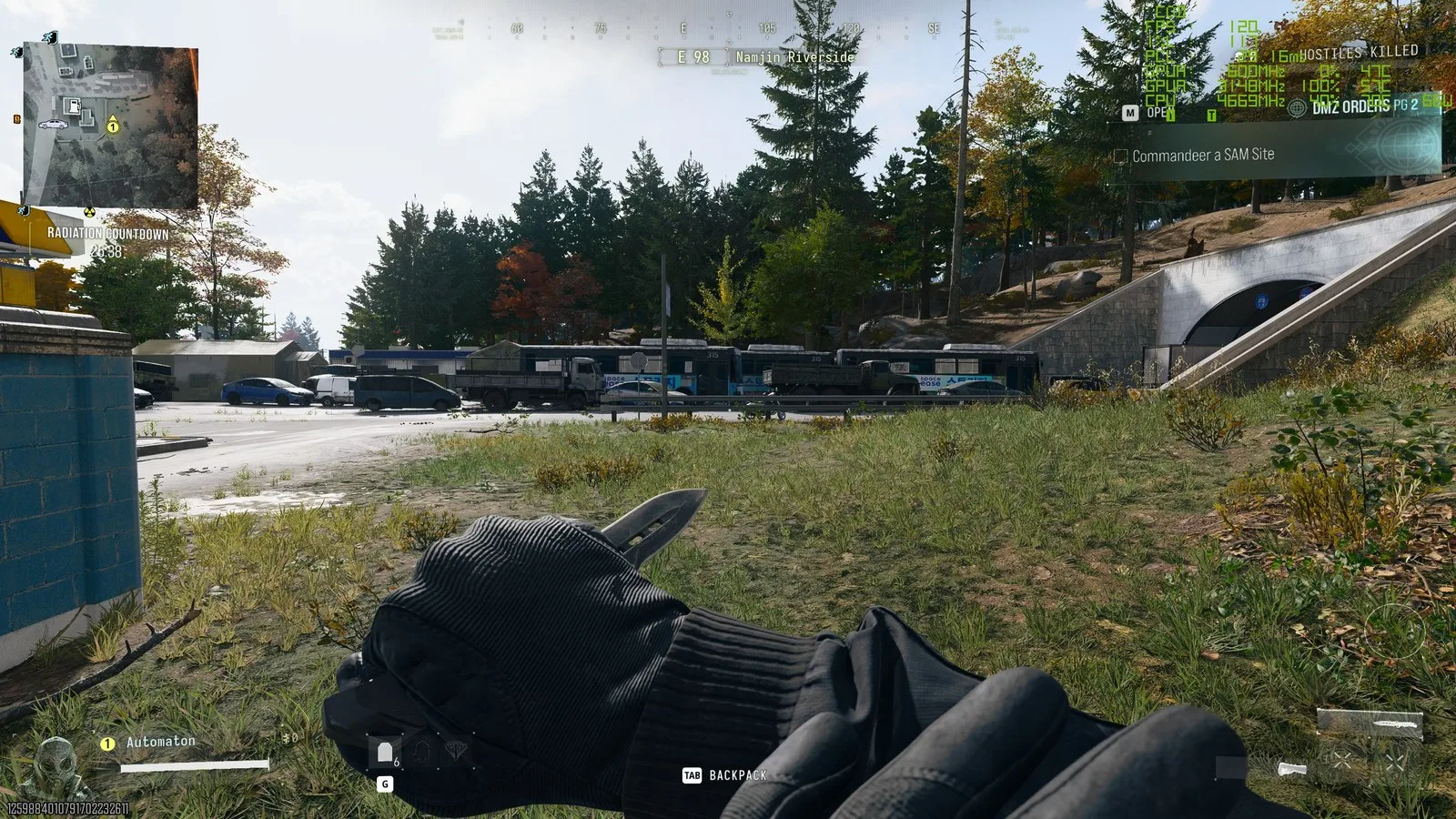
I’ve been thoroughly enjoying Call of Duty: Modern Warfare 4 on an RX 9070 XT, but many players will want to run the game on older hardware. So I decided to dust off my old and much-loved workhorse, the RTX 3060 Ti, and see how it performs in the new Activision shooter. I’ve been quite pleasantly surprised by the results.

That’s good news, considering Activision lists this graphics card, alongside the AMD RX 6600 XT and Intel Arc B580, as the ‘recommended’ options to “run at 90 fps in 多人游戏 on High graphics settings.”
I’ve found this actually holds up, provided you’re at 1080p or are happy to enable Quality upscaling at 1440p.
Latest Videos From
PC Gamer
RTX 3060 Ti performance in COD: MW4
(Image credit: Activision)
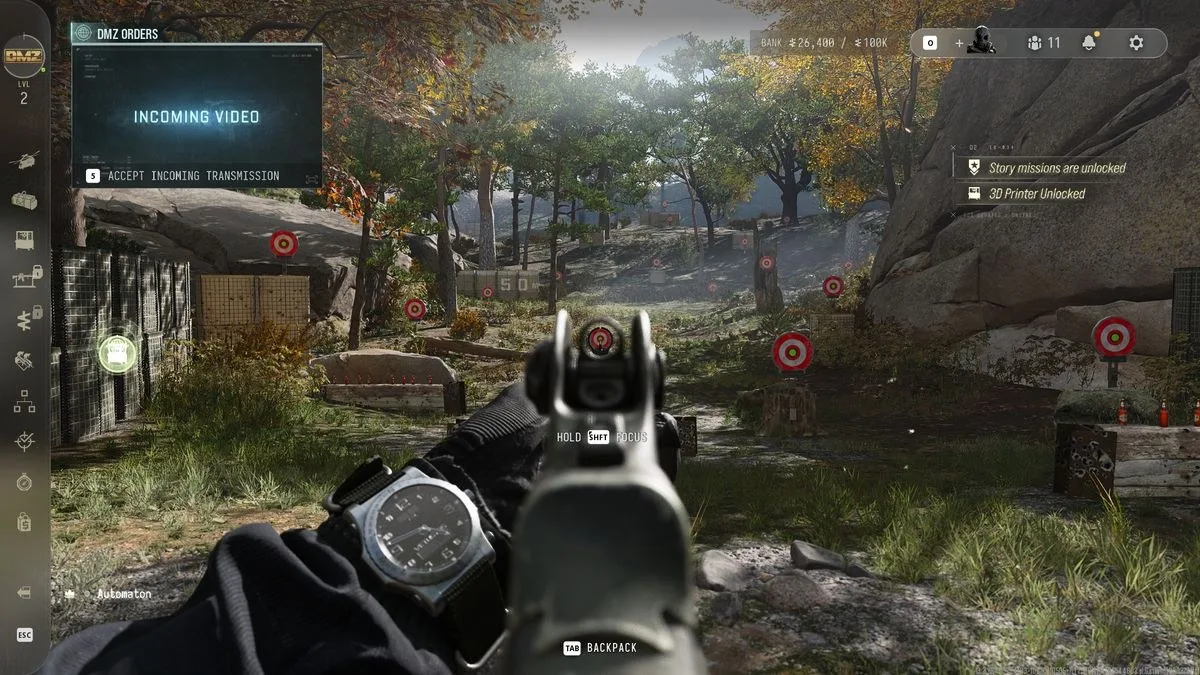
As you can see from the chart below, at 1440p native, the game struggles to reach this 90 fps target even on the Minimum preset. And as I noted in my general performance overview—which, by the way, you should read if you want to know which specific settings to tweak to improve your frame rate—the Balanced preset offers the best bang for your buck by far, as moving up to Ultra drops your frame rate significantly.
COD MW4 preset performance – 1440p – RTX 3060 Ti
Frame rates were captured at 1440p native, using an RTX 3060 Ti, Ryzen 7 7800X3D, and 32 GB of DDR5 RAM.
Call of Duty: Modern Warfare 4
Avg fps
1% low fps
Minimum
Basic
Balanced
Ultra
Extreme
| Product | Value |
|---|---|
| Minimum | 70 Avg fps, 59 1% low fps |
| Basic | 66 Avg fps, 59 1% low fps |
| Balanced | 64 Avg fps, 56 1% low fps |
| Ultra | 48 Avg fps, 43 1% low fps |
| Extreme | 43 Avg fps, 36 1% low fps |
As with higher-end rigs, using the Balanced preset seems to give the best bang for your buck here, balancing visuals and performance. The RTX 3060 Ti maintains just above 60 fps on average when using the Balanced preset without upscaling.
I captured these frame rates during the same repeated 30-second run in a campaign mission, but I’ve found they translate pretty well to DMZ, although a few frames are shaved off in that mode, and a few more are shaved off when looking into the distance across the expansive map.
The trick to getting buttery smooth frame rates with a GPU like the RTX 3060 Ti is to enable DLSS upscaling in Quality mode.
Enabling Quality upscaling takes frame rates from just above 60 to around 90 or even 100 when using the Balanced preset, if you opt for the older CNN model. I didn’t notice much of a difference in visuals between CNN and Transformer models, so I’d lean toward the former just for the extra handful of frames, but either way you’re getting something very playable.
DLSS Quality vs native at 1440p
This compares playing the game at 1440p native to the two different versions of DLSS upscaling, set to Quality.
Call of Duty: Modern Warfare 4
Avg fps
1% low fps
DLSS CNN Quality
DLSS Transformer Quality
Native 1440p
| Product | Value |
|---|---|
| DLSS CNN Quality | 97 Avg fps, 86 1% low fps |
| DLSS Transformer Quality | 89 Avg fps, 78 1% low fps |
| Native 1440p | 64 Avg fps, 56 1% low fps |
Enabling DLSS on Quality turns gameplay from playable into a very smooth experience, whether you’re using the CNN or Transformer model.
All of the above refers to 1440p, but if you have a 1080p monitor or don’t mind dropping to 1080p on your 1440p monitor, you can get some very nice frame rates from a card like the RTX 3060 Ti. As you can see from my final chart below, you can push about 130 fps on average in the campaign if you play at 1080p with DLSS enabled, again on the Balanced preset.
Comparing 1440p to 1080p performance
This chart compares performance at 1440p to 1080p using an RTX 3060 Ti, with upscaling enabled and disabled.
Call of Duty: Modern Warfare 4
Avg fps
1% low fps
1440p Native
1440p DLSS Quality (CNN)
1080p Native
1080p DLSS Quality (CNN)
37.5
112.5
| Product | Value |
|---|---|
| 1440p Native | 64 Avg fps, 56 1% low fps |
| 1440p DLSS Quality (CNN) | 97 Avg fps, 86 1% low fps |
| 1080p Native | 92 Avg fps, 81 1% low fps |
| 1080p DLSS Quality (CNN) | 131 Avg fps, 113 1% low fps |
Playing at 1080p with DLSS enabled runs very smoothly, making it suitable for a 144 Hz or 165 Hz monitor. Playing at 1440p with DLSS enabled delivers roughly the same performance as playing at 1080p native with DLSS disabled.
There are two caveats, though. The first is that I wouldn’t recommend doing this if you’re on a 27-inch, 1440p monitor because it can look quite blurry. I’d just stick to 1440p with DLSS enabled instead.
The second caveat is that, in DMZ, I found frame rates to be a little lower than the ones I recorded in my runs of the campaign mission. But I’d still stick to those settings I just described. At 1440p with DLSS enabled in DMZ I get about 80–95 fps, and at 1080p with DLSS enabled I get about 110 fps.
The settings I’d use in COD: MW2 with an RTX 3060 Ti
(Image credit: Activision)
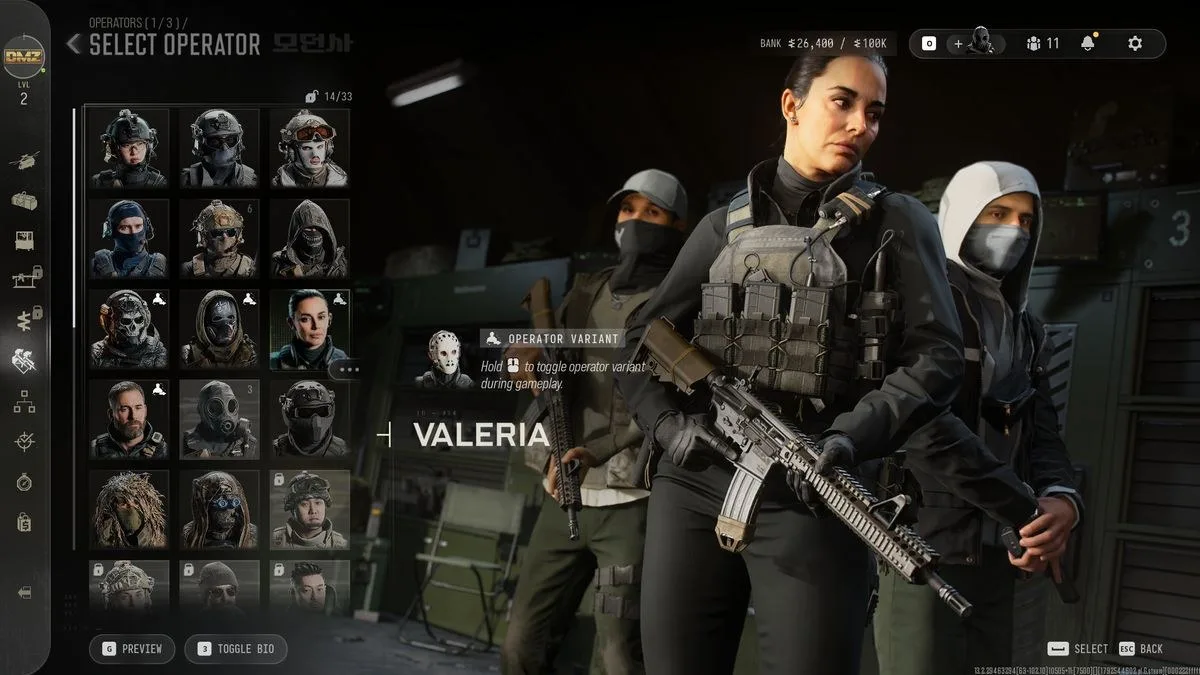
This is the resolution and upscaling combo setup I’d personally use to actually play the game if I had a 27-inch, 1440p monitor: 1440p resolution, DLSS Quality upscaling (CNN), and the Balanced preset. If I was using a 24-inch, 1080p monitor, I’d stick to DLSS Quality (CNN) and the Balanced preset, but obviously have the resolution at 1080p instead. With a smaller 1080p monitor, it’s not as blurry to have DLSS enabled even at 1080p.
The final bit of good news is that I’ve found my frame rate to be pretty consistent, too. With an RTX 3060 Ti, I get frame rates consistently pushing closer to 100 fps than 60 fps at 1440p with DLSS Quality enabled and using the Balanced preset.
Comparing higher to lower detail quality
High detail quality on the left, normal on the right. Notice the yellow/orange tree loses all detail in the right-hand image.
High detail quality
Normal detail quality
A couple of final tips. One thing I’d recommend is avoiding the lower presets, and especially the bottom ‘Minimum’ one, as I found graphical fidelity takes a big hit when dropping that low. Everything is much more crisp at Balanced.
And finally: if you’re okay sacrificing just a small handful of frames here and there, try turning your ‘detail quality’ setting up to High. I’ve found this eliminates some of the buggy, blocky trees and shrubbery you occasionally run into, and makes them look like actual trees.
Best gaming laptop 2026
1. Best overall:
Razer Blade 16 (2025)
2. Best budget:
Lenovo LOQ 15 Gen 10
3. Best 14-inch:
Asus Zephyrus G14
4. Best mid-range:
MSI Vector 16 HX AI
5. Best high-performance:
Lenovo Legion Pro 7i Gen 10
6. Best 18-inch:
Alienware 18 Area-51
Have thoughts, questions, or benchmarks on this topic? Join the discussion on our forums.
Join Discussion ➔






















参与讨论