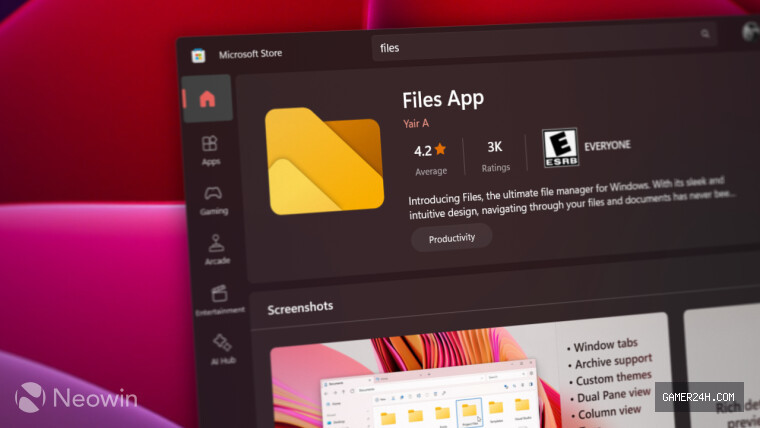
Files has long been celebrated as one of the premier File Explorer alternatives for Windows 10 and 11, offering a rich suite of tools and conveniences. Yet, until now, it lacked a key feature that many users have craved: Tree View.
With the arrival of version 4.1.4 in the Preview channel, developers have finally addressed this gap by introducing Tree View—a new mode that presents folders in an expandable, hierarchical structure. While Windows 11’s native File Explorer has always included this functionality, Files previously did not, making the update a significant enhancement for power users.
To experience Tree View, simply update Files to the latest preview build and click the small arrow beside any drive to reveal its nested folders—all without leaving the current view. Once the feature is polished, it will be integrated into the stable channel for all users.
Beyond Tree View, version 4.1.14 also enhances the handling of the Windows Fonts folder. Users can now preview each font directly within Files, eliminating the need to launch the separate font viewer for a quick glance.
At present, the two new features are exclusively available through the Preview channel, allowing early adopters to test the latest enhancements while the broader user base remains on the stable build.
For those on the stable release, the developers have just rolled out version 4.1.3. This update refines the built‑in tagging system, introduces on‑demand calculation of folder sizes, and delivers a host of bug fixes to streamline the overall experience. Detailed release notes can be accessed here.
Files is available for download from the Microsoft Store as a paid edition, or users can opt for the free version directly from the official website.
❓ Frequently Asked Questions (FAQ)
What is the new feature added to Files in version 4.1.4?
Version 4.1.4 introduces Tree View, a mode that displays folders in an expandable, hierarchical structure, allowing users to navigate nested folders directly within the current view.
How can I try the Tree View feature before it’s available in the stable channel?
You can enable Tree View by updating Files to the latest preview build from the Preview channel. Once installed, click the small arrow next to any drive to expand its folders.
What other improvements come with version 4.1.4?
In addition to Tree View, version 4.1.4 improves handling of the Windows Fonts folder, letting users preview fonts directly within Files without launching a separate viewer.
News Source: Neowin






Comments
Be the first to comment.