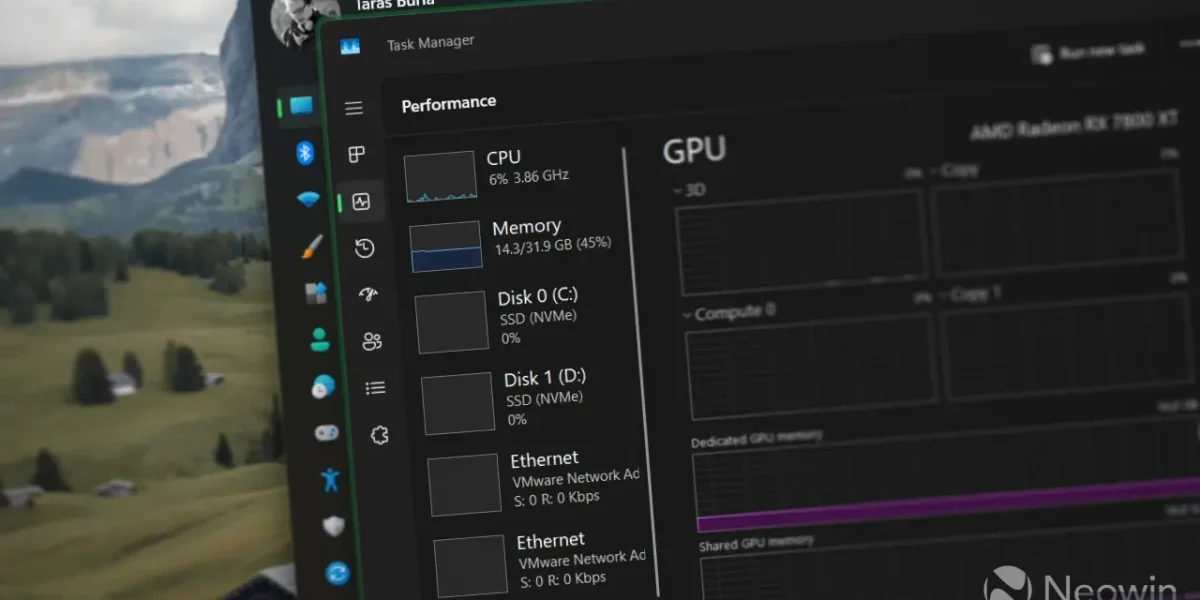
Over the past several months, Microsoft has been diligently polishing Windows 11, adding long‑awaited features such as a revamped Start menu, a movable taskbar, enhanced Windows Update, and a host of other refinements. Yet the most compelling changes are unfolding behind the scenes, and a new performance tweak is now available to every Windows 11 user.
The so‑called “Low Latency Profile” is a hidden performance mode designed to make the operating system feel more immediate. When activated, it momentarily pushes the CPU to its maximum frequency while rendering UI elements or launching applications, resulting in noticeably faster app startups and snappier responses from the Start menu, quick settings, and other core shell components.
Microsoft has chosen to keep the Low Latency Profile under wraps, omitting it from the official release notes. The update is described only as “accelerating app launch and core shell experiences such as Start menu, Search, and Action Center.” Users may need to enable the feature manually, as it is rolling out gradually.
To activate the profile, restart your PC, then open Task Manager or any hardware‑monitoring tool. When you open the Start menu, Action Center, or other shell elements, watch the CPU clock speed spike to its maximum before returning to lower frequencies—an unmistakable sign that the Low Latency Profile is working.
News Source: Neowin






Comments
Be the first to comment.