

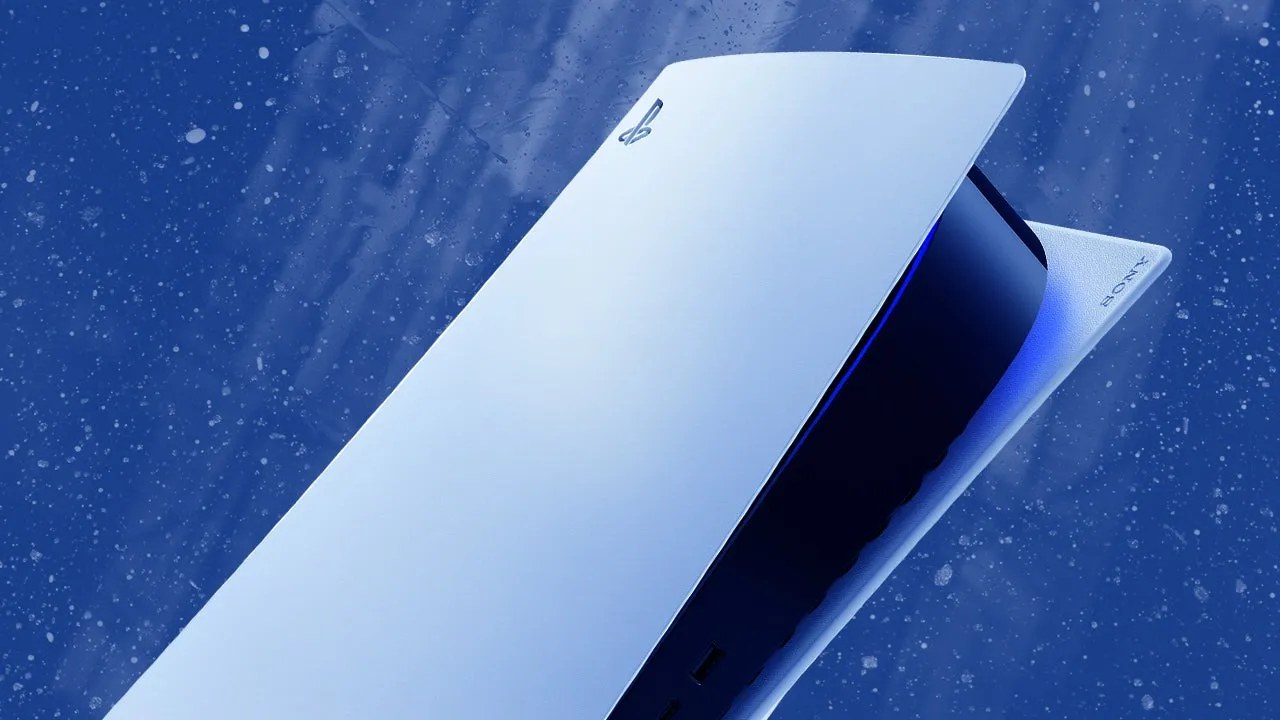
Sony has rolled out a fresh system software update for the PlayStation 5 that introduces several new social and visual features to the console’s interface. Version 26.06-14.00.00 turns on Enhance PSSR Image Quality as a default setting, adds a Display Names option for voice chats, and surfaces community data through new Trending Now and Top 10 views in the Welcome Hub.
The update is available now for owners of both the standard PS5 and the PS5 Pro. Among its most notable changes is the decision to enable Enhance PSSR Image Quality by default, a feature exclusive to the more powerful PS5 Pro console. According to Sony, this enhancement applies even to games that support only the previous version of PlayStation Spectral Super Resolution, allowing players to enjoy “a sharper and clearer visual experience.” Those who prefer the older rendering behavior can disable it through their settings at any time.
New Social Features for Voice Chats
Beyond graphical improvements, the update brings a practical social addition that addresses a long-standing request from players. Users can now see exactly who is speaking while participating in a voice chat by enabling Display Names. The speaker indicator appears on screen during conversations, and owners have control over where it sits within their field of view.
To activate the feature, players navigate to the voice chat card in the control centre, select More, then turn on Display Who’s Speaking under the Display Names option. Once enabled, users can further customize the indicator by selecting Position to choose exactly where it appears on screen.

We’ve turned on Enhance PSSR Image Quality as a default setting. When you update the system software, this setting automatically turns on. When you enable this feature, enhanced PSSR is used even for games that support the previous version of PSSR, so you can enjoy a sharper and clearer visual experience.
Sony PlayStation
Trending Now Surfaces Popular Multiplayer Titles
The update also introduces community-focused discovery tools through the Community Activity widget in the Welcome Hub. The new Trending Now feature displays ten multiplayer games or modes that are “surging in popularity,” according to Sony. This appears designed to help players discover fresh releases and titles receiving major content updates.

A companion Top 10 view rounds out the discovery options, giving users a quick snapshot of what other players are engaging with across the platform. Both features sit within the Welcome Hub interface, making them easily accessible when launching the console without requiring players to dig through additional menus.
Technical Adjustments and Bluetooth Controls
Beyond the headline features, the patch includes several technical changes that affect how the console operates in specific scenarios. Sony has refined a setting related to Bluetooth connectivity primarily intended for competitive gaming environments. Players can now turn off Bluetooth through Settings, Accessories, General, Advanced Settings, though doing so prevents the console from entering rest mode and disables HDMI Device Link functionality.

Sony cautioned users that this Turn Off Bluetooth function exists specifically “for managing controller connections at esports venues and similar locations,” advising players not to use it for any other purpose. The company also noted general improvements to system software performance and stability across both the standard PS5 and PS5 Pro consoles, though it did not elaborate on the specific fixes included.
Looking Ahead
The PlayStation 5 update arrives alongside the release of Marvel’s Wolverine, Sony’s latest major exclusive title. For players looking to get started in the game, coverage includes essential tips and tricks, recommendations for the best adaptations, and guides on how to farm experience points quickly.
Meanwhile, a separate system software update has also arrived today for the older PS4 console. Version 14.00 focuses solely on improving “system software performance and stability,” offering fewer visible changes than its newer sibling’s release but ensuring continued support across Sony’s current generation of hardware.























Join the conversation