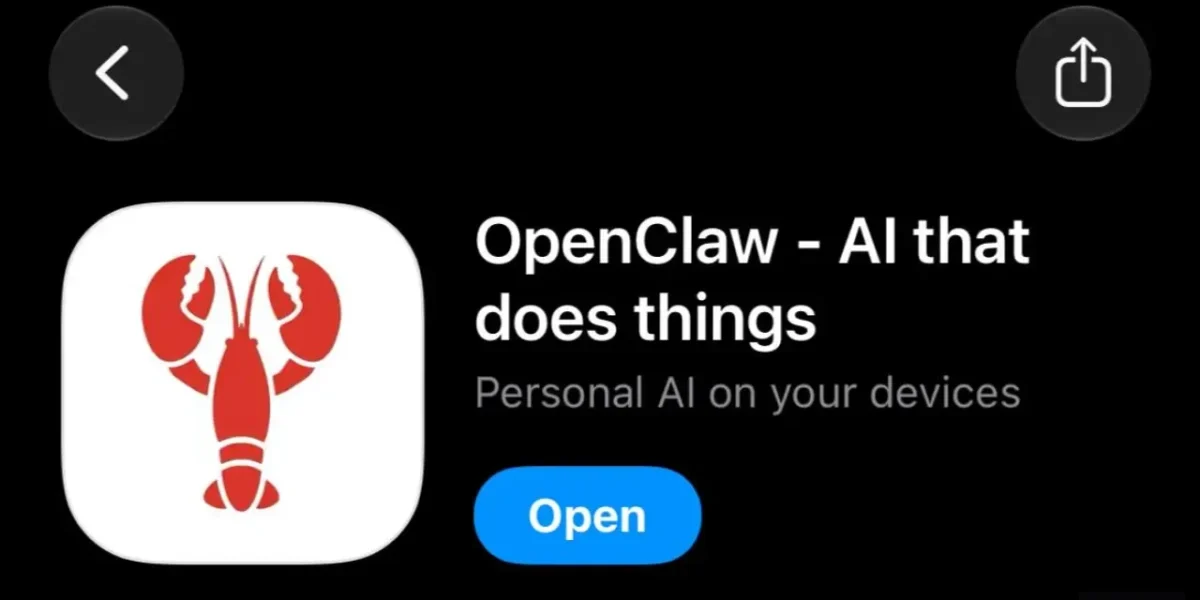
OpenClaw, the viral open‑source personal AI assistant, has just unveiled its own mobile application, now accessible on both Android and iOS. The new app lets users link directly to an existing OpenClaw gateway, unlocking a suite of mobile‑native capabilities that extend beyond the original terminal interface.
It’s important to note that the mobile app does not run the OpenClaw engine locally; instead, it functions as a companion that communicates with a running OpenClaw Gateway on a desktop or server—whether on macOS, Linux, or Windows via WSL2.
To establish the connection, users simply execute the “/pair qr” command within the existing TUI or chat interface, which generates a QR code. Scanning this code with the mobile app completes the pairing process, or users can opt for manual pairing by entering the gateway’s host address and port number.
OpenClaw has moved beyond its earlier presence on messaging platforms such as WhatsApp, Telegram, Slack, Discord, Microsoft Teams, and Matrix. The new native mobile application delivers a streamlined interface that centers exclusively on OpenClaw, while adding support for camera, screen capture, location services, and more.
Users should remain vigilant, as OpenClaw includes built‑in security alerts. The possibility of prompt injection remains, so it is advisable to verify authentication, tool policies, sandboxing, and execution approvals rather than relying solely on prompts.
For those already comfortable with AI automation, the native app simplifies tasks such as approving automations, sharing links, using voice commands, or allowing an agent to respond to on‑device context.
❓ Frequently Asked Questions (FAQ)
How do I pair my new OpenClaw mobile app with my existing OpenClaw gateway?
Open the terminal or chat interface of your existing OpenClaw gateway and run the command "/pair qr". This will generate a QR code that you can scan with the mobile app to complete the pairing. If you prefer, you can also manually enter the gateway’s host address and port number in the app to establish the connection.
Does the OpenClaw mobile app run the OpenClaw engine locally on my phone?
No. The mobile app functions as a companion that communicates with a running OpenClaw Gateway on a desktop or server (macOS, Linux, Windows via WSL2). It does not host the engine locally.
What new mobile‑native capabilities does the OpenClaw app offer beyond the original terminal interface?
The app adds a streamlined interface focused solely on OpenClaw and supports features such as camera access, screen capture, location services, and more, providing a richer on‑the‑go AI assistant experience.
News Source: Neowin






Comments
Be the first to comment.