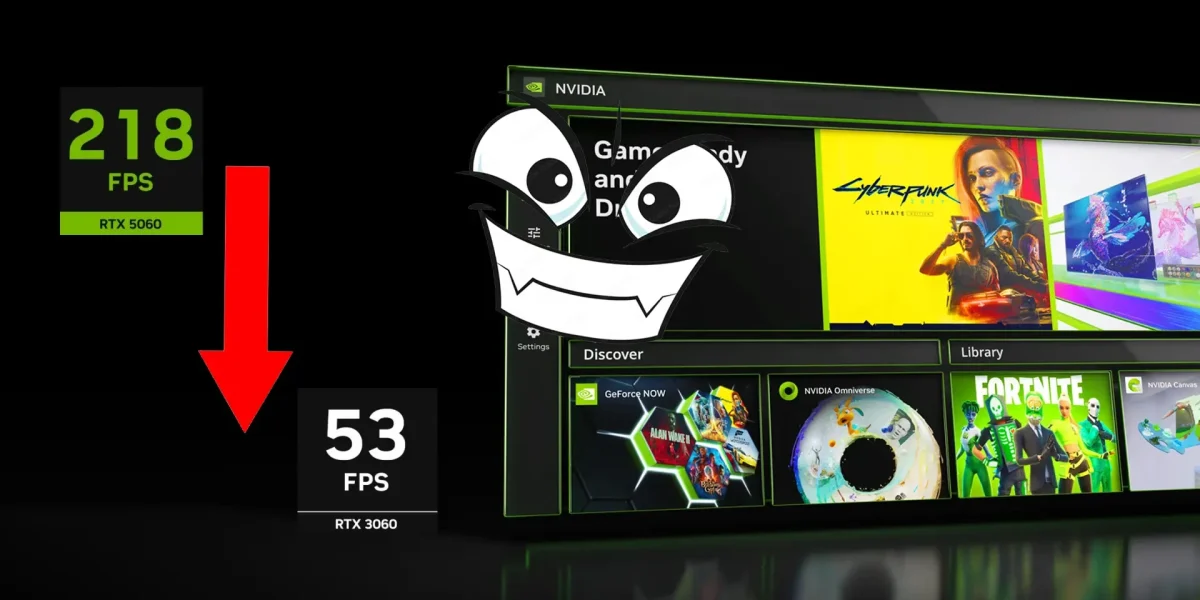
The transition to the new NVIDIA App has sparked debate within the PC gaming community due to multiple complaints about a perceived drop in game performance. However, technical analyses have confirmed that this loss of fluidity is solely due to an optimization error in the overlay of the program, a problem that comes with an immediate solution without the need for uninstalling the software.
This scenario arises following NVIDIA’s decision to retire its classic Control Panel and discontinue GeForce Experience, forcing players to use a unified client, the NVIDIA APP. By integrating all functions into this modern platform, recent driver updates now install the application as the default for managing the entire ecosystem of graphics cards.
Through the X platform, users reported that the “Game Filters and Photography Mode” setting is consuming an excessive amount of frames when running in the background. Some players have claimed that the application forces its installation, while testimonies indicate that keeping the NVIDIA overlay active along with ray tracing technology can cause unexpected crashes in demanding titles such as Wuthering Waves.
In a move that has gamers scrambling, NVIDIA is pushing its entire user base toward the new NVIDIA App with the latest driver releases. If you haven’t turned off the “Game filters and Photo mode” toggle, the overlay is quietly draining your frame rates in the background—turn it off if you truly care about performance.
Amid this chaos, many players have simply chosen to disable the interface entirely, prioritizing raw system speed over the convenience of built‑in recording tools. Meanwhile, the most enthusiastic segment of the community has been quick to recommend third‑party solutions like NVCleanstall to regain full control over the driver update process.
To shed light on the real impact, a 2024 video from Hardware Unboxed conducted an extensive performance audit across six popular titles. The study revealed that the mere presence of the app does not inherently harm the PC, but the default interface profile can cause a noticeable dip in performance—ranging from a modest 3 % to a concerning 16 %—when running games such as Cyberpunk 2077 and Hogwarts Legacy.
When compared to the older GeForce Experience ecosystem, the previous version exhibited no frame‑rate discrepancies, confirming that the issue stems from a programming error in how the new NVIDIA App applies visual filters. While a minor three‑percent hit is typical for any overlay, drops exceeding two digits signal a serious bug that future updates will need to rectify.
In a relief for affected users, the issue with the sluggish performance of NVIDIA’s RTX GPUs in certain games does not necessitate drastic measures such as sacrificing quick recording functions or losing access to valuable performance metrics on screen. To restore the original speed of the hardware, one simply needs to navigate to the general settings of NVIDIA APP and disable only the switch for game filters and photography mode.
This issue was reported to be affecting several popular games such as Cyberpunk 2077 and Control, causing frame rate drops and stuttering. The fix, however, is expected to improve the gaming experience for users without compromising other essential features like quick recording or performance metrics.
It is worth noting that this issue was not limited to a specific game but affected multiple titles, indicating a potential system-level problem rather than an isolated bug. The solution provided by NVIDIA suggests that they have identified and addressed the root cause of the issue, which could have broader implications for other games and future updates.
News Source: Tarreo






Comments
Be the first to comment.