

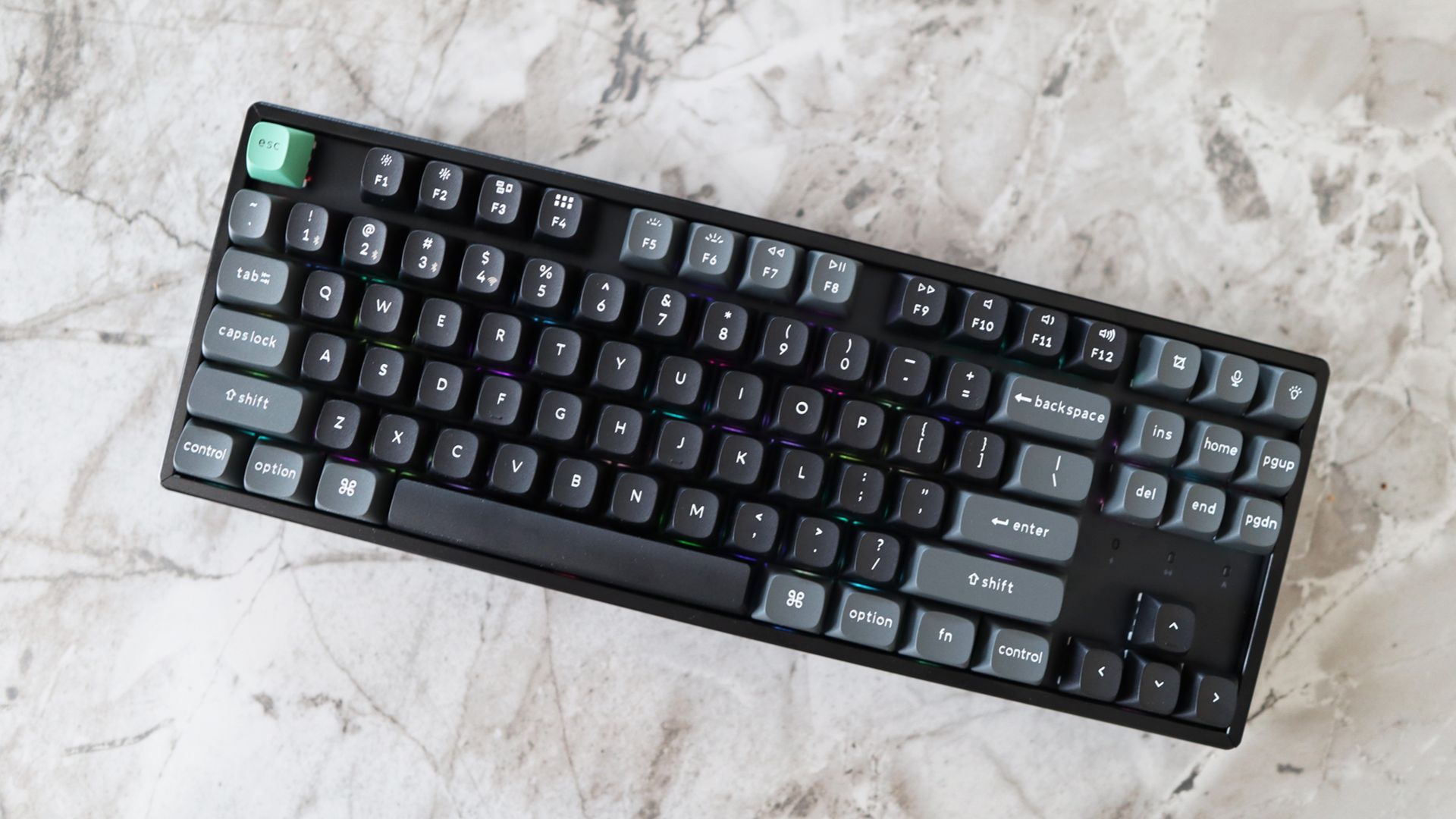
Keychron has carved out a wonderful niche in the now admittedly overcrowded mechanical keyboard space by offering fantastic all-around keyboards with all the features and robustness you could want, at a surprisingly affordable price. The new K8 Ultra 8K might feel like I’m parroting a lot of the same thoughts as I have with other Keychron products I’ve tested simply because most products from them have been consistently excellent. This new model doesn’s deviate much from the established formula: hefty aluminum top case, PBT keycaps, versatile connectivity, web-based software. And let me tell you, that’s no bad thing.
Solid Build Quality and Familiar Layout
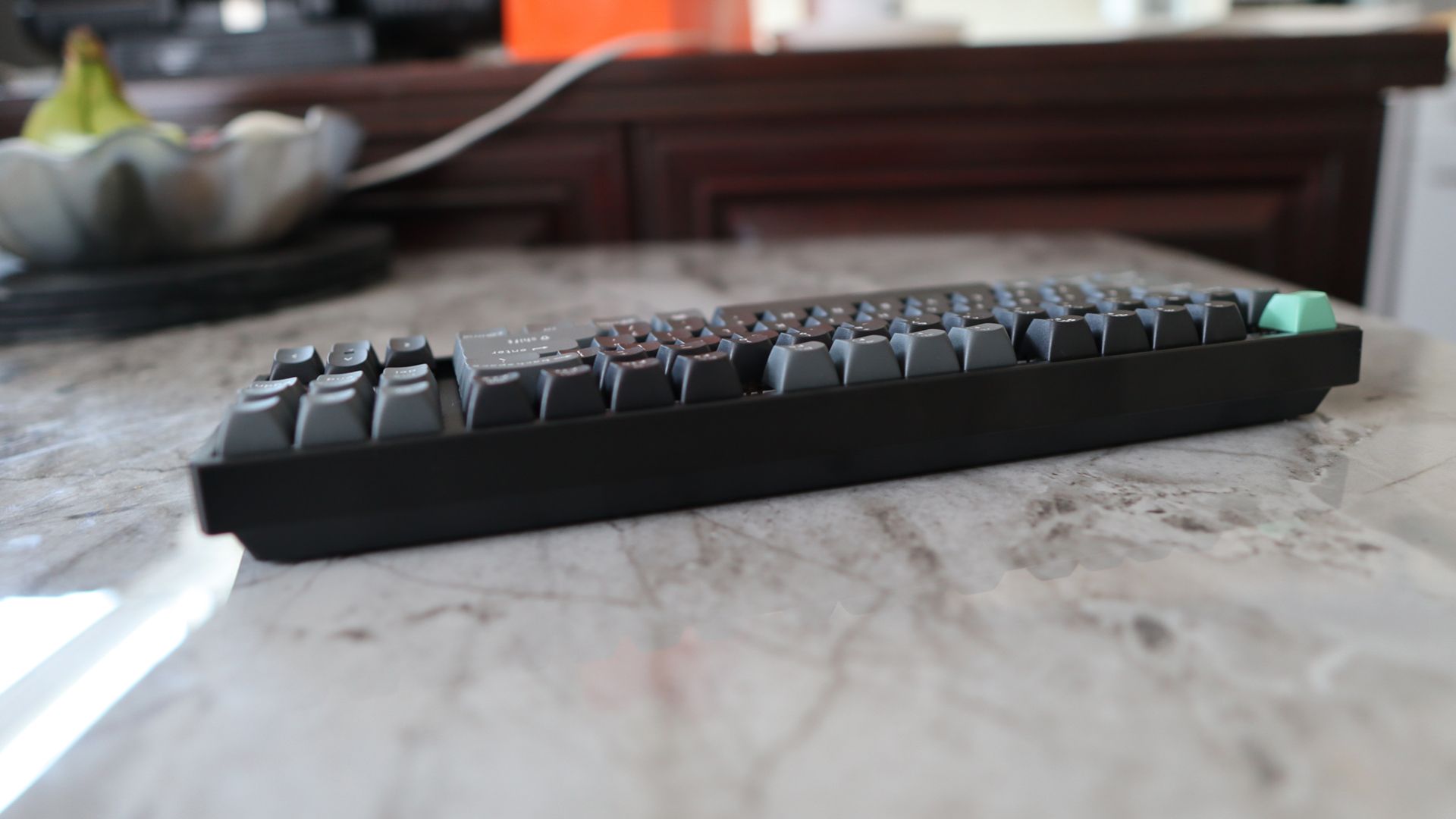
While the entire case isn’t machined aluminum (there’s a doubleshot ABS portion on the underside mated to an aluminum top piece), this is a minor nitpick. The K8 Ultra 8K remains the type of keyboard you could use as a weapon. It weighs 1.2 kg, which is substantial for a smaller form factor keyboard, and has a fantastically sturdy frame.
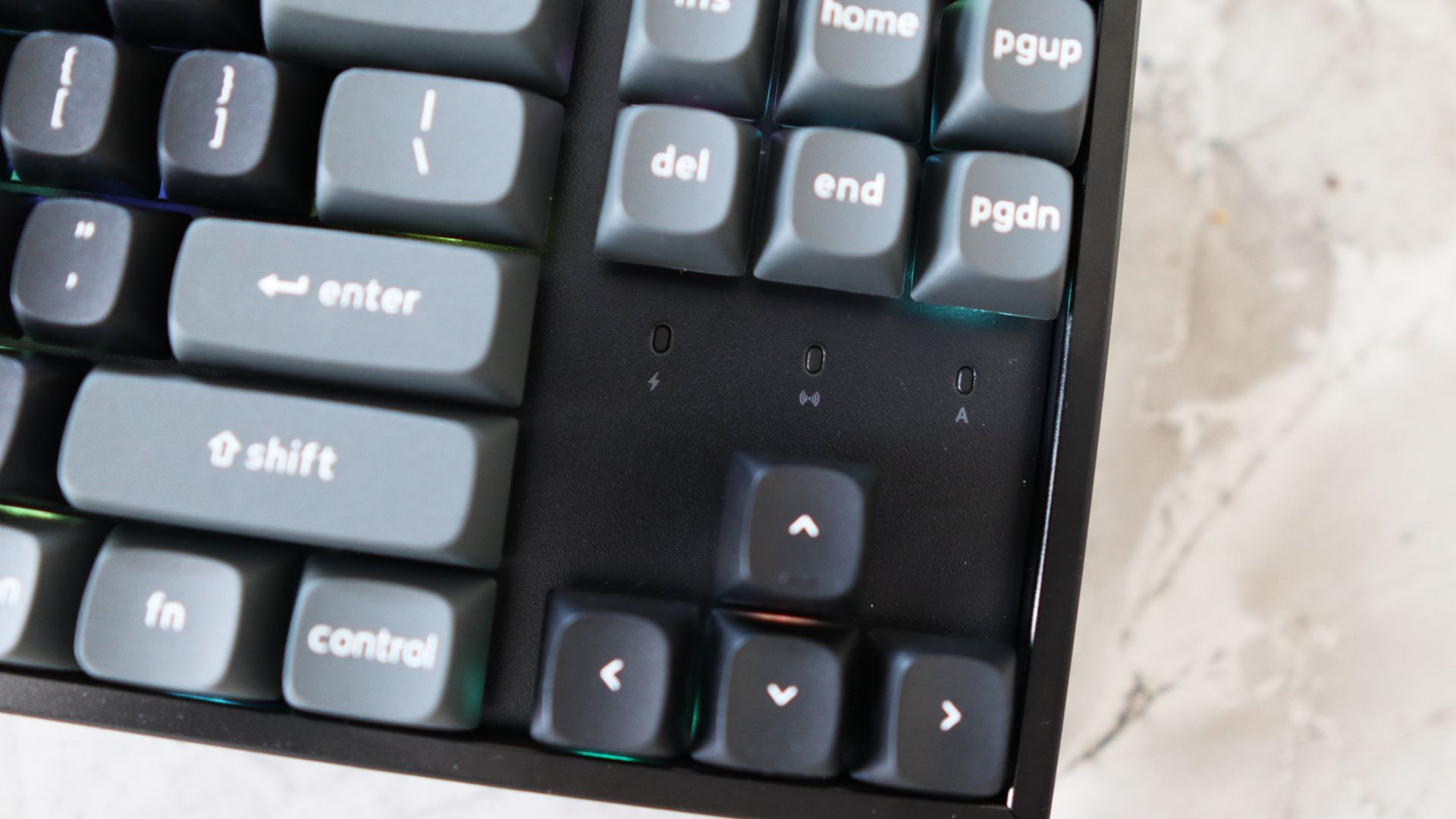
It also features doubleshot PBT keycaps for durability and an added touch of quality in an OSA profile, which gives them more of a spherical top edge to help with finger placement when typing. The TKL layout is familiar and a good starting point if you’re after a space-saving design without sacrificing too much functionality. With narrow bezels around the edge, it’s also smaller than other TKL keyboards I’ve used, giving you even more desk space.

Connectivity and Battery Life
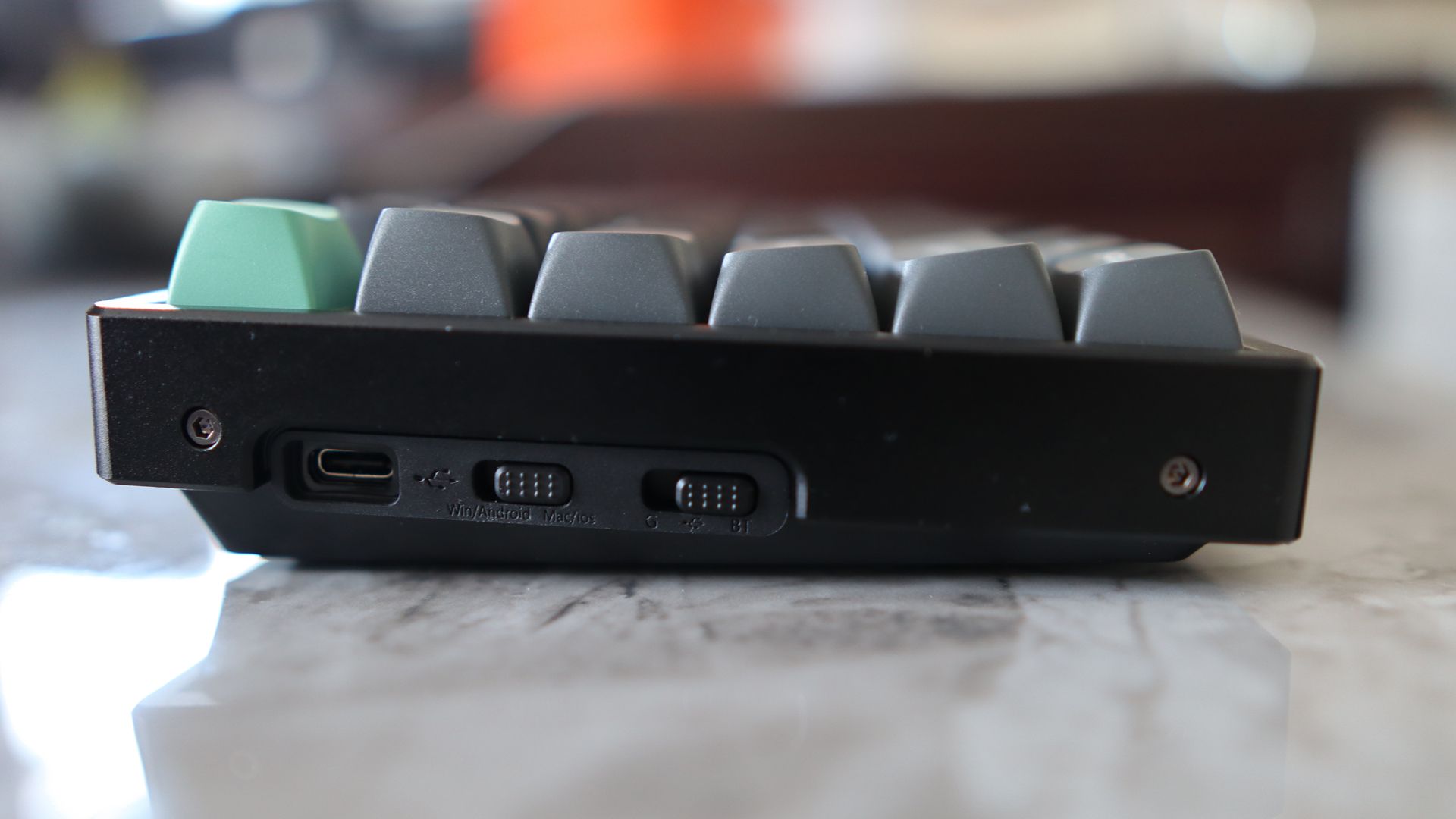
The K8 Ultra 8K lacks some of the extras found in other Keychron products, such as a rotary volume knob. However, you can adjust the volume using the Fn key and either F11 or F12 on the function row. It features a USB-C port for charging and wired connectivity, as well as a selector switch for Bluetooth or 2.4 GHz connectivity.
The keyboard worked flawlessly over both wireless methods, connecting easily to my MacBook via Bluetooth and my Windows gaming PC via its 2.4 GHz receiver. Pairing over Bluetooth is simple: hold the function key with either 1, 2, or 3 on the number row until the blue light flashes quickly. The battery life is solid, with up to 760 hours with no RGB. With the lighting at its lowest level, this drops to 225 hours. This is a huge increase over older Keychron models and is thanks to the new ZMK firmware.
Gaming Performance and Software
The keyboard supports 8000 Hz polling rate over both 2.4GHz wireless and USB-C wired, but that’s as far as its “gaming” chops go—no TMR or rapid trigger features. It also supports Keychron’s new web-based Launcher software for configuring macros, key remapping, and tweaking the RGB lighting. There are 22 different lighting presets to choose from.
Switches and Customization
The K8 Ultra 8K utilizes Keychron’s own Apex switches, which feature a box stem design and clear top. You can get this keyboard in three flavors: light and linear Red, soft tactile Brown, and heavier soft tactile Banana. Mine shipped with the Brown switch, which has a 50g force and a standard 4mm travel.
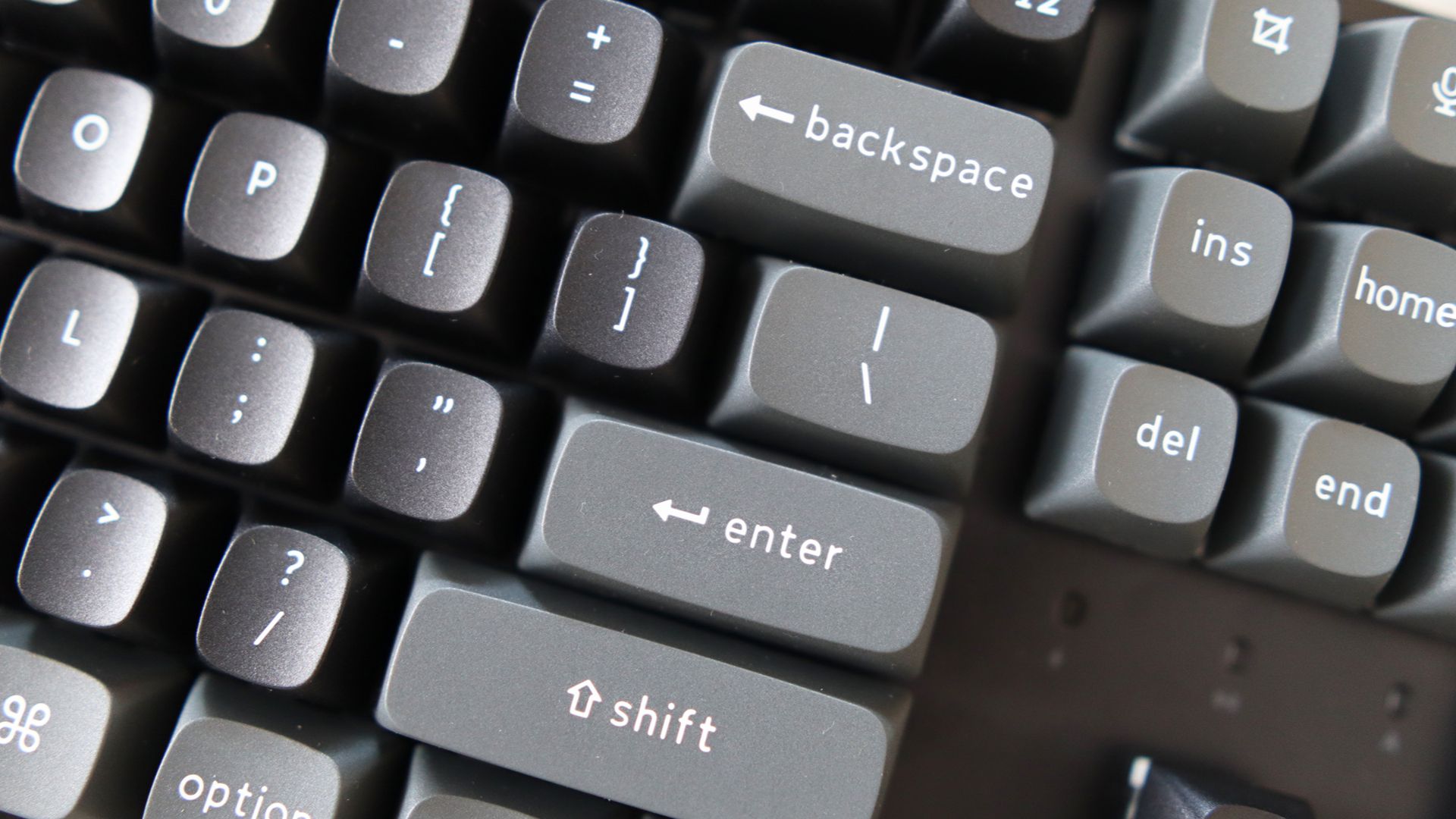
The Brown switches are not as consistent or strong as other tactiles I’ve tried. However, they are lubricated, resulting in a pleasant acoustic profile. The keyboard is hot-swappable, allowing you to easily swap out the switches with 3- or 5-pin options. I had some Cherry MX Falcon tactile switches left over from another project and swapped them into the K8 Ultra 8K.
Final Verdict
The Keychron K8 Ultra 8K is a solid all-around mechanical option with solid build quality, thoughtful extras, and excellent battery life. It’s versatile and well-priced at $120. If you could have more consistent soft tactile switches, that would be nice.
Buy if…
✅ You want a solid all-rounder: The K8 Ultra 8K is a great all-around mechanical option with solid build quality, thoughtful extras and excellent battery life.
Don’t buy if…
❌ You want more consistent switches: The Brown switches on my particular sample aren’t as consistent or strong as other tactiles I’ve tried on other keyboards.
Source: PC Gamer























Join the conversation