

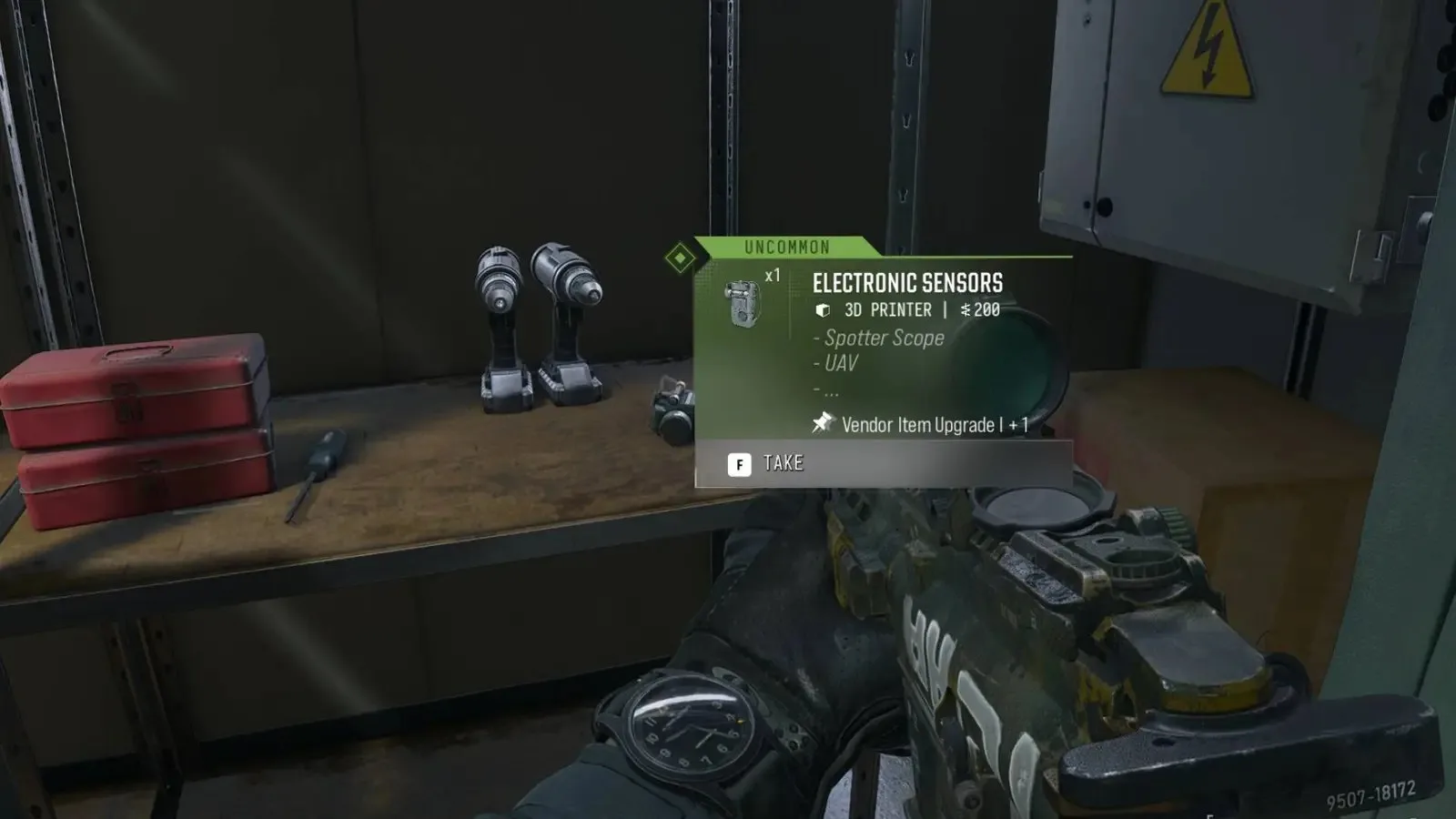
Every single player will need to find electronic sensors in Call of Duty: Modern Warfare 4’s DMZ mode, because they’re an essential resource early on. They’re used for all sorts of upgrades and recipes, including increasing your stash size, unlocking additional purchase options at the vendor, crafting various field upgrades and fire support, and more.

So if you’re searching Hajin high and low to find electronic sensors in Modern Warfare 4’s DMZ, here’s where you should be looking.
Where to find electronic sensors in DMZ
Somewhat unsurprisingly when you think about it, electronic sensors can primarily be found inside computers, which are usually on or underneath desks in urban areas. There are a number of buildings with office-style rooms in Hajin, and you’ll find a myriad of computers that can be searched. One example that I’ve had a lot of success with is the re-education center in Deadtown.
Electronic sensors can also be found randomly inside other containers such as bags, crates, and toolstations, and they can also be found as “floor loot,” which means they’re not inside a container and instead, they’re just lying on a shelf or table. So your best bet is to check the larger buildings in the named locations.
Have thoughts, questions, or benchmarks on this topic? Join the discussion on our forums.
Join Discussion ➔






















Diskutieren Sie mit