

About this game
Game Overview & History
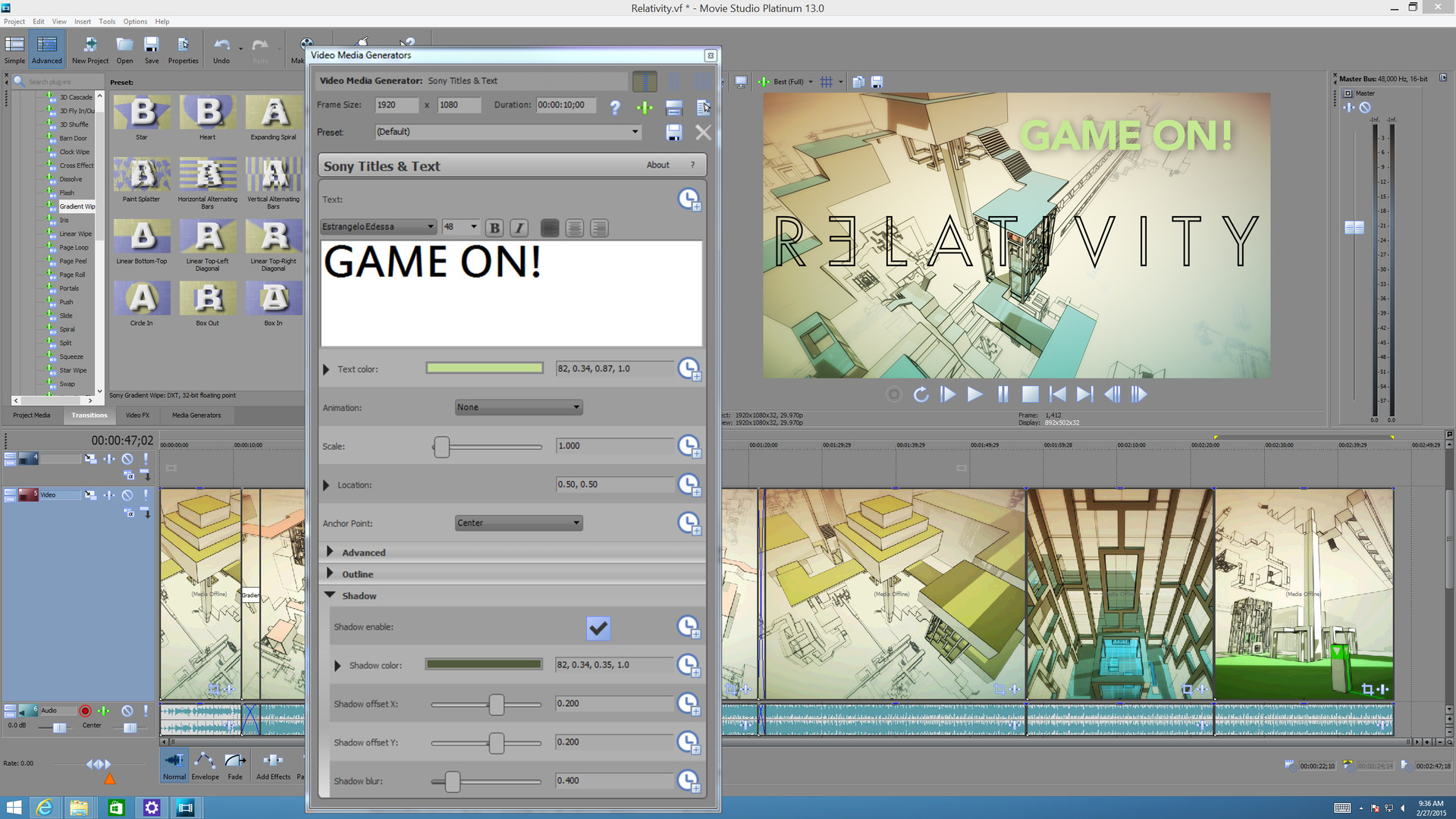
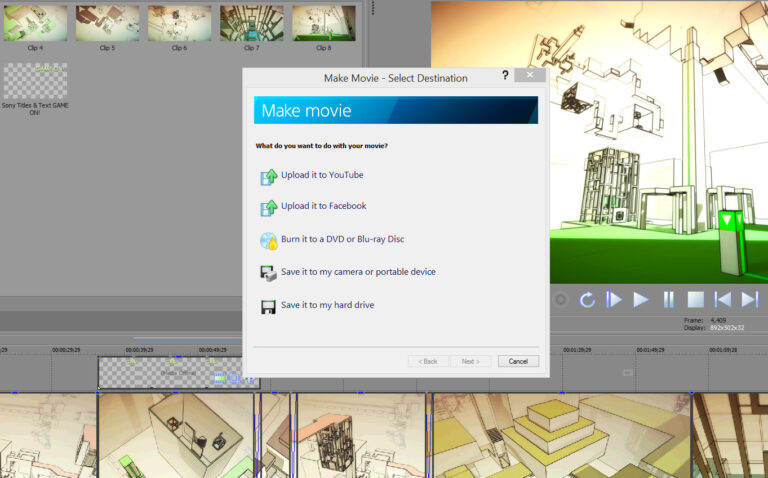
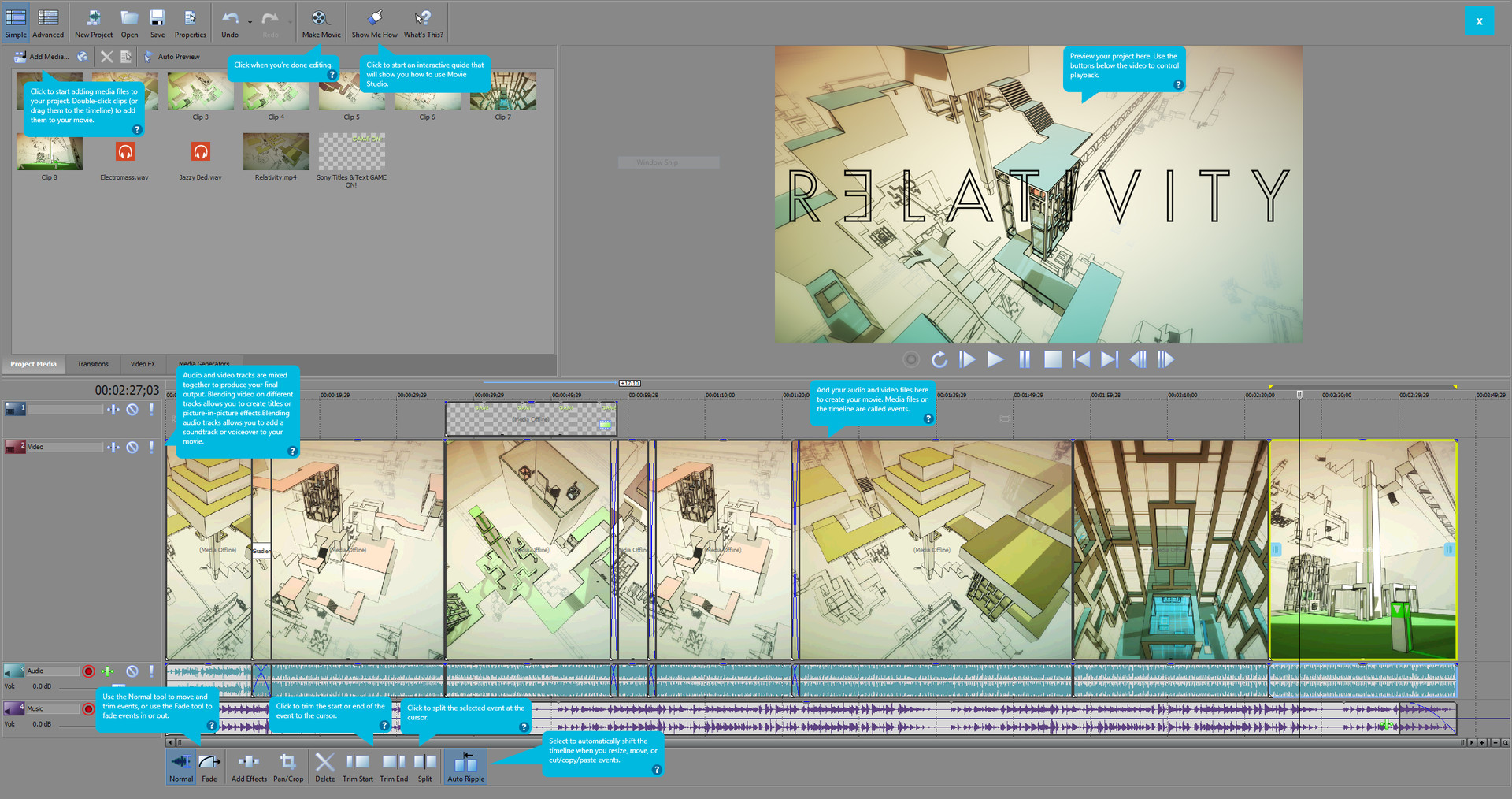
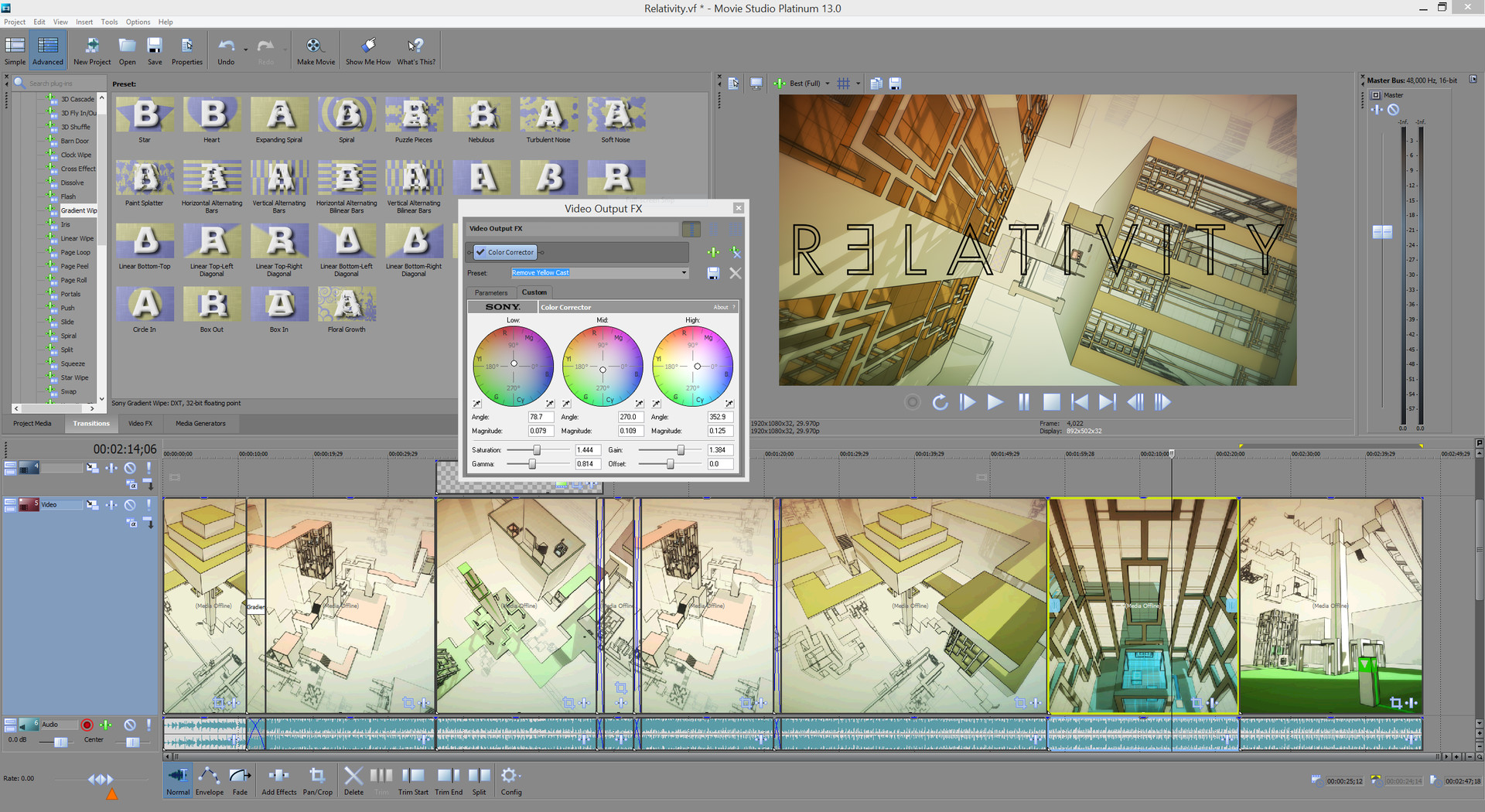
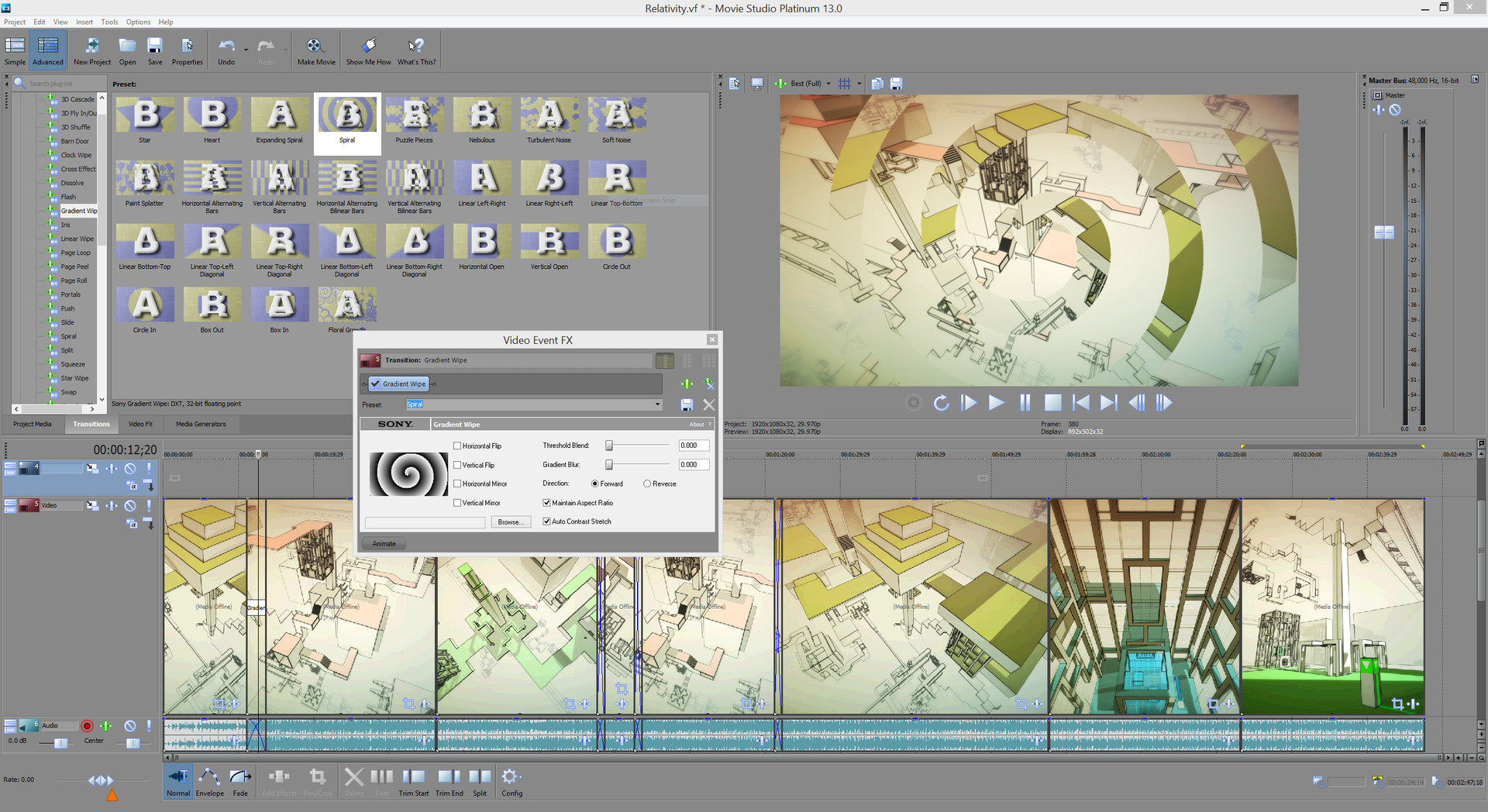
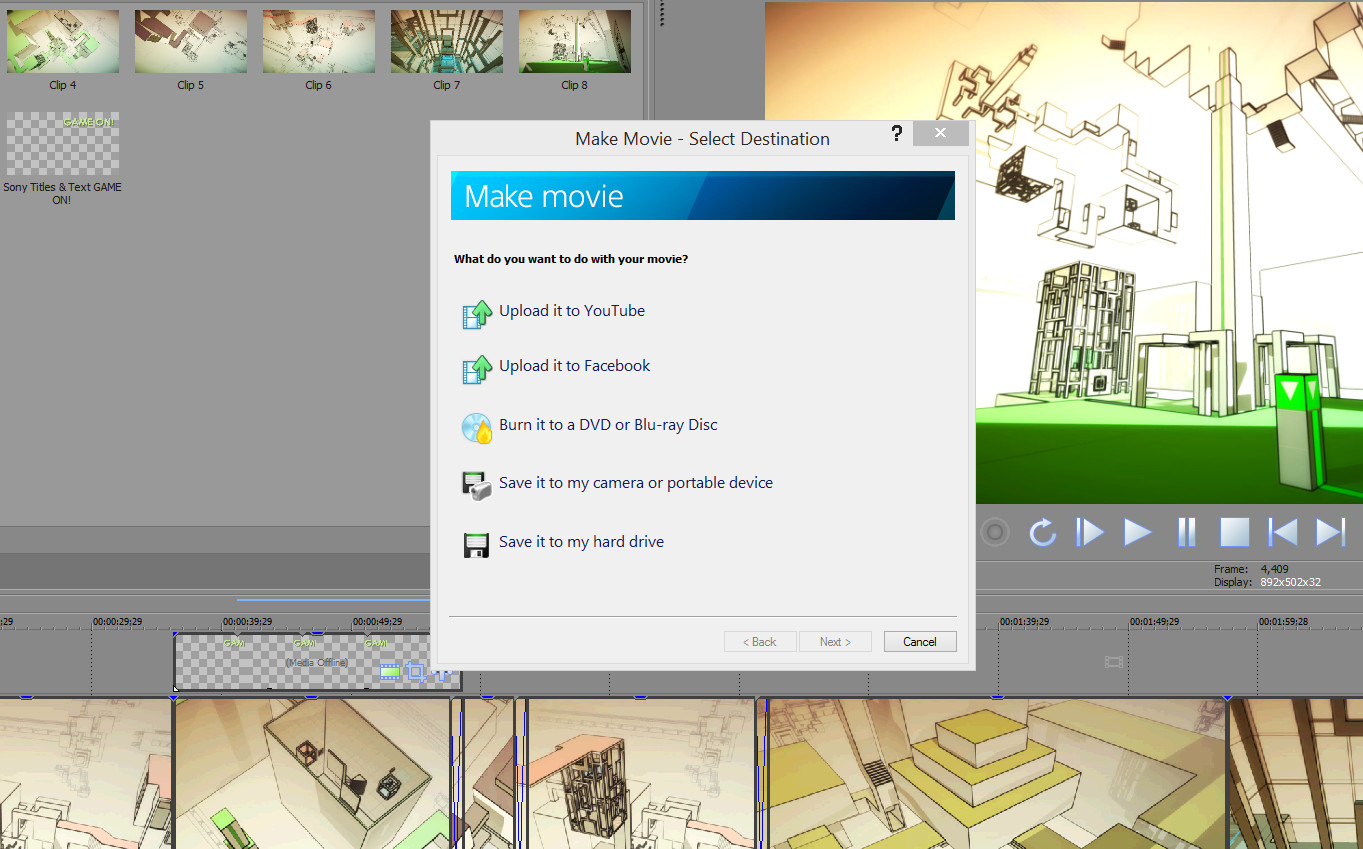
Create highly individual videos with VEGAS Movie Studio 13 Platinum – Steam Powered. Import videos from your smartphone and add finesse, effects, a soundtrack, titles and much more. Make your video unique.Two different editing modes:Simple Edit ModeStart your video in Simple Edit Mode; a great place to make basic edits and quickly finish your movie. Add titles, music, and video effects before uploading your completed masterpiece to the web. Simple Edit Mode offers all the tools and features you’ll need to put your movie together, fast. Expanded edit modeSwitch to Advanced Edit Mode to create Hollywood-style projects with multiple layers and effects. Edit 4K, stereoscopic 3D, and AVCHD files right on the timeline. Use compositing and color-correction tools to add a more polished look. All functionsVideo editingEditing with touchThe editing screen in Movie Studio 13 Platinum – Steam Powered is optimized for touch operation. Create a movie on your tablet PC simply using your fingers. Color matchUse the Color Match plug-in to make two different scenes appear as though they were shot on the same day, at the same time, and with the same filter. Image stabilizationCorrect shaky videos and distorted recording using image stabilization directly in Movie Studio 13 Platinum – Steam Powered. Format SupportWhat do 4K, stereoscopic 3D, MP4, and AVCHD footage have in common? They can all be edited in the same Movie Studio project – XAVC S-support included!Audio tools
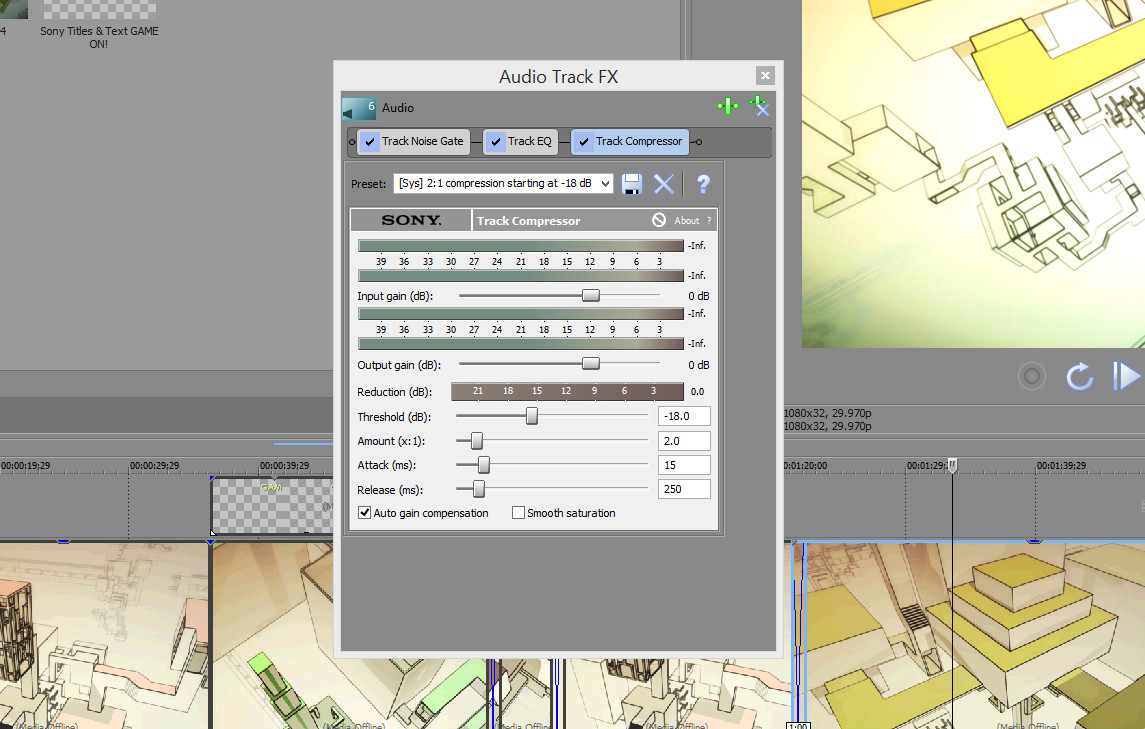
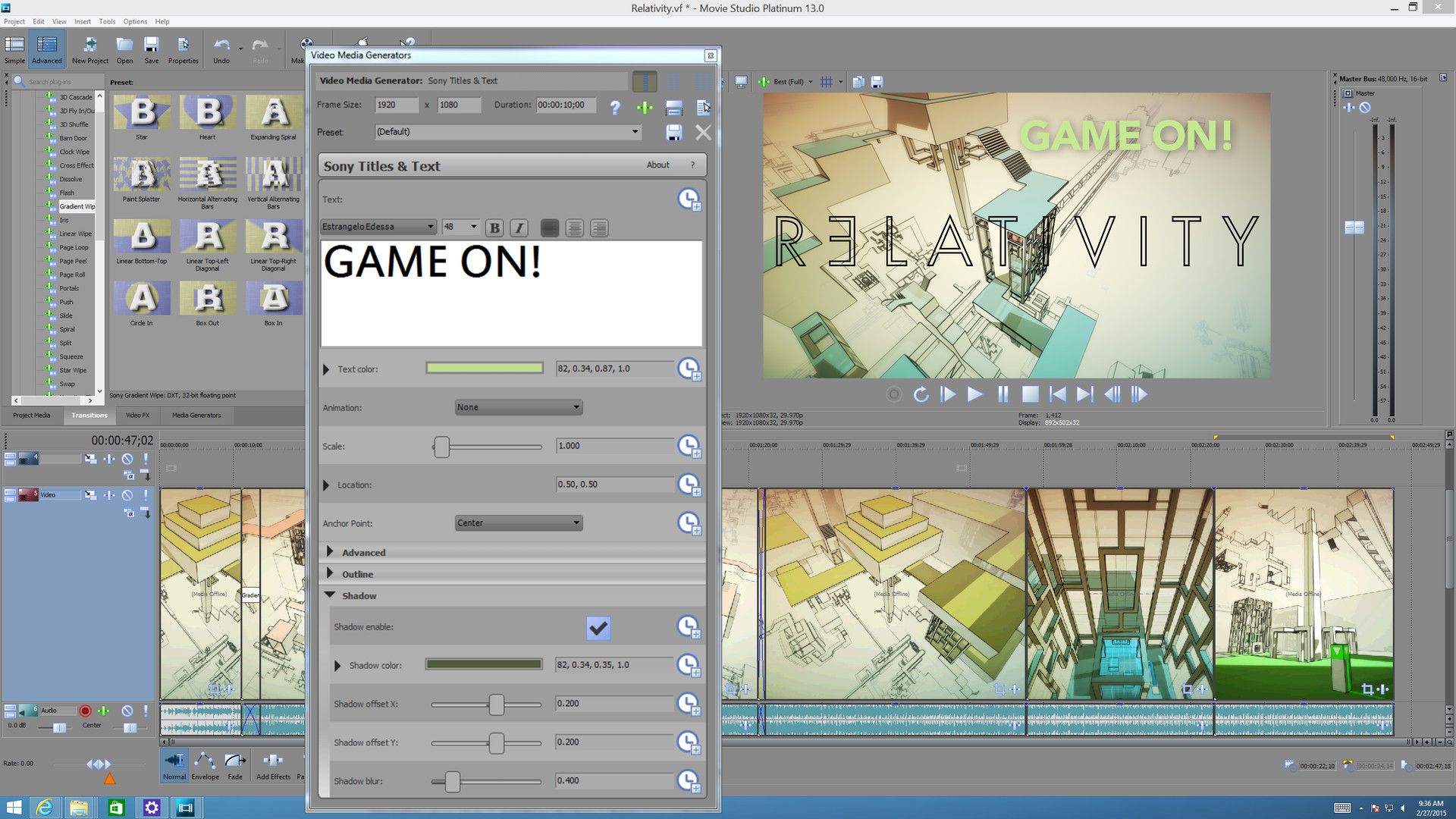
zplane élastique timestretchingPerform dramatic time stretches and pitch-shifts while retaining maximum sound quality. Restore audio filesThe Audio Restoration plug-in lets you remove clicks, pops, and other unwanted noise from your music and audio files. Surround sound mixing and encodingUse the surround sound mixing and panning tools to create surround soundtracks for your DVD and Blu-ray Disc creations.Additional highlightsSoundtracks and titles Round out your movie with exciting soundtracks and beautiful titles. Create the perfect music bed by importing your own music from CD or MP3, or recording instruments directly into the program. Add animated or simple, yet classic-looking, text with the titling tools. Make your video cut through the clutter.
Gallery
System requirements
Minimum
Minimum:
OS: 64-bit Microsoft® Windows 7, Windows 8, Windows 8.1, or Windows 10
Processor: 2GHz
Memory: 2 GB RAM
Graphics: Supported NVIDIA or AMD GPU
Storage: 500 MB available space
Sound Card: Windows-compatible sound card
Recommended
Recommended:
OS: 64-bit Microsoft® Windows 7, Windows 8, Windows 8.1, or Windows 10
Processor: Multicore or multiprocessor for HD or stereoscopic 3D
Memory: 4 GB RAM
Graphics: Supported NVIDIA or AMD GPU
Storage: 500 MB available space
Sound Card: Windows-compatible sound card



No comments