


Acerca de este juego
Game Descripción general & History
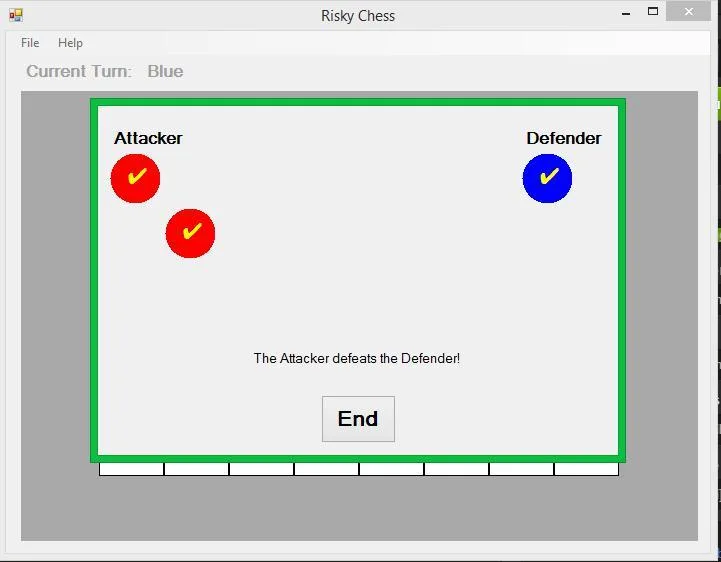
This game takes cues from Chess (some movement and game goals) and Risk (piece names and fighting mechanics) in order to create an altogether new game. You can play with two players taking turns or against yourself. The combat element makes single-player games just as satisfying. Fun fact: This game can also be played in real life using a regular chess board and a few coins!
Setup
The first screen you see when you start the game is the setup screen. Each player decides what color pieces they want to control (red or blue) and begins their game on a Small (6×6), Normal (8×8), or Large (10×10) game board. Optionally, you can play special game modes where instead of using the default selection of pieces, all pieces that are not the king can be replaced with one type of piece instead.
Jugabilidad Mechanics & Systems
Jugabilidad
All that’s needed to play this game is a mouse. Left click pieces on your turn to see where it can move (spaces highlighted in green) and if it can attack (spaces highlighted in red). Right click pieces to see its attack and defense stats. Each type of piece has its own rules for moving and attacking, so read the sections within the Help menu in game to the left to learn more.
Saving/Loading
If you’re in the middle of a game and need to stop for some reason, you can always save your game and quit so you can pick it up later! Just use the options in the File menu while playing the game, and you can figure it out from there. You can only save one game at a time though, so be sure to keep track of what game you saved last! You can always start a new game, and the saved game won’t be overwritten until you choose one of the Save options from the File menu.
Release & Industry Impact
Built using MS Visual Studio 2013
Galería


Únete a la conversación