

Over dit spel
Game Overzicht & History
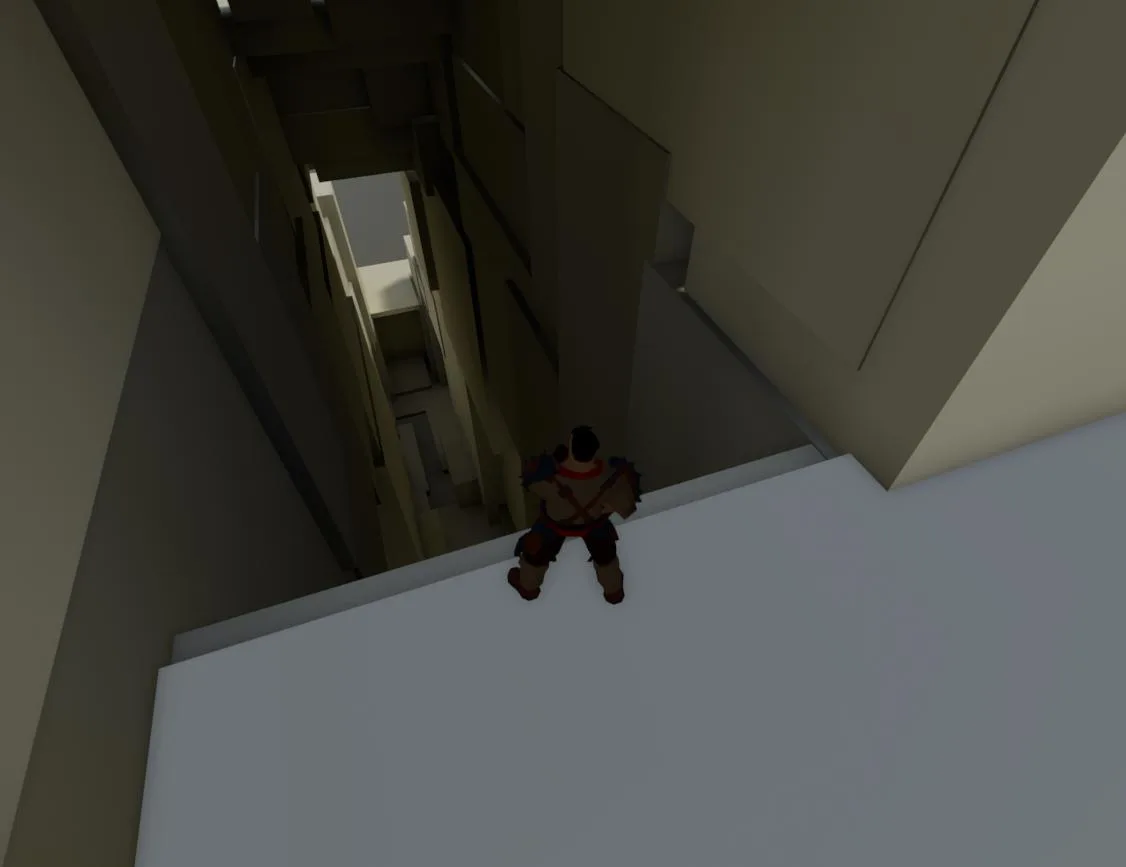
There are a lot of quirks and probably lots of bugs and stuff that needs tweaking. But it’s something that’s playable at least.
There is an HTML5 version https://dl.dropboxusercontent.com/u/9876544/webmspicturesanddemos/HTML5/NewPlatformer-HTML5-Shipping.html but I’m not sure if it works since I don’t have a second computer so I can’t test it on my own. But it did play when I tried it on my own computer.
Gameplay Mechanics & Systems
Controls
W = ForwardS = BackwardsA = LeftD = RightG = Time slow, slows down time from 1 to 0,3 and the back up to 1 over 4 seconds (the intended purpose of this is to allow the player to have an easier time with platforming, but if used in wrong situations can harm you instead as it only slows down time for the player and not the environment)Left Shift = Sprint, takes 1 second to fully reach the maximum speed and then 5 seconds to go back to normal if the button is let go offMousewheel = Scroll to zoom the cameraSpacebar = Jump Wall kick is performed when an angle is greater then 0.2 compared to the surface you’re trying to jump off Wall run is performed then the distance to the wall is X (it’s extremely generous at the moment) Holding down the spacebar in the air will allow you to ledge grab Wall jump is performed by pressing in the opposite direction of the wall you’re trying to wall jump off from and then pressing spacebarTab = Reload at the last checkpointEscape = Quit the gameM = Show/hide the mouse cursor, you have the left mouse button if it doesn’t hide itJ = To disable/enable camera collisionE= To let go of a ledge
Release & Industry Impact
Features that are still in development but can still be used, there are more then the one belowR = Hookshot, does a distance check if it’s lower then 1000 units it’s allowed
Galerij

Praat mee