


01
OVERVIEW
About this game
Game Overview & History
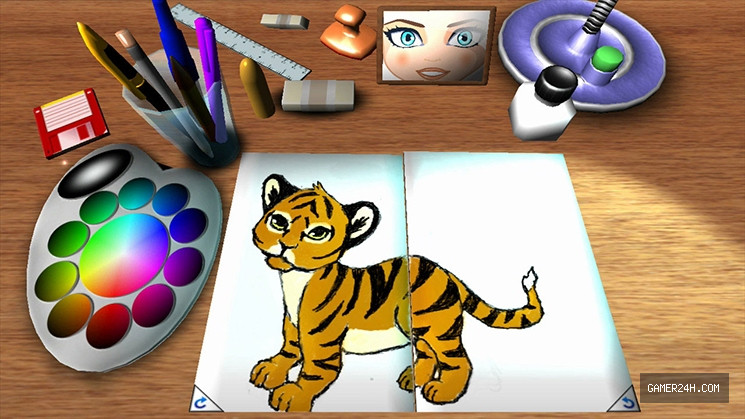
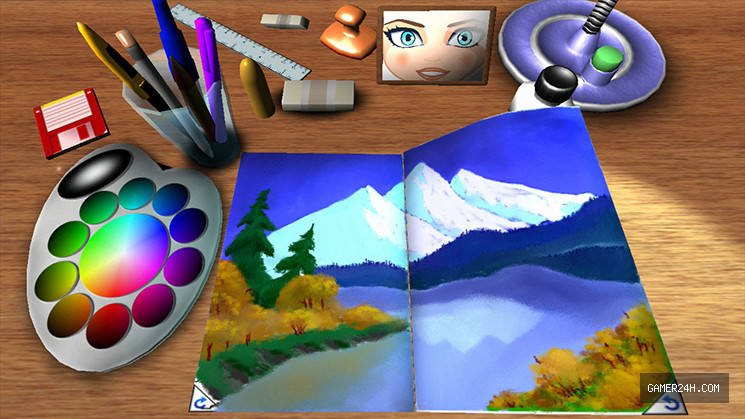
This is the right place where players of all ages can enjoy painting. A
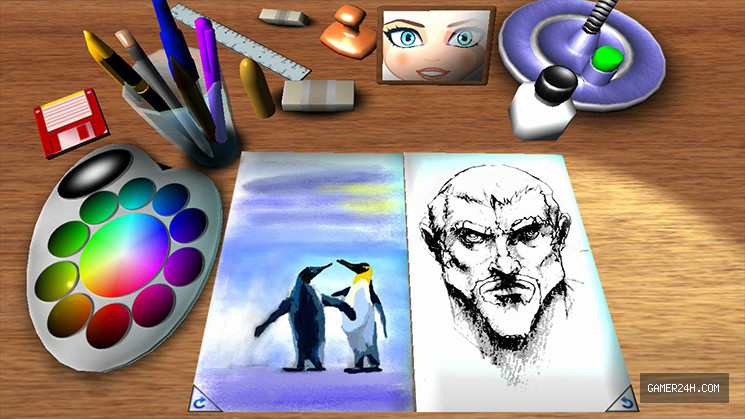
full set of powerful yet easy-to-use image editing tools. Use the pen or
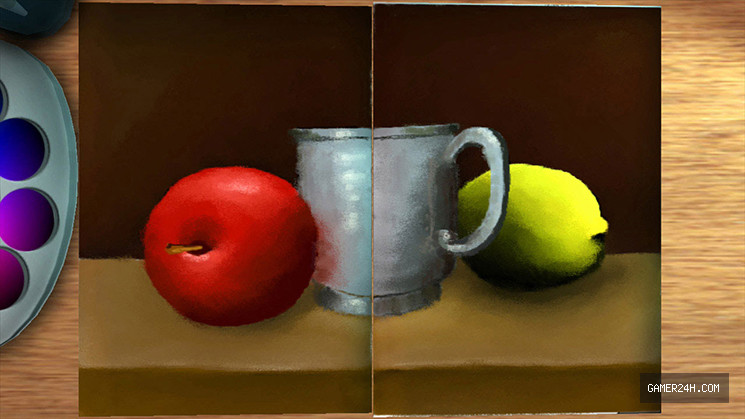
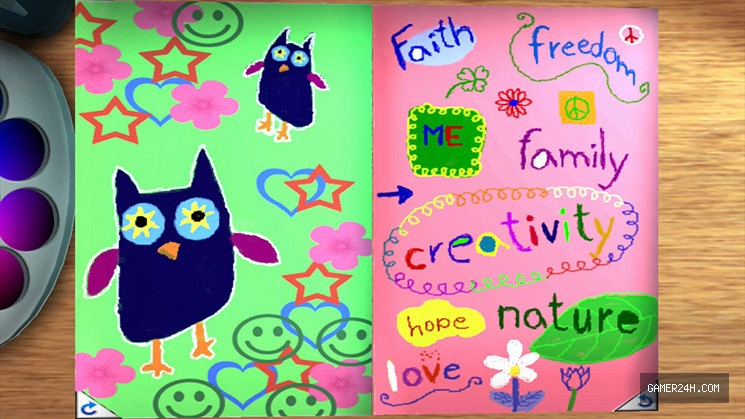
pencil to sketch or make your notes, use the brush and smudge tool to
paint gorgeous artwork. Mix your photos with drawings and paintings or
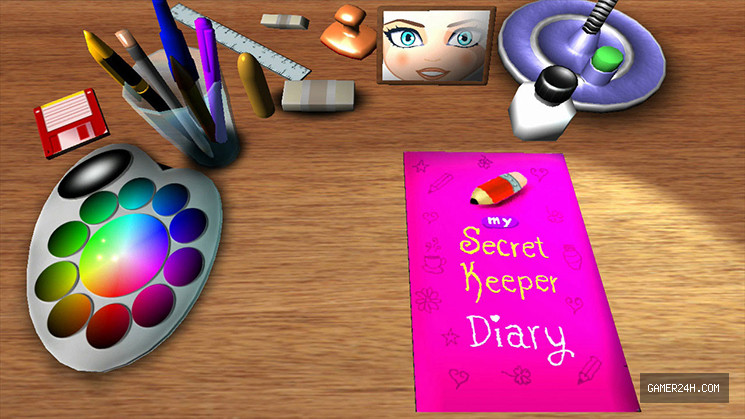
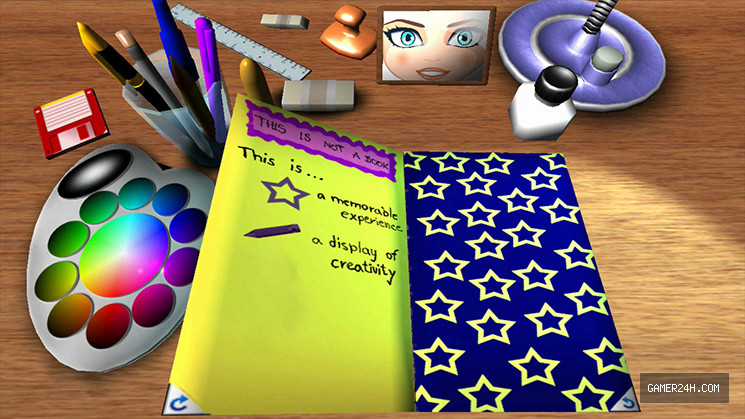
make a flipbook animation. You can also personalize your notebook by
drawing on the cover.
When you’re done, share your creation by posting to Miiverse™!
Gameplay Mechanics & Systems
5 painting tools, 2 rubbers
30 stamps
special smudge tool
personalized cover
take photos and mix them
make a flipbook animation
.single-share-action-btn:hover { transform: translateY(-2px); box-shadow: 0 6px 20px rgba(37, 99, 235, 0.4) !important; background: linear-gradient(135deg, #0369a1 0%, #1d4ed8 50%, #4338ca 100%) !important; } .single-share-action-btn:active { transform: translateY(0); box-shadow: 0 2px 8px rgba(37, 99, 235, 0.2) !important; } .share-section, .entry-share, .post-share-bar { display: none !important; }02
MEDIA
Gallery



No comments