Game Overview & History

Mech Land is a game about building mechs from scratch and using them for things. What isn't fully fleshed out is what sort of things the mechs can be used for as the current focus is on the mech building.Planned Features:
Building mechs from scratch with steel beams, electronics, power plants, weapons, armor plates, button consoles, and more.Physically simulated walking.Little to no limitations on mech design. Have as many legs, cockpits, parts as you want.Multiplayer.Programmable electronics components.Heat simulation based on real world values including heat capacity and melting points.Heat management via heat sinks and heat pumps. The goal is to have a nice balance of complexity, realism, simplicity, and fun. For example, walking will be physically simulated but automatically controlled by parts called Locomotion Controllers that will make getting a mech going easier. Balance will be mostly handled by gyroscopic balance modules so as long as you are close, you can get your mech walking.
Gameplay Mechanics & Systems

The building system is basically complete so the current focus is on new parts.
Prototype Notes:
Release & Industry Impact

Press 1 to select the Moving Tool. Simple Click and drag usage.
Press 2 to select Assembly Tool
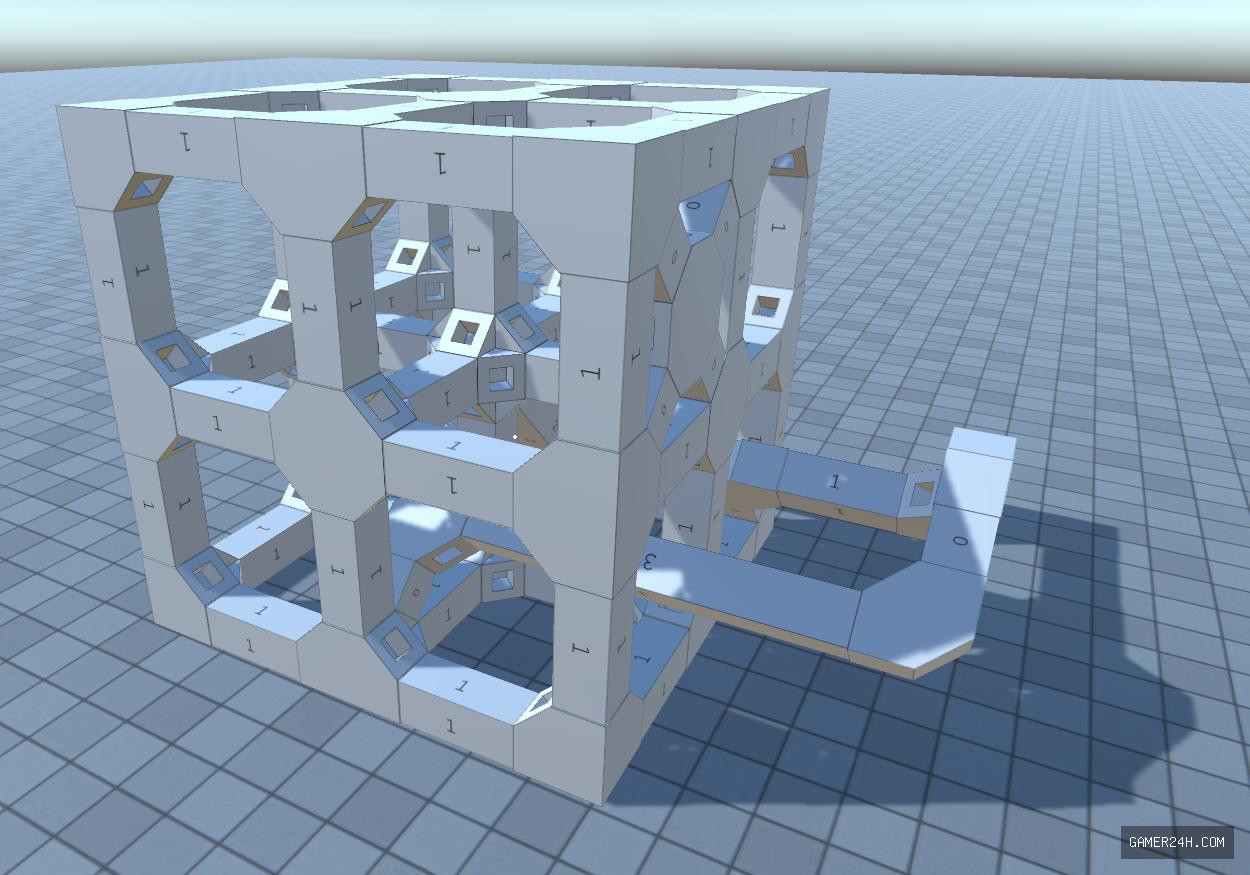
To connect frames...
1. Hover over a frame to highlight open hardpoints. The closest open hardpoint will be selected. Hold shift to highlight the second closest.
2. Left click to select the highlighted hardpoint.
3. Hover over a second frame to show the ghost of the first frame.
4. Press R to rotate the ghost. Hold shift to position the ghost at the second closest open hardpoint.
5. Left Click to commit the new connection.
To disconnect frames...
1. Hover over a frame and press ctrl to switch to connection highlighting. Looking at a different frame will reset to hardpoint highlighting.
2. Left Click to disconnect the highlighted connection or press ctrl again to return to hardpoint highlighting.
Press 3 to select the Linker Tool. Use this to set values and make connections between parts.
Press 4 to select the Part Spawner. Use to spawn parts.
Motor bases have a power connection on the back that can be connected to power connections on the Electrical Panel. Attaching an electrical panel to something is a quick way to create and more electric hardpoints.
Energy usage and heat have not been balanced yet so your motor will get red over time due to heat. This doesn't effect anything yet. All objects have a surface area that accounts for how fast they cool via air cooling. Moving objects cool off faster.
Movement...
Basic WASD and Space to move. Your character has a ground-effect jetpack that will allow you to hover a certain height above whatever is below you.
Press Left-Ctrl+C to copy the looked at mech to a file called Mech.json.
Press Left-Ctrl+V to load the mech saved in the Mech.json file.
Press Left-Ctrl+Z to copy all parts to a file called Scene.json.
Press Left-Ctrl+L to clear the current scene and load the scene saved in the Scene.json file.
Press Left-Ctrl+M to merge the scene saved in the Scene.json file into the current scene.
It is possible to manage multiple saves by renaming the Mech.json file.
Please leave a comment if you have any questions!!


