

Перейти до вмісту
ІГРИ · ОГЛЯДИ · БАЗА ДАНИХ
Форум
Let There Be Life cover
← Архів ігор

Let There Be Life

🌐 Відображається оригінальна мова Ця стаття ще не перекладена українською мовою. Ви переглядаєте оригінальну версію. Game Огляд & History Featured in the Smithsonian American Art Museum’s “Indie Arcade” exhibit. Featured in the IndieCade East 2014 “Show and Tell” event. The goal of Let There Be Life is to chill out and relax. The challenge is […]

01
ОГЛЯД

Про цю гру

🌐

Відображається оригінальна мова

Ця стаття ще не перекладена українською мовою. Ви переглядаєте оригінальну версію.

Game Огляд & History

Featured in the Smithsonian American Art Museum’s “Indie Arcade” exhibit.
Featured in the IndieCade East 2014 “Show and Tell” event.

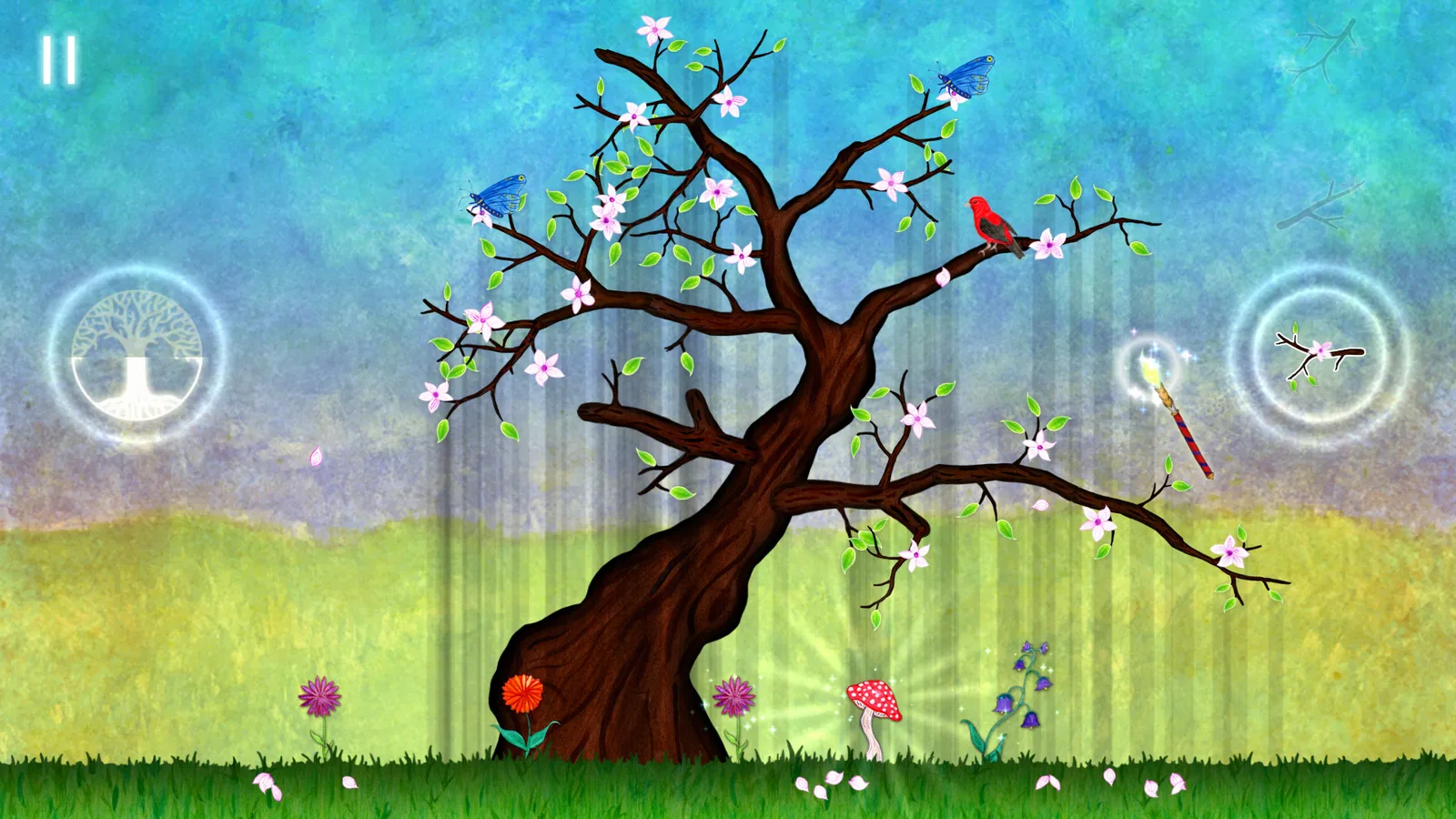
The goal of Let There Be Life is to chill out and relax.
The challenge is to grow trees the way you want.

Let your creativity and inner-artist take over, designing trees and protecting plants across the game’s 34 levels.

Featuring fun and interactive wildlife in a calm watercolor environment, Let There Be Life can be enjoyed by everyone, young and old!

GAME PLAY

  • Adding leaves increases the health of the trees, but…
  • Plants on the ground below will die if in too much shadow!
  • The farther you extend branches, the more health is added by new leaves.
  • Mushrooms like shadows, and a fully grown mushroom resets the light for nearby plants.
  • A variety of playful wildlife to unlock and interact with throughout the game.

  • 03
    PC SPEC

    System requirements

    Minimum

    Minimum:
    OS: Windows XP+
    Graphics: DX9 (shader model 2.0)
    Storage: 450 MB available space

    СПІЛЬНОТА / ОБГОВОРЕННЯ

    Приєднуйтесь до розмови

    Поділіться думками

    Пошук на Gamer24H

    Введіть принаймні 3 символи.

    Досліджуйте

    ЗОВНІШНІЙ ВИГЛЯД

    Виберіть колірну тему

    Автоматично mode follows your device and switches to Xbox, PlayStation, or Nintendo colors on matching stories. Your manual choice stays on this device.

    🌍 ВИБІР МОВИ 25 Мов
    🔍