


Om det här spelet
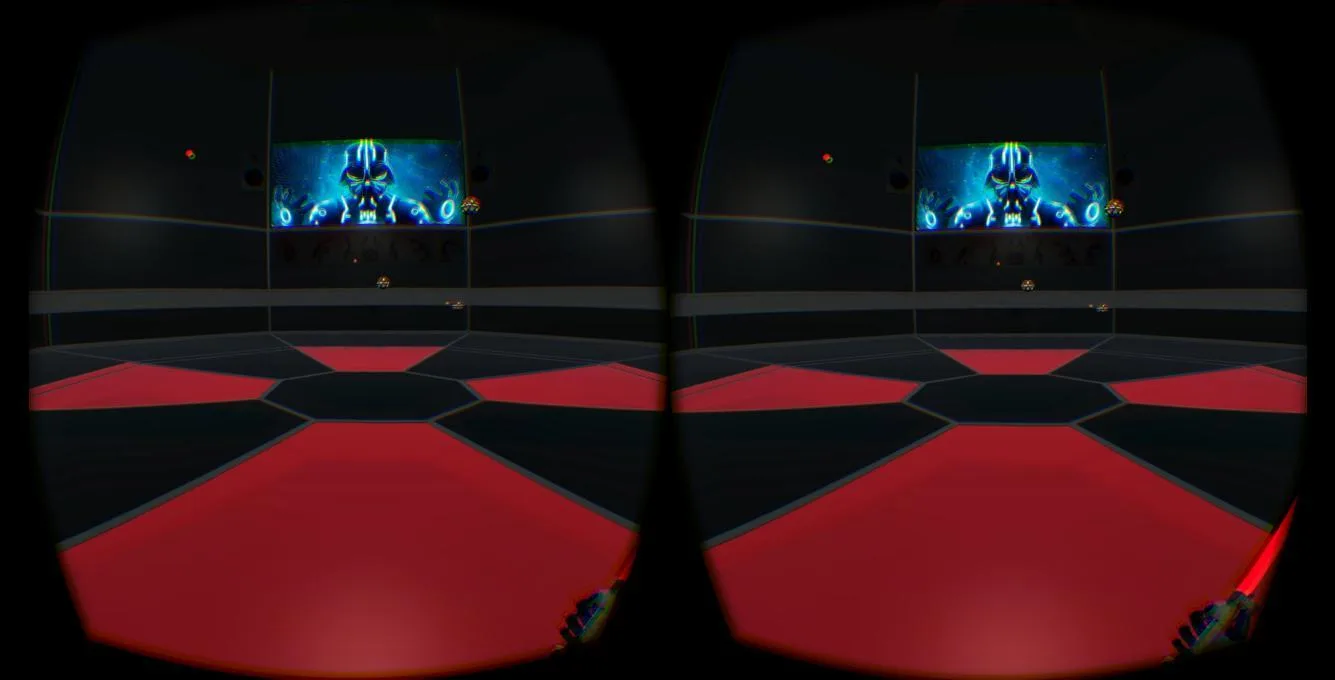
Have you ever dream to learn to be a Jedi ?
That your lucky day if you have a Gear VR and a crappy phone with it.
The game run on Galaxy Note 4 phone with the Gear VR.
The light saber is controlled with a second phone that use the accelerometer.
Install the gameInstall:1. Install JediTrainingSimulator.apk on Galaxy Note 42. Install LightSaber.apk on your other phonePlay:3. Open a shared wifi on your Galaxy Note 44. Connect your second phone on this wifi5. Launch Jedi Training Simulator application6. Put your phone in the GearVR helmet7. Launch the Ljust Saber applicationFeel the force:Use your second phone in your hands like your were holding a light saber.Rotate the phone to move the light saber.
Release & Industry Impact
(Sorry for the latency in the light saber, I know about it and am going to change it if I code an other version of the game)
Galleri


Gå med i konversationen