

À propos de ce jeu
Game Aperçu & History
RC Quadcopter Racing Simulator.
First person view (FPV) and line of sight (LOS) flying available.
Supports mode 1,2,3 and 4.
Jouabilité Mechanics & Systems
It is highly recommended to use a USB controller. Most USB controllers should work
Includes self-leveling and acro mode. In the full version 3d flight mode is also available (for inverted flying).
Release & Industry Impact
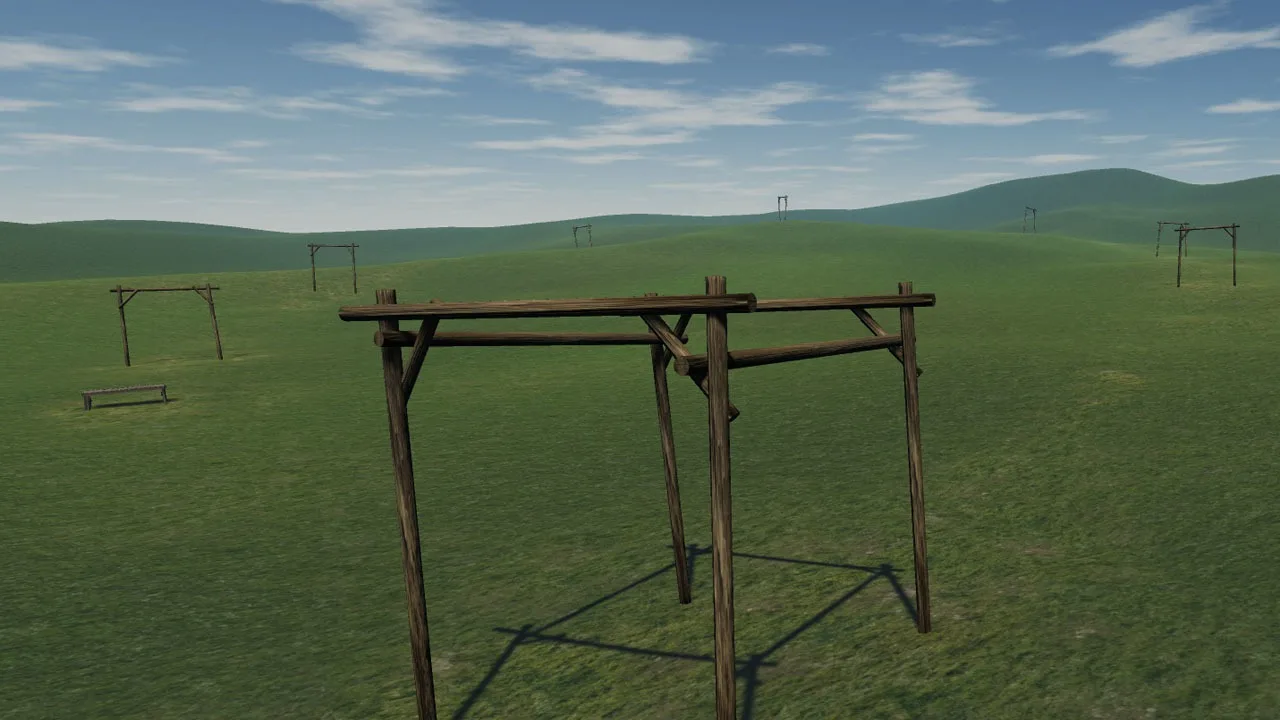
Six sceneries are included. There is a demo version that you can try for free which includes one scenery. The demo has a deliberately rather sluggish quad setup. In the full version you have the ability to adjust settings for input rates, camera and physics precisely to your liking.
Fly (and crash!) all you want regardless of rain, wind, sleet or snow – all for the price of a few replacement props.
FPV Freerider User Manual (PDF)
Controllers that have been succesfully used include FrSKY Taranis, Spektrum, Devo, Turnigy, Flysky, Eachine, Graupner and Futaba RC radios, Realflight and Esky USB Controllers, Xbox, Playstation and Logitech gamepads. Please try the free demo version to see if it will work with your controller.
If you have a Taranis and are running Windows you might want to check out this document on how to setup your controller to work with the simulator:
Taranis Setup (PDF)
Here is a few tips on how to set up your Spektrum transmitter to work with the simulator:
Spektrum users tips & tricks
Recent Changes:
2018-01-28
– Ability to set higher rates
– New Snappy3 preset
2017-03-06
– Fixed a sync issue that caused screen update stutter even when running at full framerate
2016-10-16
– fixed some controller calibration stuff
– you can now hide the on-screen buttons more permanently when flying
(press “v” on the keyboard)
– added a tall structure to the Meadow level
2016-10-06
– ability to select Accurate or Fast (less accurate) collision detection in custom settings (Accurate is recommended unless you have a slow computer)
2016-09-30
– new flight mode: 3D (enables negative thrust/inverted flying)
– added two save slots for custom user settings
– added motion blur option in custom settings
– mouse pointer now automatically hides when flying
– revised quadcopter sound
– slightly revised crash system
– the Playground scene has been edited
Also check out FPV Freerider Recharged. It’s a deluxe version of Freerider with more detailed sceries and a few extra options.
Note: Freerider is known to not work with the Intel(R) G45/G43 Express Chipset
keywords – drone, multirotor, multicopter, quadrocopter, miniquad
Galerie


Rejoignez la conversation