

About this game
Game Overview & History
UPDATE 12/1/2015 – The source for Dikdik: AGTH is now available on GitHub! Enjoy!
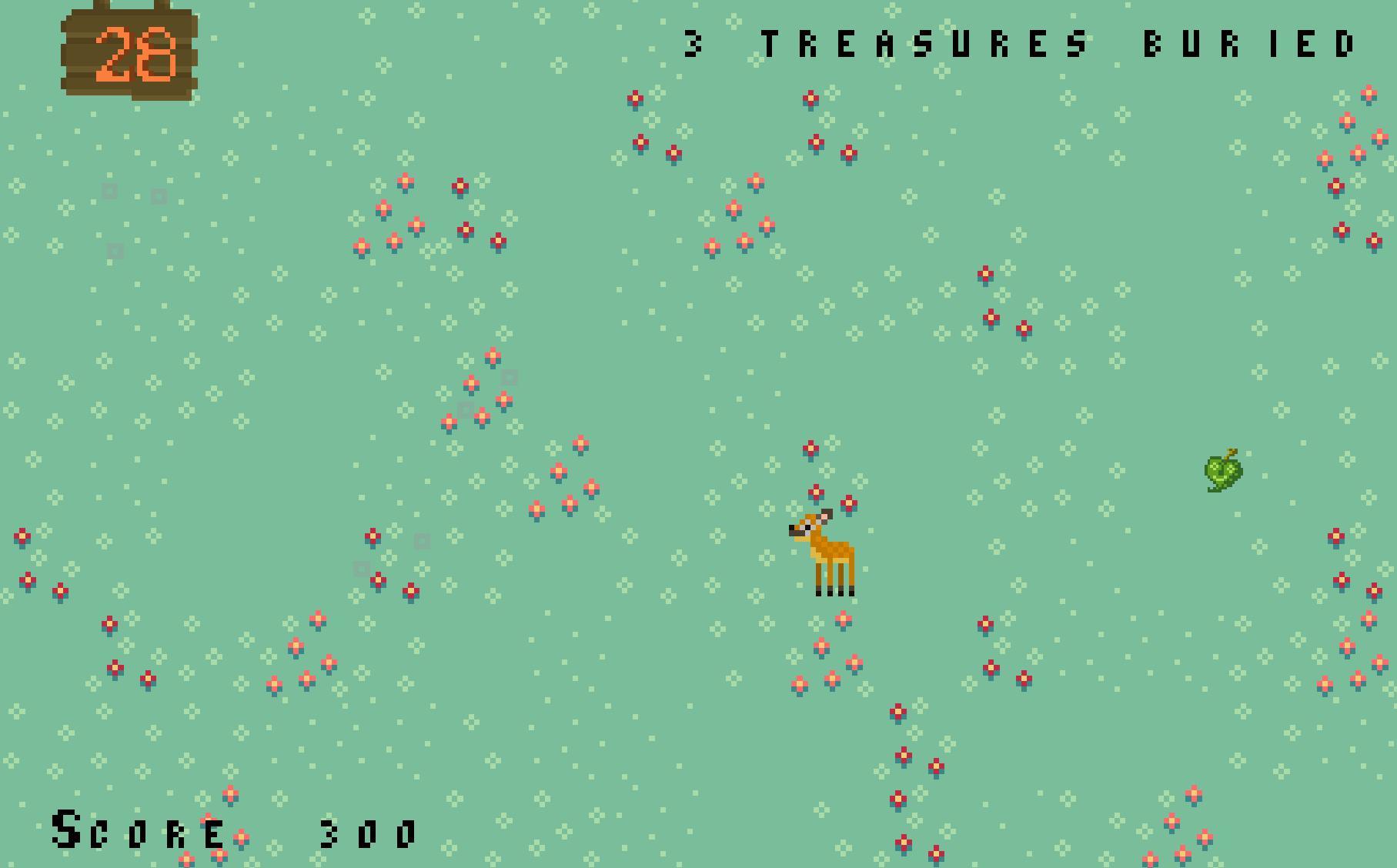
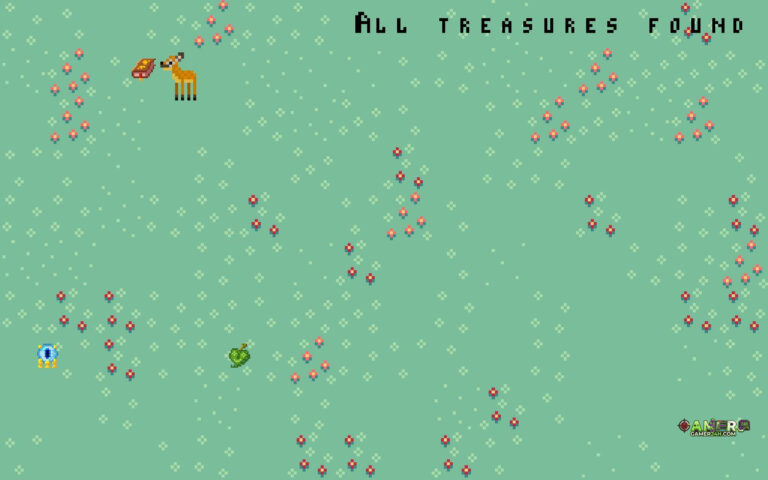
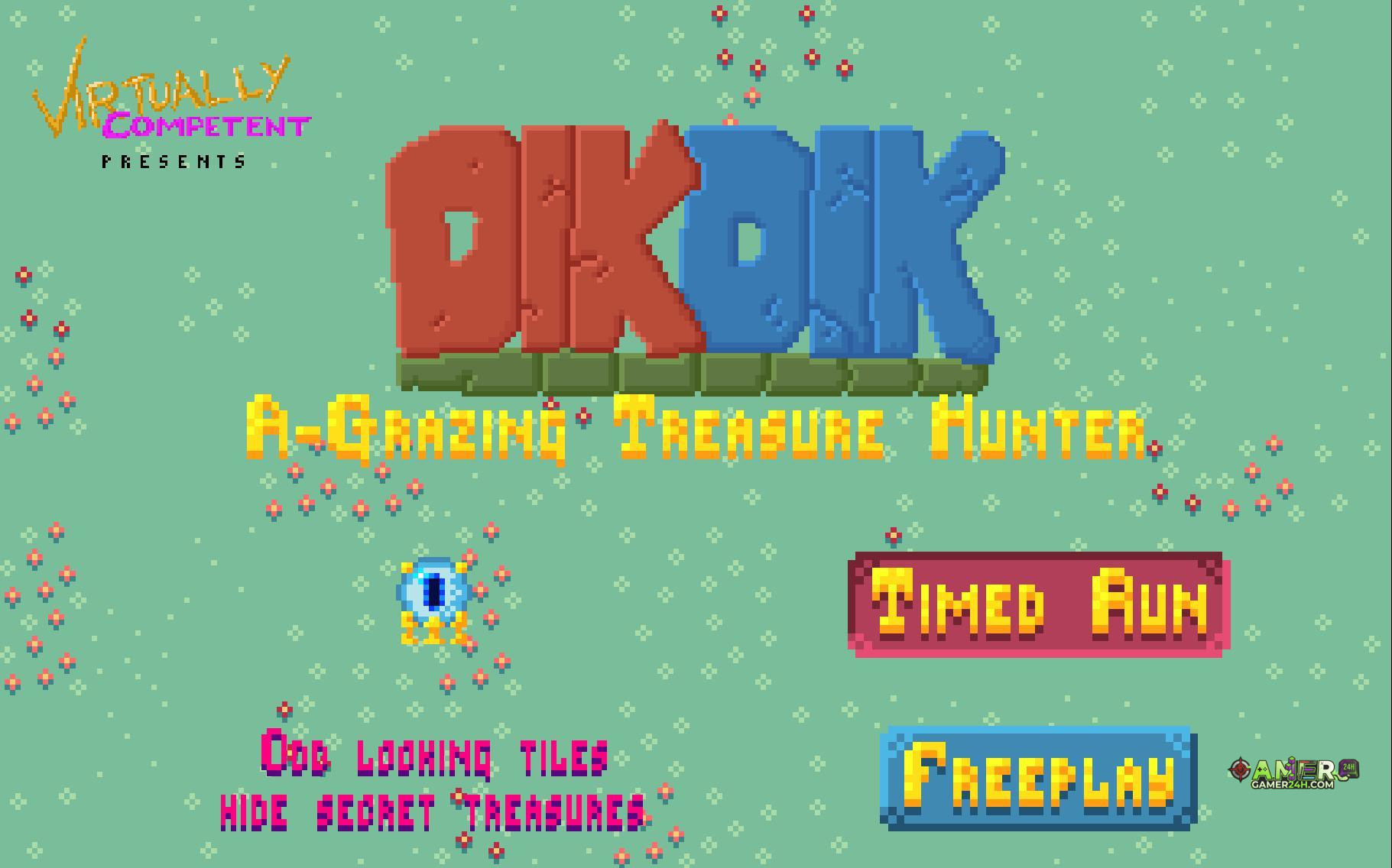
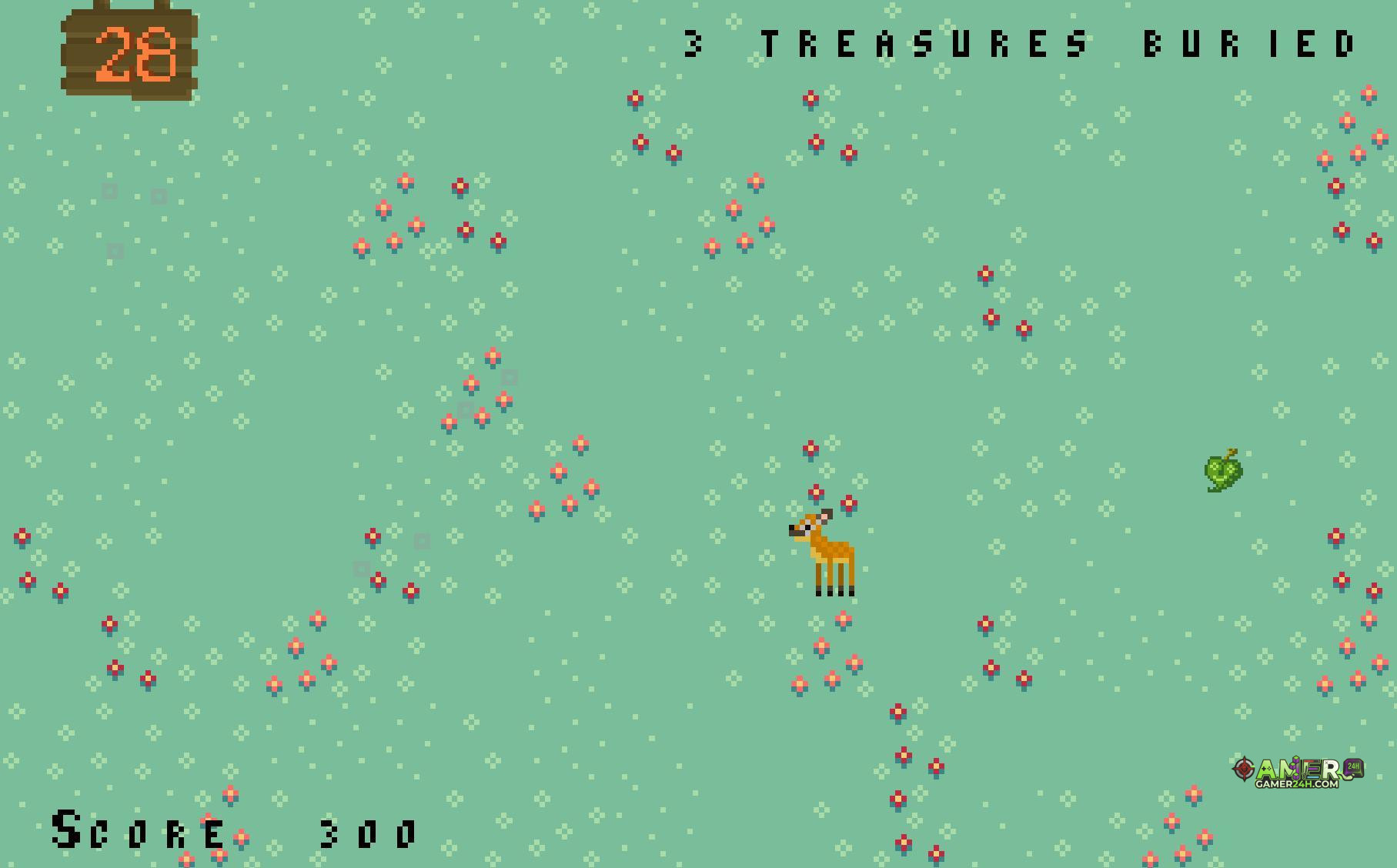
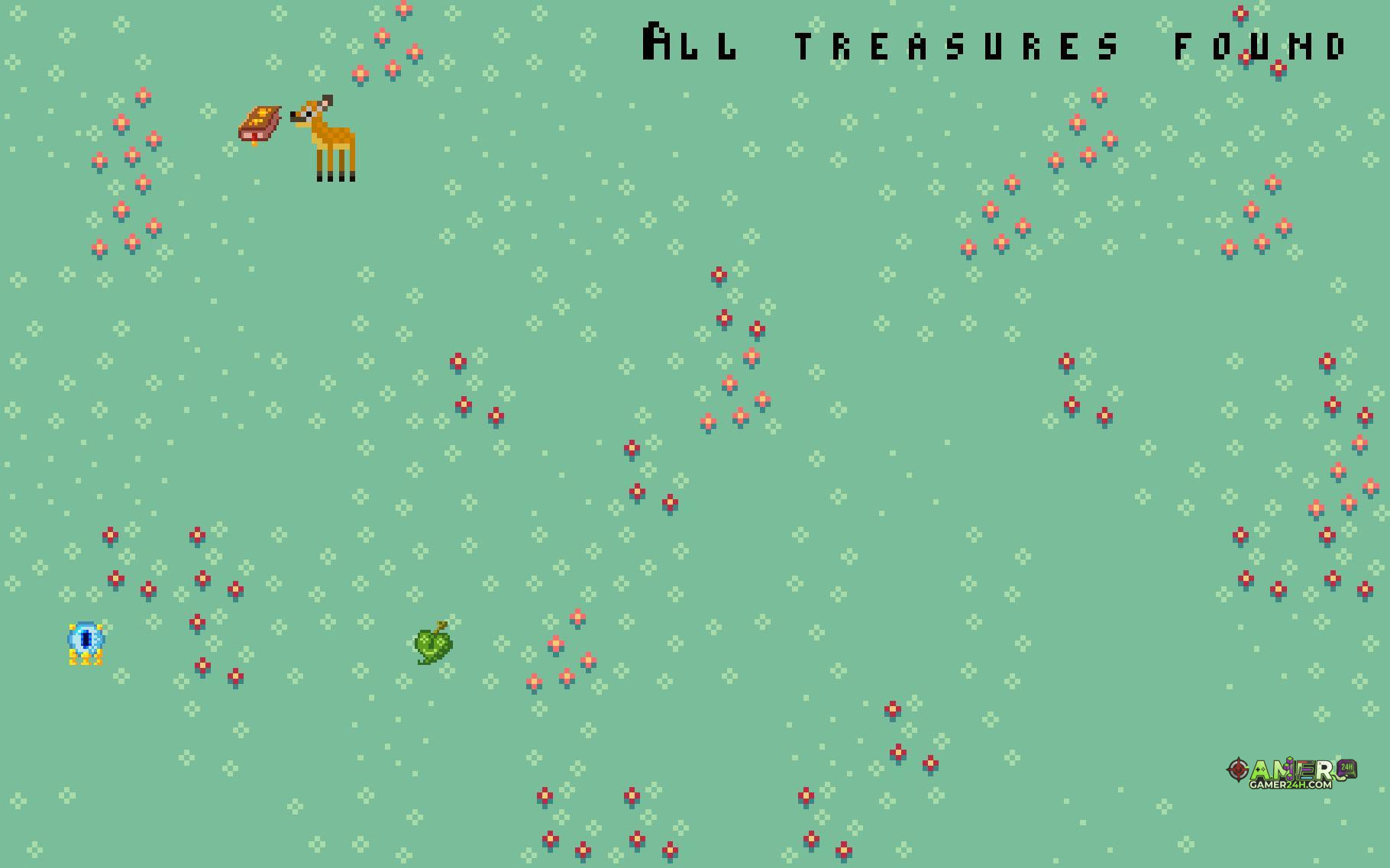
Dikdik is seeking buried treasure, but her eyesight isn’t so good…maybe you can help her out? Take a leisurely stroll in free mode or try to get a high score in Timed Mode!
Gameplay Mechanics & Systems
Made in 48 hours for the Teacart 1k, Dikdik: A-Grazing Treasure Hunter makes use of your SHARECART1000-compatible save data!
Controls:WASD/Arrow Keys to moveSpacebar to grazeESC to pause (in Free Mode only)How to play:Guide Dikdik around the field and seek out odd-looking tiles. Graze on the tiles to uncover buried treasure!In Timed Mode, you have one minute to get as many points as you can through treasure pickups. Bonus points are awarded for being quick and thorough.In Free Mode, you can uncover buried treasure at your leisure, but no points are awarded.Treasure variety and background music will change based on your SHARECART1000 save, so be sure to play more than once!Notes:Pausing is disabled in Timed Mode, partially because of a bug, but also so you can’t cheat by pausing to get a better look at the screen!There is no “proper” way to exit the game; you must use the “X” button on the window.SHARECART1000 users: DAGTH reads your o_o.ini file upon starting a run and each time you load a new screen. It writes back to your file only when you exit a screen, finish a “Timed Run”, or pause during “Free Play”.
Release & Industry Impact
I used Scirra Construct 2 to make this game, so I had to build my own SHARECART1000 support from scratch. It may not be the most efficient, but it seems to work pretty well. If you’re also a Construct 2 user, you can download the framework I put together in a capx file and create your own SHARECART1000 compatible games.
Mac and Linux users: I haven’t tested the Mac and Linux builds personally, so it may be wise to make a backup of your o_o.ini if you want to try them out. I don’t anticipate any issues, but better safe than sorry, right?
Credits:Programming by Eric Neuhaus (@donkeyspaceman)Art by Colin Greenhalgh (@CuddlyColin)Music by Reid Turner (@ReidRTurner)
Created with Scirra Construct 2Sound effects made with Bfxr
.single-share-action-btn:hover { transform: translateY(-2px); box-shadow: 0 6px 20px rgba(37, 99, 235, 0.4) !important; background: linear-gradient(135deg, #0369a1 0%, #1d4ed8 50%, #4338ca 100%) !important; } .single-share-action-btn:active { transform: translateY(0); box-shadow: 0 2px 8px rgba(37, 99, 235, 0.2) !important; } .share-section, .entry-share, .post-share-bar { display: none !important; }Gallery



No comments