

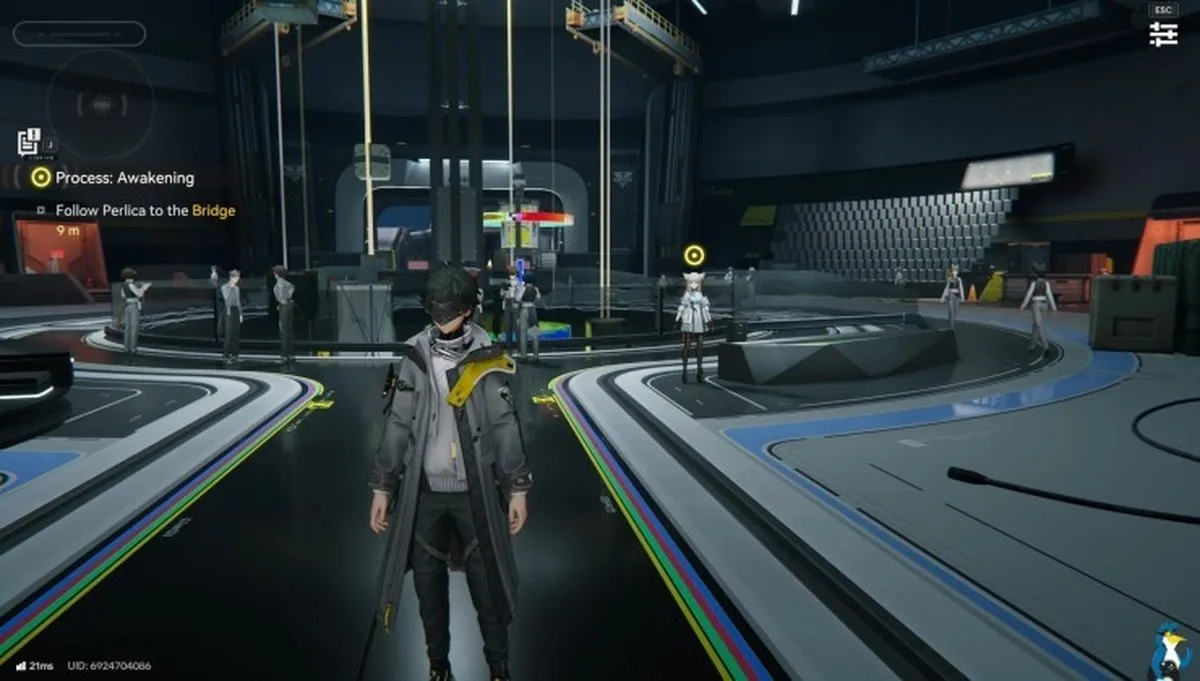
The popular community-made DWProton for running various Anime games has a new release out, with DWProton 11.0-16 now available to download.

Confused by all the different Proton versions? Be sure to check out the GamingOnLinux Guide.
- Updated Proton and components to cachyos-11.0-20261015-slr.
- Re-added the patch fixing NIKKE video playback errors when using umu-launcher.
- Improved rendering of AK: Endfield’s launcher, which should no longer show black bars around the window. Thanks to MrLGamer.
- winex11 is now also forced for AK: Endfield’s launcher on Epic Games installs.
How to install dwproton?
You can use the ProtonPlus tool to install DWProton into Steam directly, so you can then select it in the compatibility options. The interface makes it really simple, just remember to restart Steam after you add it so that Steam will pick it up correctly.
External Sources:
Article taken from GamingOnLinux.com.
I am the owner of GamingOnLinux. After discovering Linux back in the days of Mandrake in 2003, I constantly checked on the progress of Linux until Ubuntu appeared on the scene and it helped me to really love it. You can reach me easily by emailing GamingOnLinux directly.
Some you may have missed, popular articles from the last month:
BRUTAL, the framework behind RimWorld’s Waylith engine, releases its source code
Steam Beta for October 15 brings a 64bit Linux client, Achievement Sets and more
Pimax to improve Linux VR support, announces Crystal Pro headset and their own Steam Machine
Total War: SHOGUN 2 – Complete Edition pulled from sale due to mass complaints
You can also find comments for this article on social media:
All posts need to follow our rules. Please hit the Report icon on any post that breaks the rules or contains illegal / harmful content. Readers can also email us for any issues or concerns.
Have thoughts, questions, or benchmarks on this topic? Join the discussion on our forums.
Join Discussion ➔






















Praat mee