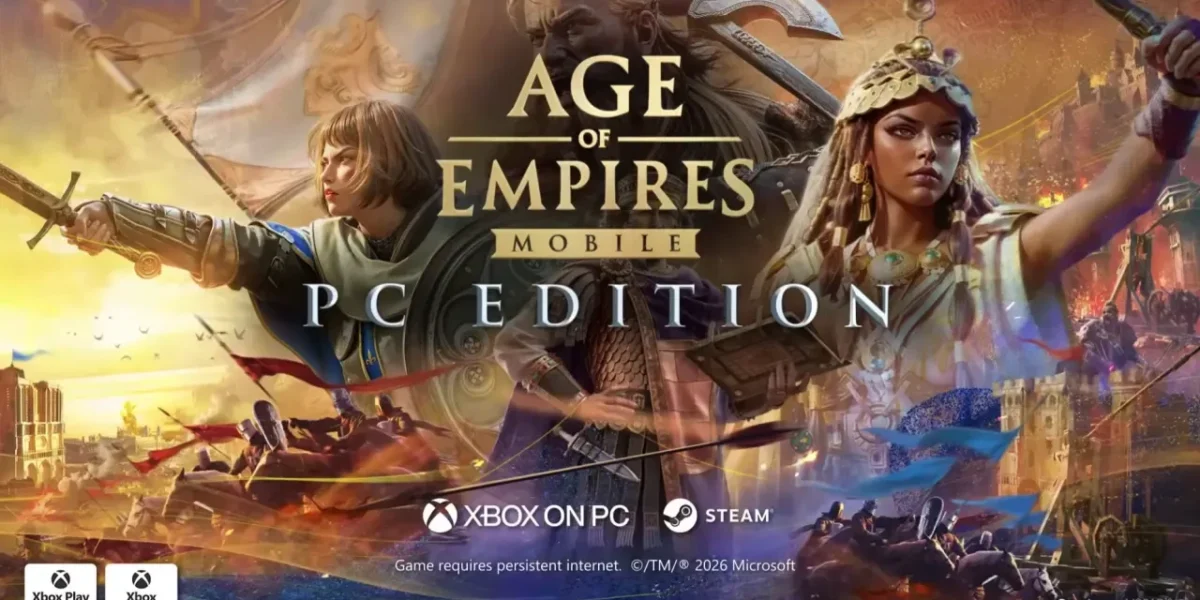
Microsoft has just launched Age of Empires Mobile: PC Edition, making the title freely available on Steam and the Microsoft Store after a nearly two‑year wait since its original handheld debut.
Age of Empires has long been a cultural touchstone, with its 1997 debut capturing the imaginations of a generation eager to build empires and wage war.
Today, however, the franchise has evolved far from its roots. The mobile iteration is tailored for touchscreens rather than the traditional real‑time strategy experience many fans cherish, and it incorporates microtransactions.
While the PC release remains fundamentally a mobile game, it has been fine‑tuned for desktop use, featuring mouse controls, full keyboard support, and a polished interface. Microsoft has also upgraded the visuals with 4K textures, ensuring the game shines on larger displays.
Age of Empires Mobile now offers seamless cross‑platform play, letting you hop between your phone, tablet, and PC without losing any progress.
However, the game’s cross‑progress feature isn’t activated automatically; you must first enable account binding. Once you link your account, simply sign in on your PC with the same credentials, and all your achievements and data will sync across every device.
For further details on Age of Empires Mobile: PC Edition and to download the game, visit the official Age of Empires website.
❓ Frequently Asked Questions (FAQ)
How do I transfer my progress from my mobile device to the PC version of Age of Empires Mobile?
First, enable account binding in the mobile app by linking your Microsoft or Xbox Live account. Once the binding is active, log into the PC edition with the same credentials. The game will automatically sync all your achievements, resources, and progress across devices.
Does the PC edition of Age of Empires Mobile include microtransactions, and how do they work?
Yes, the PC version retains the mobile game’s microtransaction system. Players can purchase in‑game currency or bundles through the Microsoft Store or Steam, which can be used to buy cosmetic items, speed‑up upgrades, or other conveniences. The purchases are tied to your account and will carry over across all platforms.
What are the main differences between playing Age of Empires Mobile on a phone versus on a PC?
On PC, the game has been optimized for mouse and keyboard controls, offering a more traditional RTS feel. The interface is larger and more detailed, and the game runs at 4K textures for high‑resolution displays. However, the core gameplay mechanics and touch‑optimized design remain the same, so the experience is largely consistent across devices.
News Source: Neowin





Comments
Be the first to comment.