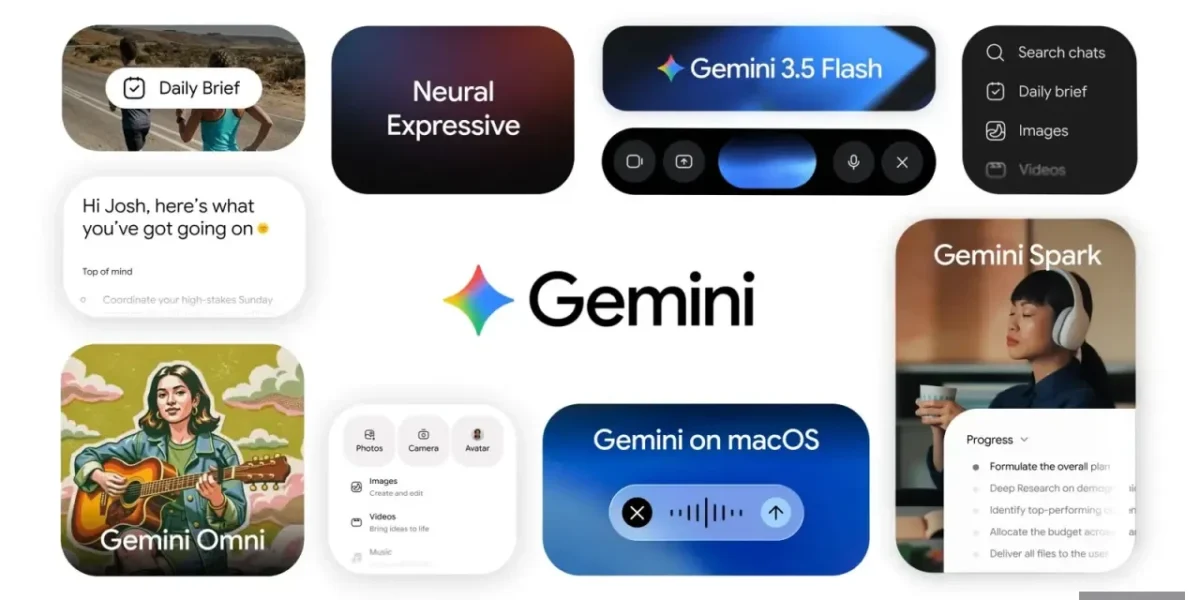
Google has announced that Gemini Spark, the proactive, always‑on AI assistant unveiled earlier this year at I/O 2026, is now extending its background automation features to Apple users, launching on macOS.
On macOS, users can simply prompt Gemini Spark to pull the newest invoice files from their machine and generate a budget spreadsheet, or to tidy up cluttered folders—such as consolidating every Word document in the Downloads directory—all with a single request. The assistant respects privacy by accessing only the files that the user explicitly authorizes.
Google is also developing a remote‑execution capability that will allow users to trigger tasks from their mobile device, eliminating the need to be at the desk. With this enhancement, a user can delegate a multi‑step operation—such as locating a particular sales report on their Mac, extracting the total revenue figure, and emailing the result—while they’re on the move.
Additionally, Spark now integrates with Google’s own productivity suite, including Tasks and Keep. Users can command the assistant to review their Keep lists and automatically create corresponding action items in Google Tasks.
Gemini Spark now offers seamless connections to a suite of popular third‑party services—including Canva, Dropbox, Instacart, OpenTable, and Zillow Rentals—allowing users to craft custom flyers, share files, reserve tables, order groceries, and even schedule apartment viewings all within a single interface. The feature is launching first on web and mobile platforms, with Mac support slated to arrive shortly thereafter.
Beyond integrations, Spark has been upgraded to continuously monitor web sources and trigger real‑time responses. The agent can keep tabs on a range of topics—from sports scores and weather alerts to financial movements and shopping trends—delivering timely updates without the need for manual page refreshes. For instance, it can dispatch a comprehensive financial briefing when a stock hits a predefined threshold or generate instant post‑game analysis as soon as a soccer match concludes.
Currently, Gemini Spark is available only to users aged 18 and older, residing in the United States, who have English set as their primary language. Access requires a $100‑per‑month Google AI Ultra subscription.
❓ Frequently Asked Questions (FAQ)
What is Gemini Spark and how does it work on macOS?
Gemini Spark is Google’s proactive, always‑on AI assistant that was first introduced at I/O 2026. It now runs natively on macOS, allowing users to ask it to perform background automation tasks—such as pulling the latest invoice files, generating budget spreadsheets, or consolidating documents in a folder—using simple voice or text prompts. The assistant can also integrate with Google’s productivity suite (Tasks, Keep) and popular third‑party services to streamline workflows on a Mac.
How does Gemini Spark handle privacy and file access on my Mac?
Gemini Spark respects user privacy by accessing only the files that the user explicitly authorizes. When you ask it to work with specific documents or folders, it will prompt you for permission before reading or modifying any data, ensuring that your personal files remain secure.
Can I use Gemini Spark to automate tasks from my mobile device, and how?
Yes. Google is developing a remote‑execution feature that lets you trigger Gemini Spark tasks from your mobile device. This means you can, for example, instruct the assistant to locate a sales report on your Mac, extract revenue figures, and email the result—all while you’re on the move—without needing to be physically at your computer.
News Source: Neowin


Comments
Be the first to comment.