


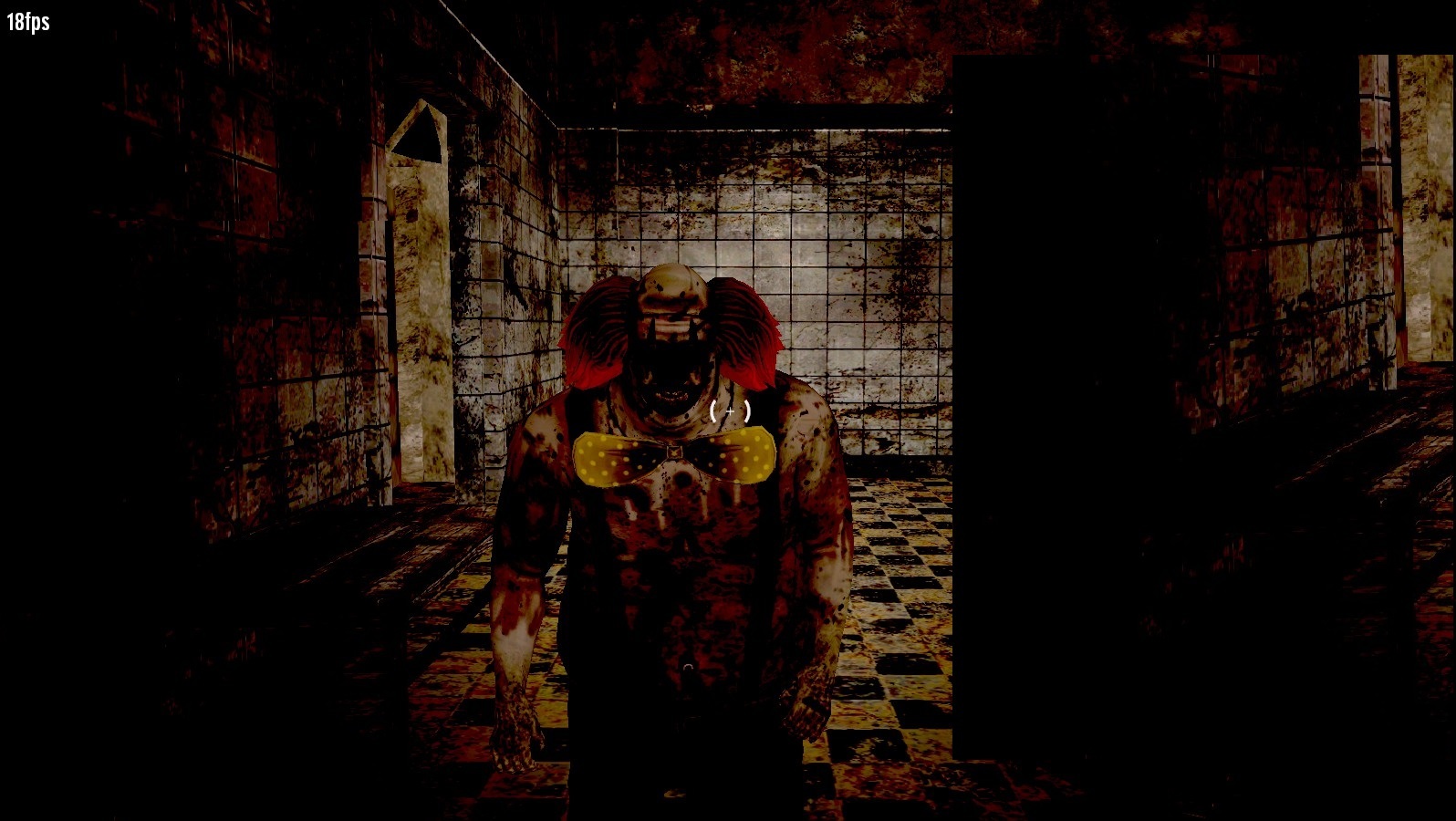
About this game
Game Overview & History
The Ward of Fear Chapter OneYou feel an excruciating pain on your body, on your wrists and your forehead.You suffer strong headaches.It feels like your skullcap has been separated from the rest of your skull.After a few seconds everything went black. You feel nothing… no pain… no suffer…Arise…
– Language: English
Gameplay Mechanics & Systems
– 3D Horror Game
– Multiplayer Coop online Mode only with GameguruMINIMUM:OS: XP, Vista, 7, 8 Processor: Intel Dual-Core 2GHz or AMD Dual-Core 2GHz Memory: 2 GB RAM Graphics: NVIDIA GeForce 400 series or AMD Radeon HD 6000 series, 1GB Video Card (Minimum Shader Model 2.0) DirectX: Version 9.0c Hard Drive: 4 GB available space Sound Card: DirectX Compatible Sound Card with latest driversRECOMMENDED:OS: XP, Vista, 7, 8 – (64 Bit) Processor: Intel Quad-Core (i5 2300) or AMD Octo-Core (FX 8150) Memory: 4 GB RAM Graphics: NVIDIA GeForce 660Ti or greater, AMD Radeon HD 7950 or greater, 2GB Video Card (Minimum Shader Model 2.0) DirectX: Version 9.0c Network: Broadband Internet connection Hard Drive: 8 GB available space Sound Card: DirectX Compatible Sound Card with latest drivers
.single-share-action-btn:hover { transform: translateY(-2px); box-shadow: 0 6px 20px rgba(37, 99, 235, 0.4) !important; background: linear-gradient(135deg, #0369a1 0%, #1d4ed8 50%, #4338ca 100%) !important; } .single-share-action-btn:active { transform: translateY(0); box-shadow: 0 2px 8px rgba(37, 99, 235, 0.2) !important; } .share-section, .entry-share, .post-share-bar { display: none !important; }Gallery




No comments