


About this game
Game Overview & History
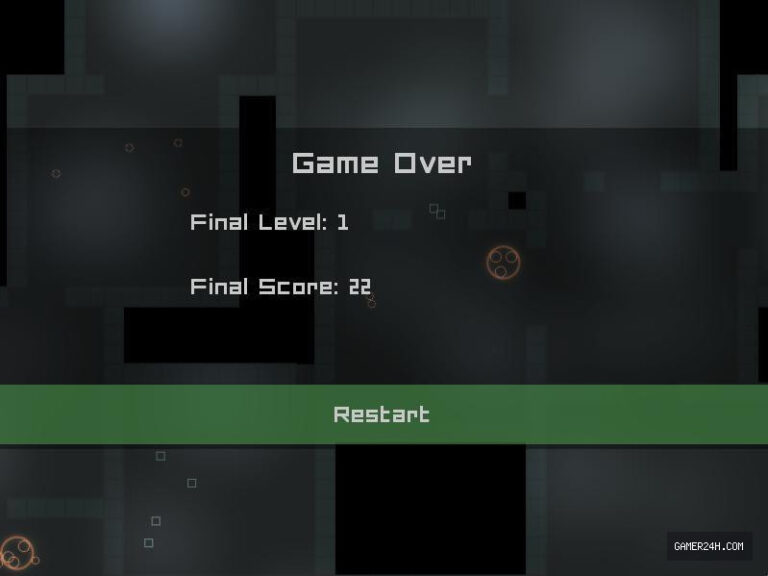
In Space Scavenger, you are droid sent down to explore and salvage a spaceship taken over by an evil AI.
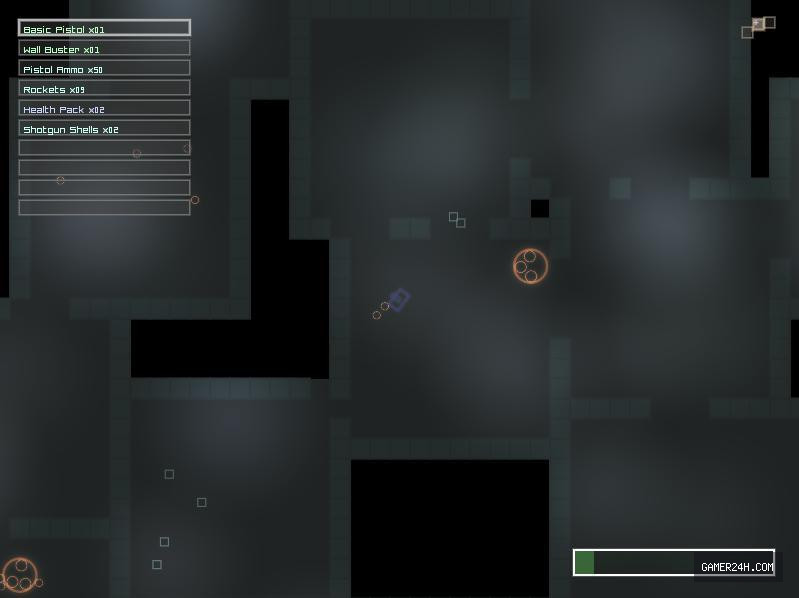
How to play:Mouse to shootWASD to move up,down,left,rightQ to drop inventory itemsUp/Down keys or mouse scroll to switch between itemsI to hide inventoryPress and hold space on initial item and move to second item to switch the two.Number keys (above keyboard) to switch between inventory slots.Navigate to the blue square, this square will launch you even deeper into the spaceship. You have to destroy walls with rocket launchers. Your initial weapons are pretty bad, but you will get more by destroying the big enemies, or killing more than 80% of the enemies to get a bonus. Before using them on the battlefield, you will have to test out the weapons first because you won’t know how good they are.
Gameplay Mechanics & Systems
Music is “Drawn in the Sky” by Jeremy “mangopear” Bell, composed specifically for this 7DRL entry.
Feel free to follow me on twitter: @WetDesertRock
.single-share-action-btn:hover { transform: translateY(-2px); box-shadow: 0 6px 20px rgba(37, 99, 235, 0.4) !important; background: linear-gradient(135deg, #0369a1 0%, #1d4ed8 50%, #4338ca 100%) !important; } .single-share-action-btn:active { transform: translateY(0); box-shadow: 0 2px 8px rgba(37, 99, 235, 0.2) !important; } .share-section, .entry-share, .post-share-bar { display: none !important; }Gallery



No comments