


About this game
Game Overview & History
四の色 official site
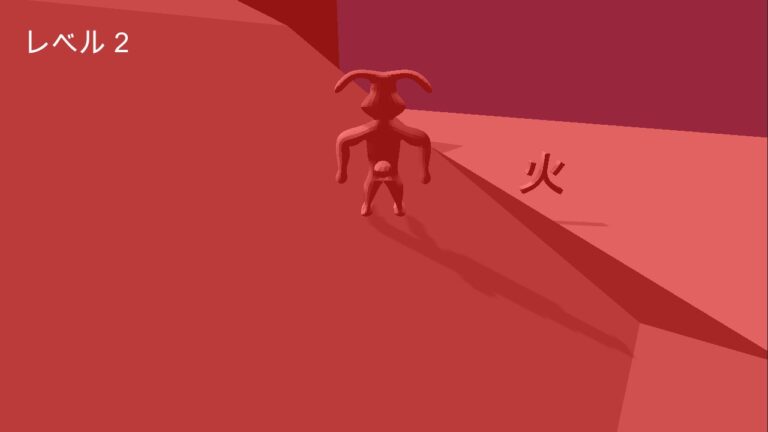
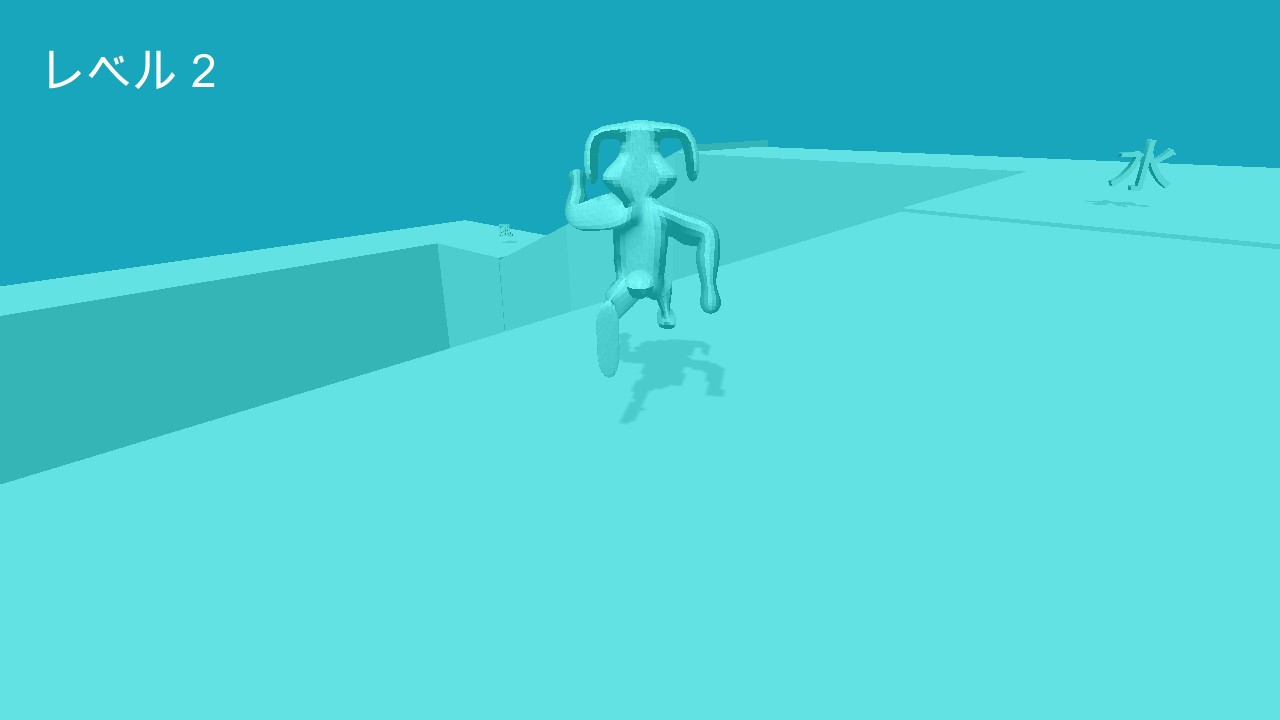
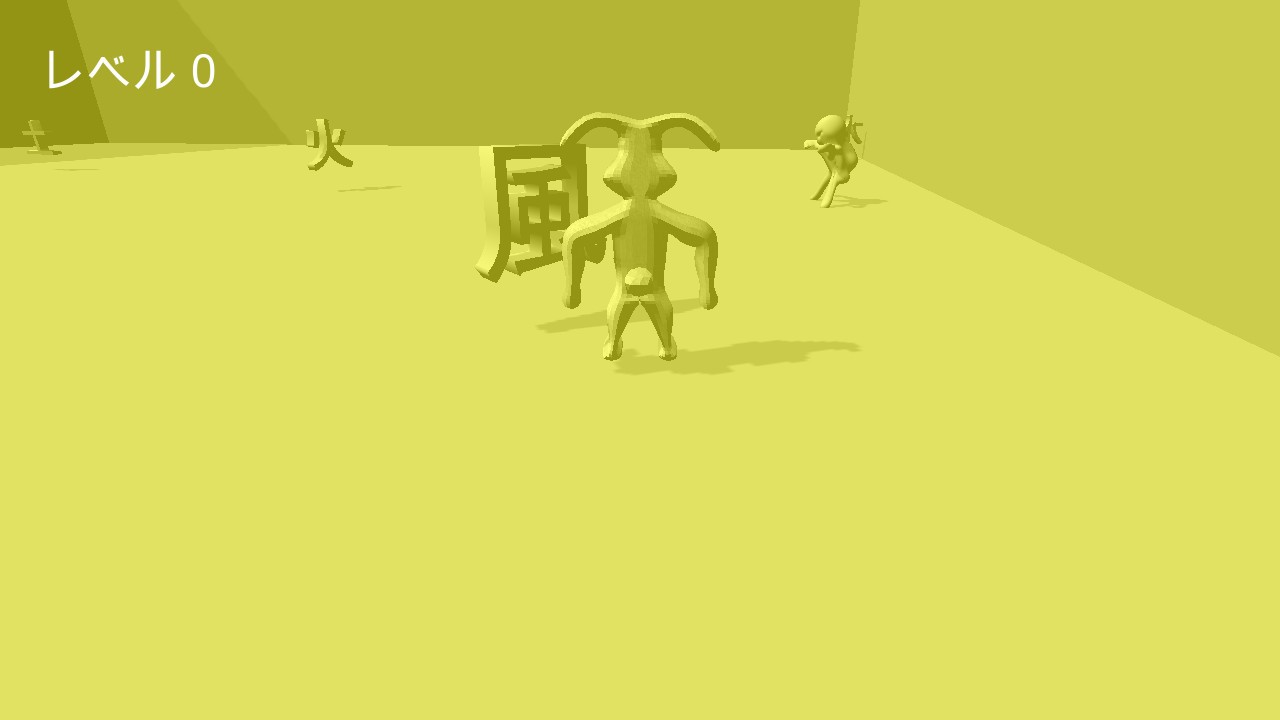
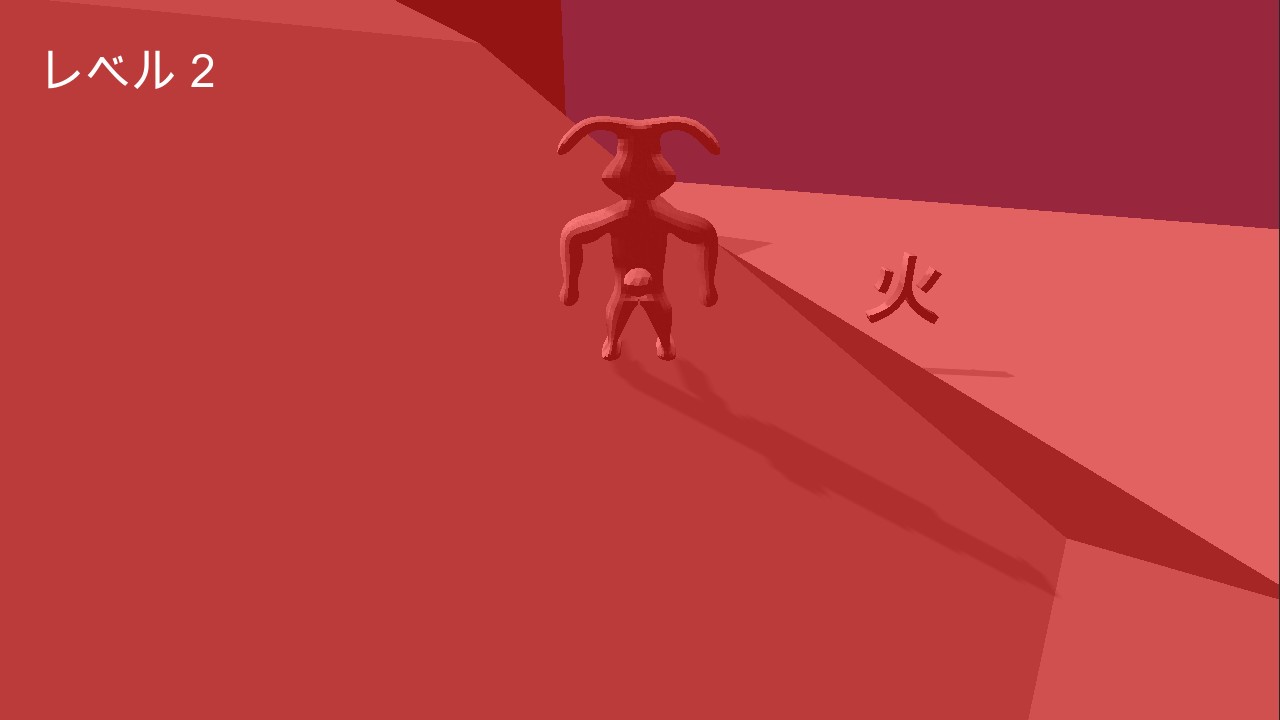
四の色 or “Yon no Iro” in romaji is a game that I developed for the MiniLD #56. The theme for this event was “Pick and Mix”, where you could pick a theme from the given list. I decided to go with “four colors” for this game. The premise of this game is that you are a rabbit who must must make it through the maze to get the key to proceed to the next level. To make your way to the key, you must touch various kanji symbols to change the formation of the level. Every time you touch a symbol, the color of the entire level will change and the formation of the walls will be modified.
Gameplay Mechanics & Systems
For this game, I also wanted to use a Japanese theme. Using Japanese characters in a game can add an additional level of complexity, since fonts are usually stored as a texture. This is fine for most English fonts, since there are only 52 different letter characters (26 uppercase and 26 lowercase). However, Japanese has 46 hiragana characters, 46 katakana characters, and around 2,000 general use kanji characters. This becomes even more constraining when deploying to mobile platforms, where texture storage is limited.
The level layouts were created in Blender, by basically dividing a plane into a grid and then extruding the walls upward. I created four mazes for each levels, and I just disable and activate the level mesh objects when the player touches and kanji symbol.
Release & Industry Impact
I started creating the player model in Sculptirs, but it became too difficult trying to make the entire body with that tool. Therefore, I switch to Blender and I was successfully able to create, rig, and animate the rabbit model. The key model was also created in Blender, which is simply a cylinder with three scaled cube objects. Another smaller cylinder was used with the Boolean subtract modifier to create the hole in the key head.
The game features an announcer, which I recorded with my own voice. I used Audacity to lower the recording and add an echoing effect.
The four kanji symbols correspond of four elements of nature. The red theme is fire, the blue theme is water, the yellow theme is wind, and the green theme is earth. I wanted to make it so that the environment changed along with the color. For instance, you would see flames around the level for red, trees and plant life for green, water and bubbles for blue, and clouds for yellow.
私のゲームはです。 日本語は書きます。 このウサギはかわいいです。 この世界は赤いと緑と黄色と青い。
Subscribe on YouTube | Follow on Twitter | Like on Facebook
.single-share-action-btn:hover { transform: translateY(-2px); box-shadow: 0 6px 20px rgba(37, 99, 235, 0.4) !important; background: linear-gradient(135deg, #0369a1 0%, #1d4ed8 50%, #4338ca 100%) !important; } .single-share-action-btn:active { transform: translateY(0); box-shadow: 0 2px 8px rgba(37, 99, 235, 0.2) !important; } .share-section, .entry-share, .post-share-bar { display: none !important; }Gallery



No comments