

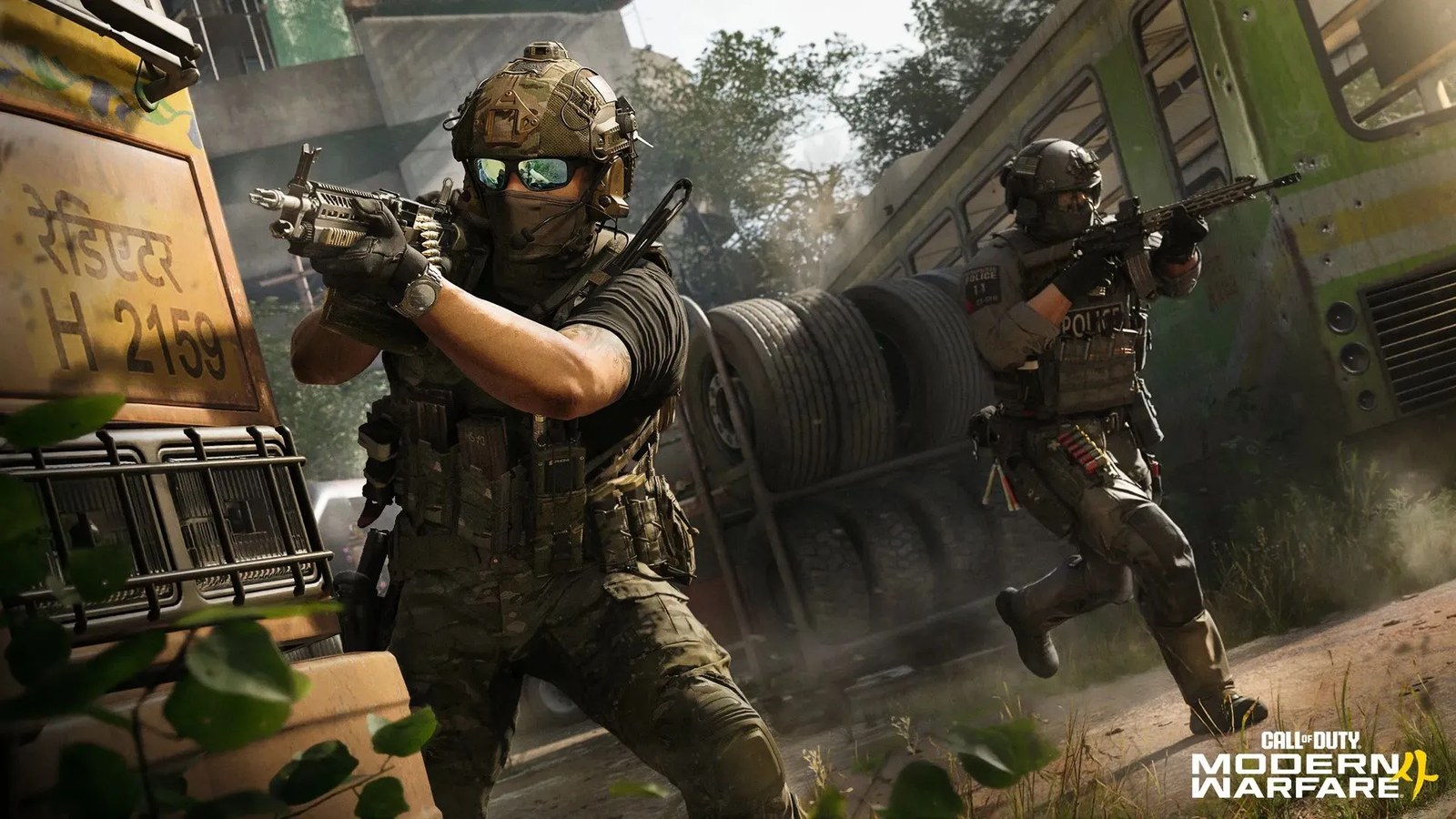
GameSpot contributor S.E. Doster has compiled a set of recommended settings for Call of Duty: Modern Warfare 4 aimed at improving aim and movement, along with key graphics options to consider. The guide covers controller layouts, sensitivity, deadzone, aiming, movement, console graphics, and audio.
The game launches on October 23 for PlayStation 5, Xbox Series X|S, PC, and Nintendo Switch 2. While optimal settings are subjective, the recommendations focus primarily on options for console players on PS5 and Xbox Series X|S.
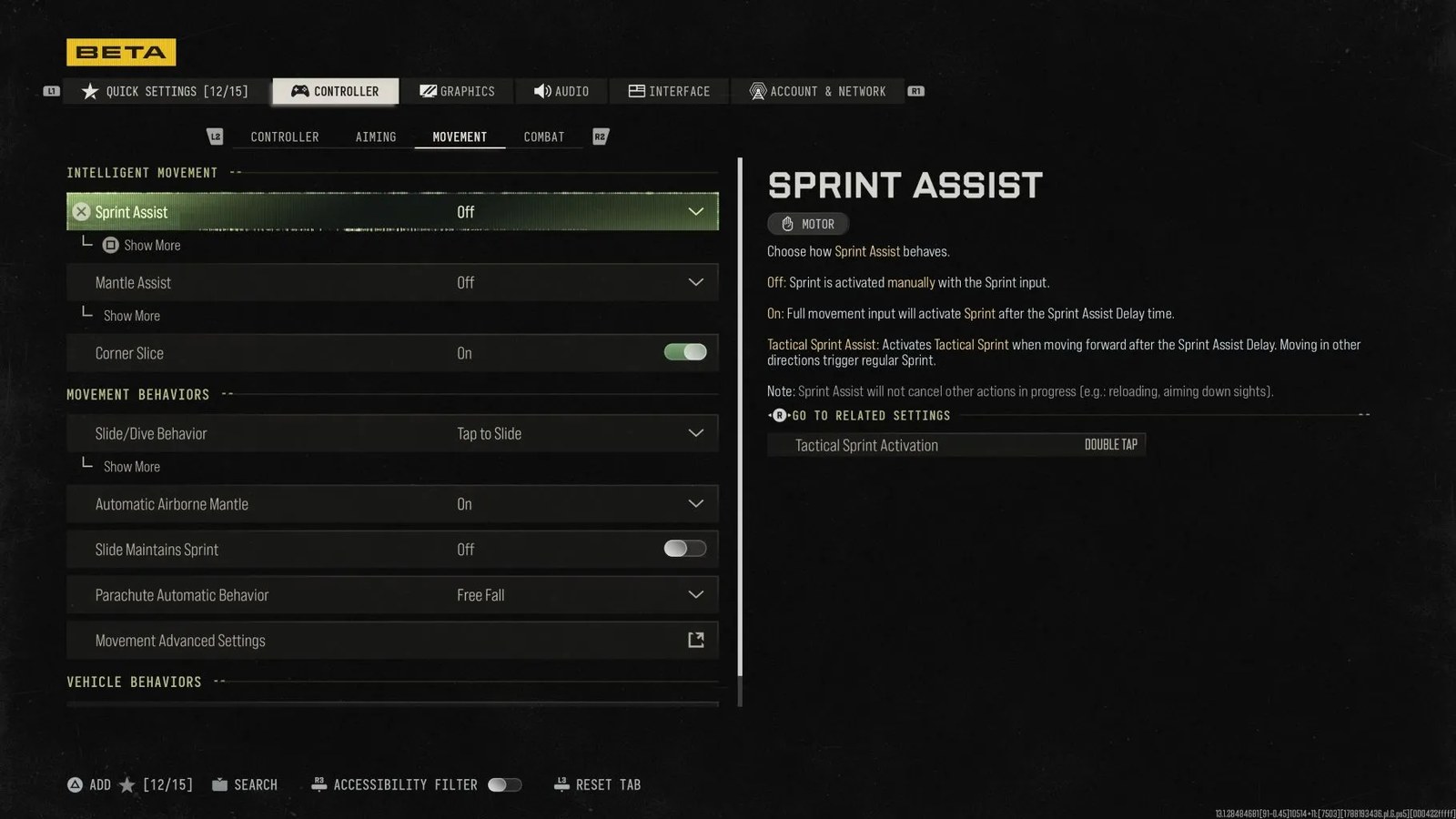
Controller settings
The guide recommends a Default stick layout preset with horizontal and vertical stick sensitivity set between 1.50 and 1.85. Button layout can be left on Default or switched to Tactical, which maps the crouch/slide/dive button to the thumbstick for quicker reactions; players using remappable controllers may instead keep it default and use back buttons.

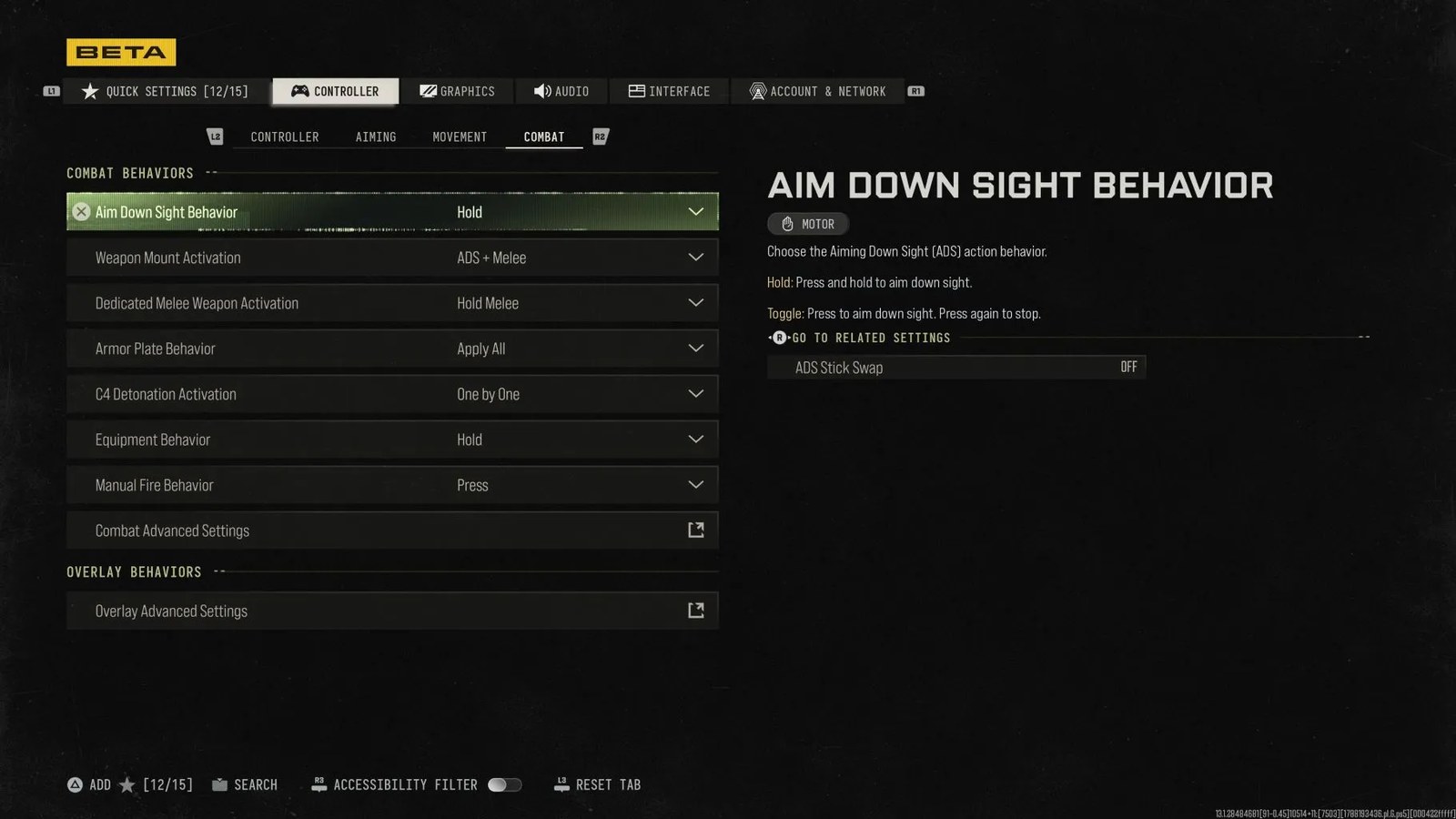
Vibration and trigger effects should both be turned off, with Doster noting that disabling trigger effect is especially worthwhile on PS5 for more precise aiming. Simplified controls, low motor strain, L1 button ping, and the swap of L1/R1 with L2/R2 are all recommended to stay off.
Deadzone
The suggested deadzone inputs set both left and right sticks at a minimum of 5 and maximum of 99, with the L2 and R2 buttons also at 5. Because stick drift varies by controller, Doster points to Call of Duty’s in-game test feature: start on default settings, enable Test Stick Deadzone, note the numbers shown for each stick, then raise that stick’s minimum drift one point higher before retesting.
L2 and R2 should be set to a lower number—at least 5—to ensure quick activation, particularly if you use R2 to shoot.
Aiming
The recommended aiming configuration keeps most sensitivity multipliers at 1.00—covering third-person, ground vehicle, air vehicle, tablet, and ADS—with the ADS Sensitivity Multiplier (Focus) set slightly lower at 0.90. Look inversion on foot stays standard.
Advanced aiming options favor Instant sensitivity transitioning timing, Assist third-person ADS correction, a Standard aim response curve, and custom sensitivity per zoom turned off. Target aim assist should be left On, while























1 comment