Control Resonant runs well on Steam Machine but falls short of promised Steam Deck support
Despite its ambitions as a portable PC gaming experience, Control Resonant has proven too demanding to run comfortably on Valve's handheld console. The...
Despite its ambitions as a portable PC gaming experience, Control Resonant has proven too demanding to run comfortably on Valve’s handheld console. The Remedy Entertainment follow-up, which launched shortly before the weekend after generating widespread anticipation among fans of character action games, delivers an excellent experience on most modern PCs—but Steam Deck owners hoping to play it in bed will be disappointed by its performance.
The game was previously expected to receive SteamOS support, with developers outlining plans for handheld compatibility. However, just a day before release, Control Resonant lacked any public SteamOS hardware compatibility rating, prompting warnings that the title would not run well on Valve’s portable device. The core issue lies in the game’s rendering demands: it simply processes too much of its warped Manhattan environment to operate smoothly on the handheld’s hardware.
A Handheld Preset That Doesn’t Deliver
The disappointment is compounded by the fact that Control Resonant includes a ‘Handheld’ quality preset in its graphics options. Given that SteamOS devices represent the most widely used portable PC platform, such presets typically serve as shorthand for recommended settings on the Steam Deck. The game does technically run on the handheld without requiring Proton compatibility layer adjustments—but performance remains poor.
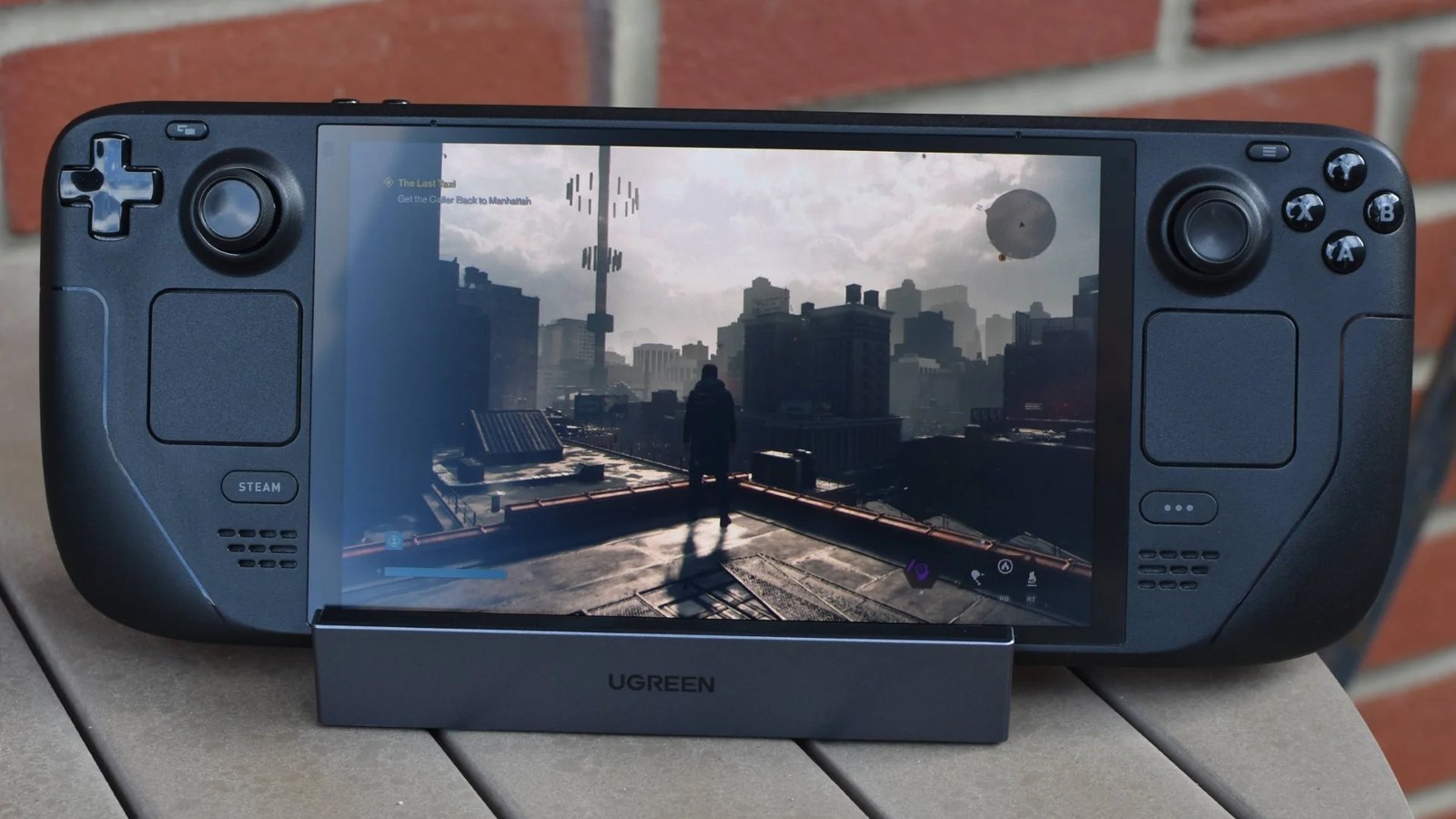
When tested on a Deck OLED using the Handheld preset combined with FSR upscaling in Performance mode, frame rates struggled to reach 30fps. In practice, most gameplay around New York’s warped streets produced framerates in the low-to-mid twenties, with frequent heavy stutters attributed to the Deck operating near its 16GB combined RAM/VRAM limit.
The game does run technically on SteamOS without Proton issues, but even with FSR upscaling enabled, my Deck OLED is lucky to brush 30fps. Around the city, settings typically produce framerates in the low-to-mid twenties, and Ultra Performance upscaling actually worsens things by crunching visuals until it’s hard to tell what’s happening in fights.
[Reviewer testing Control Resonant on Steam Deck]
Further investigation revealed that disabling certain graphics options outside the preset—such as SSAO and post-processing effects like motion blur—offered marginal gains. Even so, average frame rates rarely exceeded 25fps except in specific interiors and late-game areas, where performance could reach around 45fps. Combined with a substantial 105GB install size that heavily taxes the SSD, reviewers concluded the Steam Deck is not recommended as a platform for Control Resonant.
The Steam Machine Handles It Better
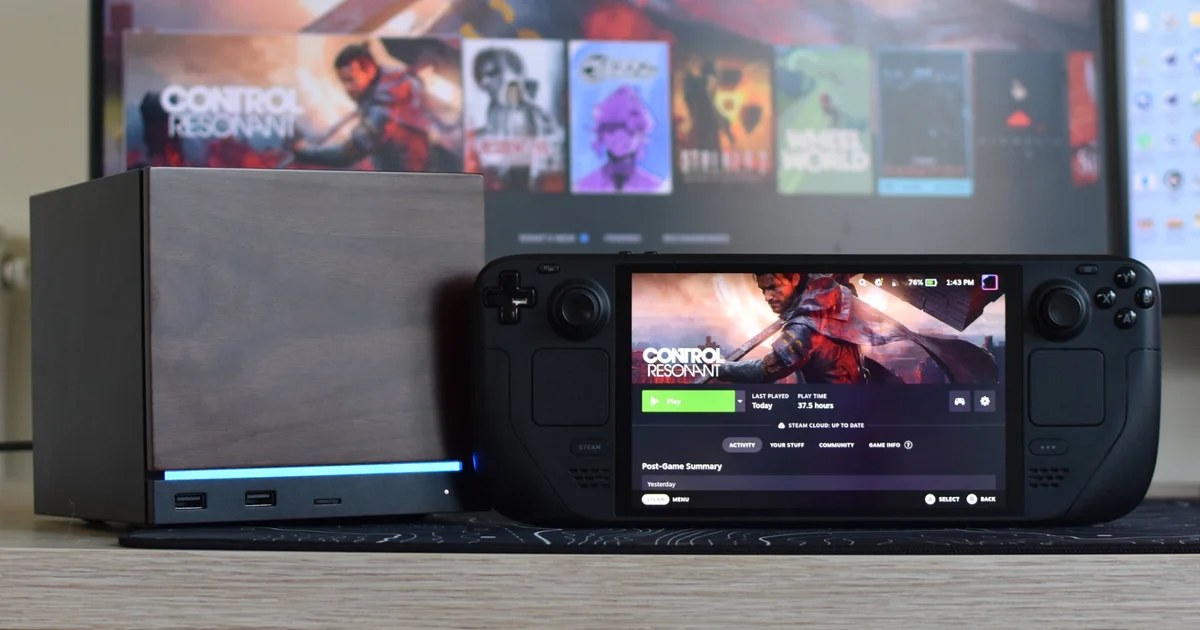
The more powerful Steam Machine offers a markedly different experience. Running at native 1080p with ray tracing disabled, the device stutters significantly less than the Deck and can maintain playable frame rates of 40-50fps in challenging open-world regions using the Medium quality preset.
Switching to the High preset drops performance to roughly 35-45fps, though reviewers noted that Quality-level FSR upscaling remains viable at 1080p. This configuration typically delivers frame rates between 50 and 65fps, providing a more consistent experience.
Reviewers examined individual graphics settings to identify potential performance optimizations or high-quality options with minimal performance costs. The results suggested that Control Resonant is highly preset-driven, offering only modest improvements from manual tweaks. Dropping lighting and reflection settings yielded marginal frame rate gains at best.
Recommended Settings for Steam Machine
The most effective configuration identified involved setting render resolution to Quality with FSR upscaling set to 50 sharpness, texture resolution at Ultra, and various shadow and global illumination options on High. Volumetric lighting was recommended at Medium while maintaining High settings for fog, shadows, and screen space reflections.
This balanced approach delivered approximately a 14% performance improvement over simply using the High preset with FSR Quality. Reviewers noted this remains worthwhile, particularly if connecting to a fast gaming monitor rather than a 60Hz TV, where frame rate peaks above 70fps were observed in challenging city environments.
FSR Frame Generation was left off during testing but described as an optional enhancement that could push frame rates beyond 100fps. While reviewers found the visual smoothness appealing compared to other implementations, they cautioned that it adds input lag—a significant concern given Control Resonant’s timing-sensitive melee combat.
Ray Tracing Not Worth It
Ray tracing support proved problematic on SteamOS systems. Enabling it for the first time caused an immediate crash and prevented successful relaunches until switching to Experimental Proton versions. Even with the Low ray tracing preset active alongside optimized settings, frame rates plummeted into the twenties.
The game’s demanding nature means that attempting ray tracing on portable hardware offers little benefit. Reviewers suggested that players seeking ray traced visuals would be better served playing Control Resonant on more powerful systems rather than attempting it on Valve’s handheld devices.
Copyright in the content and news published on this platform is not reserved, and the material may be shared with attribution. Much of the news is compiled from publicly available domestic and international press sources. Responsibility for the accuracy of claims, data, and material attributed to those sources rests with the source organizations; the platform does not assume responsibility for them. Third-party images, logos, and openly licensed materials remain subject to their original source and license terms.
To submit original news, articles, press releases, or content notices for publication, please contact us:


























2 comments