

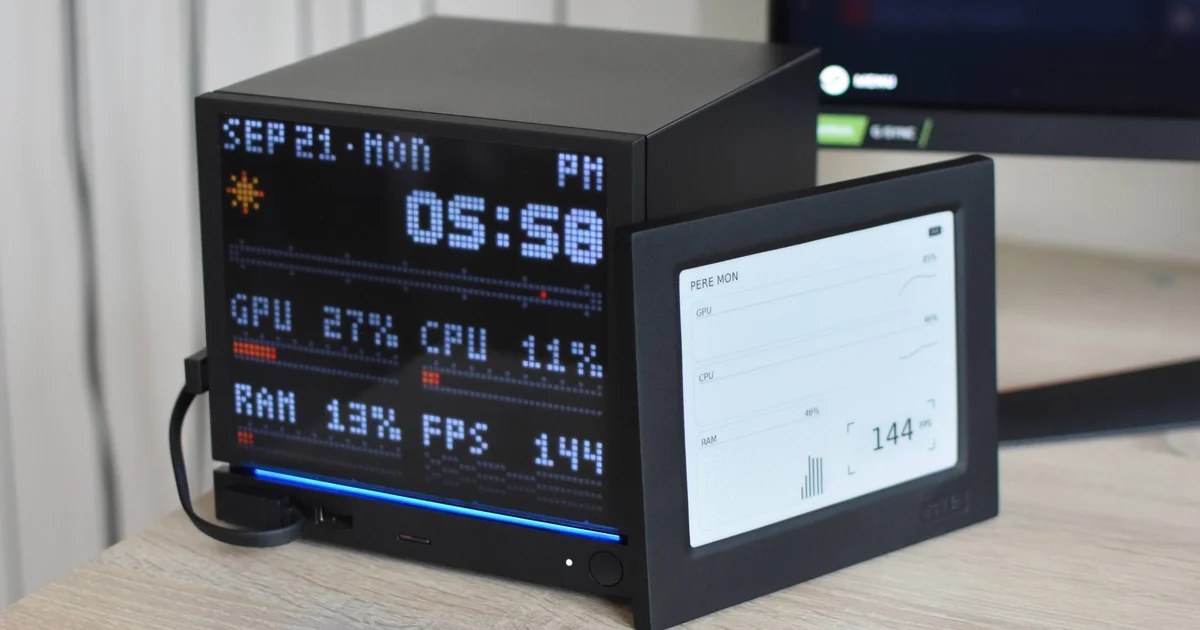
JSAUX has launched two ready-made custom faceplates for Valve’s Steam Machine, offering pre-built alternatives to the company’s own open-source Inkterface project. The E-Ink and Pixel Matrix panels go on sale today after weeks of previewing within the PC modding community, delivering front-panel displays that are easier to install—and in some cases cheaper—than assembling a DIY build from scratch.
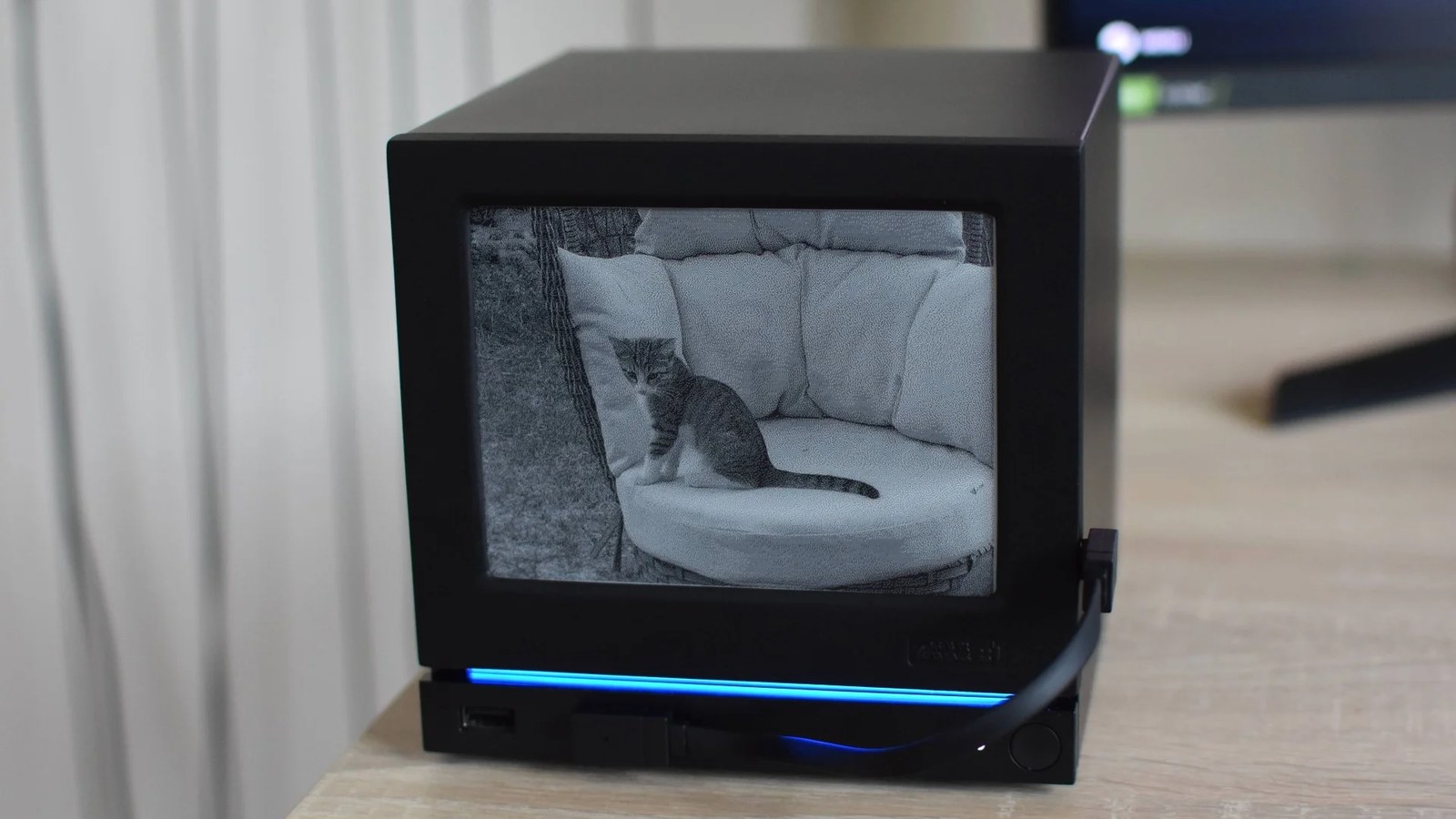
The two options cater to different tastes: the E-Ink model presents a crisp black-and-white screen suited to detailed imagery and photo-frame use, while the Pixel Matrix trades fine detail for colour and retro charm. Both integrate with SteamOS’s quick settings menu through Decky Loader plugins, letting owners switch between performance monitoring, play-time tracking, clock, weather, calendar, and photo frame modes.
A Hands-On Look at Two Distinct Displays
During testing on a home Steam Machine, both faceplates proved to be genuinely usable upgrades over stock hardware. The E-Ink panel delivers a tidy, high-contrast display that handles detailed photographs with ease, whereas the Pixel Matrix leans into chunky LED aesthetics and bright colours.
The E-Ink model is pretty knackered in this respect, as its fastest refresh speed option is a hardly widowmaking once per minute. I also like how the sun is actually yellow on the Pixel Matrix’s weather view.
JSAUX faceplate review
The reviewer noted a narrow preference for the Pixel Matrix when using performance monitoring, citing the E-Ink’s sluggish one-per-minute refresh as ill-suited to tracking real-time GPU activity. However, the E-Ink screen was deemed far superior for displaying photographs, where its higher detail density outperforms the Pixel Matrix’s coarse LEDs.
Installation Quirks and Display Glitches
The faceplates are not without flaws. Both models fail to align perfectly with the USB, power button, and light strip section along the Machine’s bottom lip. The E-Ink panel also positions its USB-C port on the right side, forcing a connecting cable to stretch unattractively across that same area.

A more significant issue affects performance monitoring: both screens display your TV or monitor’s refresh rate in frames-per-second rather than hertz, presenting misleading data instead of actual in-game performance. The E-Ink model compounds this problem with its once-per-minute update speed, rendering the figure largely useless for live tracking.
Cheaper Than Building It Yourself
The most striking aspect of JSAUX’s faceplates is their pricing relative to Valve’s Inkterface DIY project. The E-Ink panel costs $100 and the Pixel Matrix $90, roughly a tenth of the Steam Machine they attach to. Yet assembling an Inkterface panel from components runs $104.50 before accounting for 3D-printing the external housing or purchasing a pre-printed version for an additional fee.
This makes even the slower E-Ink screen good value by comparison, especially since it refreshes faster and less distractingly than Valve’s open-source design. The Inkterface project also offers only a single performance monitoring screen, whereas JSAUX’s ready-made panels provide multiple modes out of the box.
Looking Ahead
The software required to run both faceplates will become available through Steam from early October, simplifying setup for users who currently must configure things manually. Until then, owners can still enjoy the displays using existing Decky Loader integrations.
JSAUX’s launch arrives with some uncertainty, as previous Steam Machine accessories have been discontinued shortly after release. Whether these faceplates will endure remains to be seen, but they offer a convenient, pre-prepared solution for those seeking to personalise their hardware without reaching for a soldering iron.























1 comment